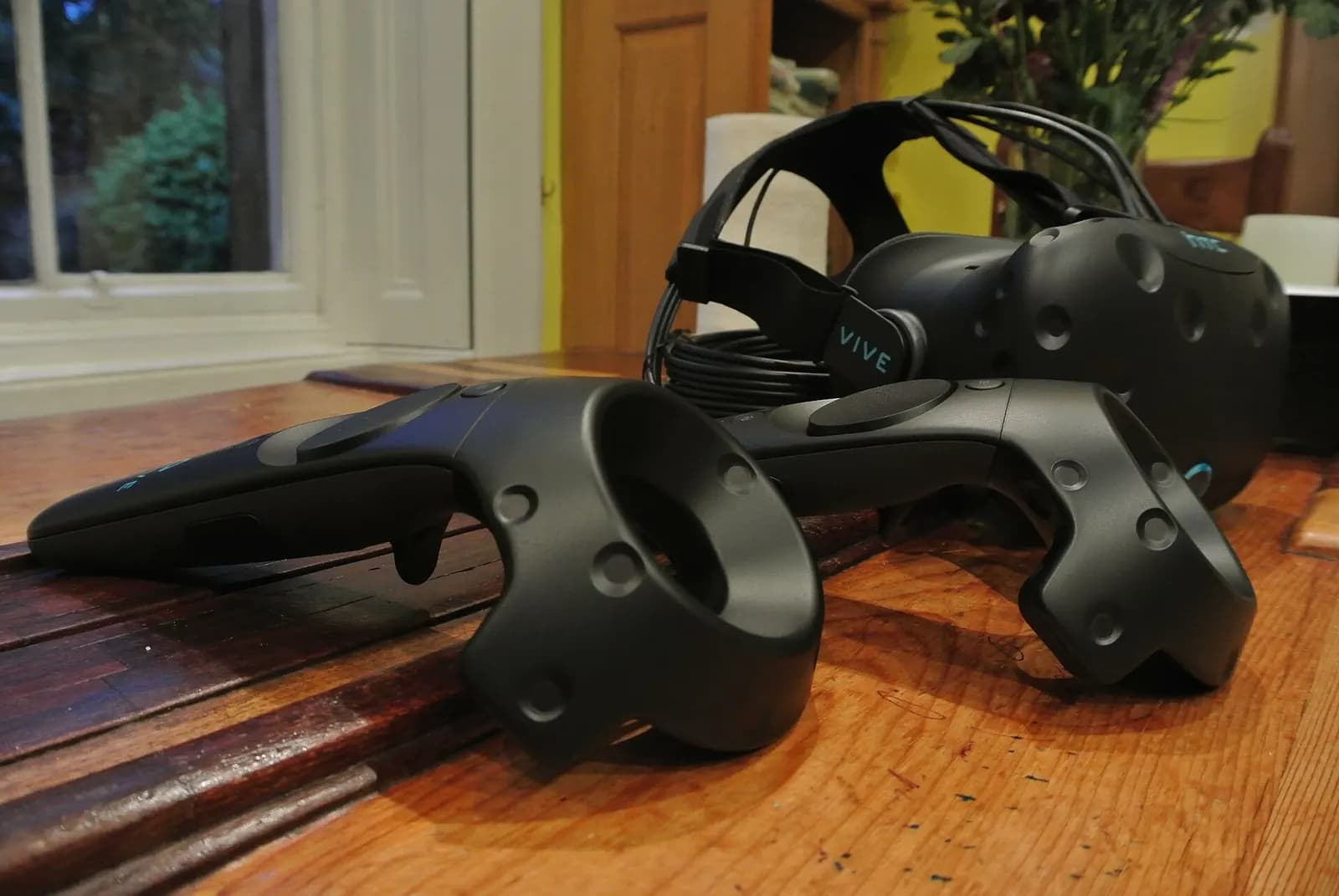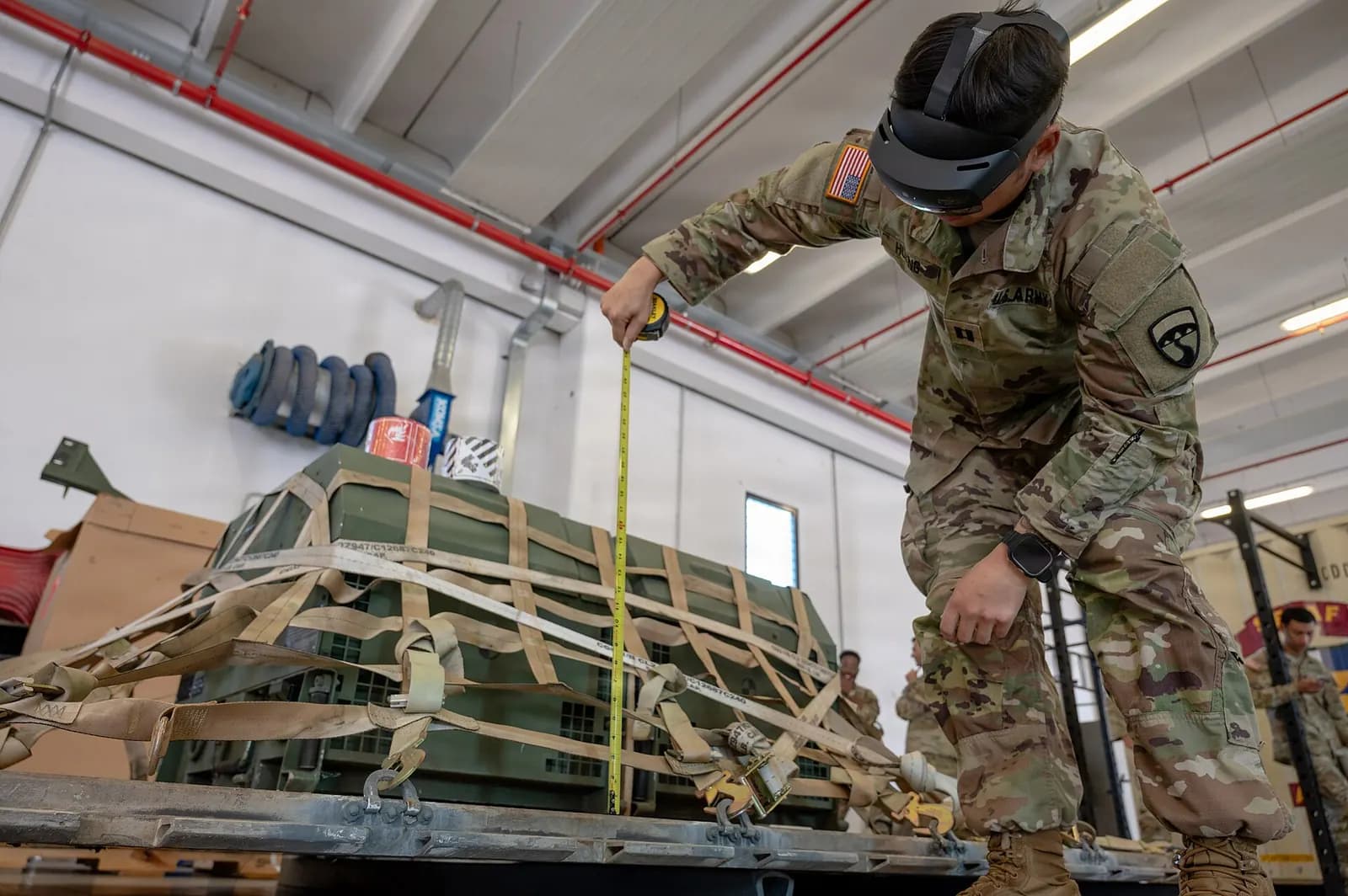
VR PLC training lets learners program, wire up virtual I/O and fault-find a PLC-controlled system inside a headset, without physical hardware. The iUNI VR PLC/SCADA Digital Twin Lab is a standalone VR simulation with virtual Siemens S7-1200 and S7-1500 controllers, a ladder editor, virtual switches, sensors, motors and lamps, fault injection and an instructor mode. It runs on Meta Quest 2 and 3, PC VR and WebXR.
It is built by iUNI, the Wartens group's immersive company, by people who also program and commission real control systems, which is why the exercises are about the faults engineers actually meet.
Why VR PLC training at all?
A good PLC training bench costs money, takes space and serves one or two learners at a time. Faults have to be created by hand, and some, such as a motor running the wrong way into a jam, are not ones you want to create on real kit. A virtual lab removes those limits: every learner gets a controller, faults can be injected on demand, and nothing breaks.
It does not remove the need for real hardware. Wiring a terminal, measuring 24 V, isolating safely and going online with the real engineering software are physical skills. The right model is blended: VR for repetition and fault-finding at scale, real benches for the hands-on steps. Our guide to PLC training for maintenance technicians covers the order in which to teach them.
What the VR PLC/SCADA Digital Twin Lab includes
| Feature | What it means for a learner |
|---|---|
| Accurate 3D Siemens PLC models (S7-1200/1500) | Learn the controller layout before touching one |
| Simplified TIA Portal-like interface in VR | Familiar workflow without a licence on every seat |
| Drag-and-drop ladder editor | Contacts, coils, timers and counters |
| Virtual I/O | Switches, sensors, motors and lamps that respond to the program |
| Fault injection | Troubleshooting exercises set by the instructor |
| Programme verification with automated feedback | Immediate marking of each exercise |
| Multiplayer instructor mode | The instructor observes and guides inside the scene |
| LADX AI integration | Code assistance while writing logic |
Who it is for
- Colleges and training providers that need more seats than they have benches.
- Employers onboarding technicians who must learn a plant's control logic before working on it.
- Maintenance teams practising fault-finding on scenarios that would be unsafe or costly to recreate.
- Engineering trainers who want measurable, repeatable exercises with automatic feedback.
Virtual Reality training with Siemens
Siemens Knowledge Hub
This video is hosted on YouTube. Playing it loads content from Google, which may set cookies.
Watch on YouTubeHow to build a course around the lab
- Orientation. Learners explore the 3D S7-1200 and its I/O, and identify inputs and outputs on the virtual panel.
- First logic. A start/stop seal-in with a stop button and a guard contact, verified automatically.
- Timers and counters. A conveyor that runs for a set time after a part is detected, and a counter that stops a batch.
- Fault injection. The instructor injects a failed sensor or a stuck output; learners diagnose from the program and I/O states.
- Assisted coding. Learners use LADX AI assistance to draft a rung, then explain and correct it. This builds the habit of checking AI output rather than trusting it.
- Bridge to hardware. Repeat the final exercise on a real bench with the real engineering software.
Running a session: what good looks like
Keep VR sessions short, typically 20 to 30 minutes in the headset, with a debrief outside it. New users tire quickly and learn less in a long session. Pair learners: one in the headset, one watching the mirrored view and calling out what they see. Swap roles each exercise. The observer often spots the fault first, and explaining it out loud is half the learning.
Use fault injection deliberately. Start with one clear fault, such as a photo-eye that never makes, and build up to two faults at once and intermittent ones. Record which faults each learner found, how long it took and what they checked first. Over a cohort, that record tells you which parts of the course need more time.
Measuring results
Decide before the first session what will count as success. Useful measures are the time to complete each exercise, the number of attempts before the automated check passes, fault-finding time on a standard scenario, and, later, performance on the real bench. Compare a group trained with VR against a previous cohort trained only on benches, on the same final practical assessment.
What it is not
- It is not TIA Portal. The interface is deliberately simplified and TIA Portal-like; learners still need time in the real software.
- It does not teach electrical safety on its own. Isolation, testing for dead and safe wiring need supervised practice on real equipment.
- It is not a certification of competence. Automated feedback measures exercises; employers and awarding bodies decide competence.
Cost, platforms and next step
The lab runs on WebXR in a browser as well as on Meta Quest headsets and PC VR. iUNI publishes its prices on the iUNI pricing page; at the time of writing, the PLC simulator is offered as SaaS from £199 per month. Product details are on the VR PLC/SCADA Digital Twin Lab page.
For the business case, our VR training ROI guide shows how to build one. To discuss a lab for your college or plant, see immersive training and engineering training, or contact us. The AI assistance inside the lab comes from LADX, described in the LADX product brief.