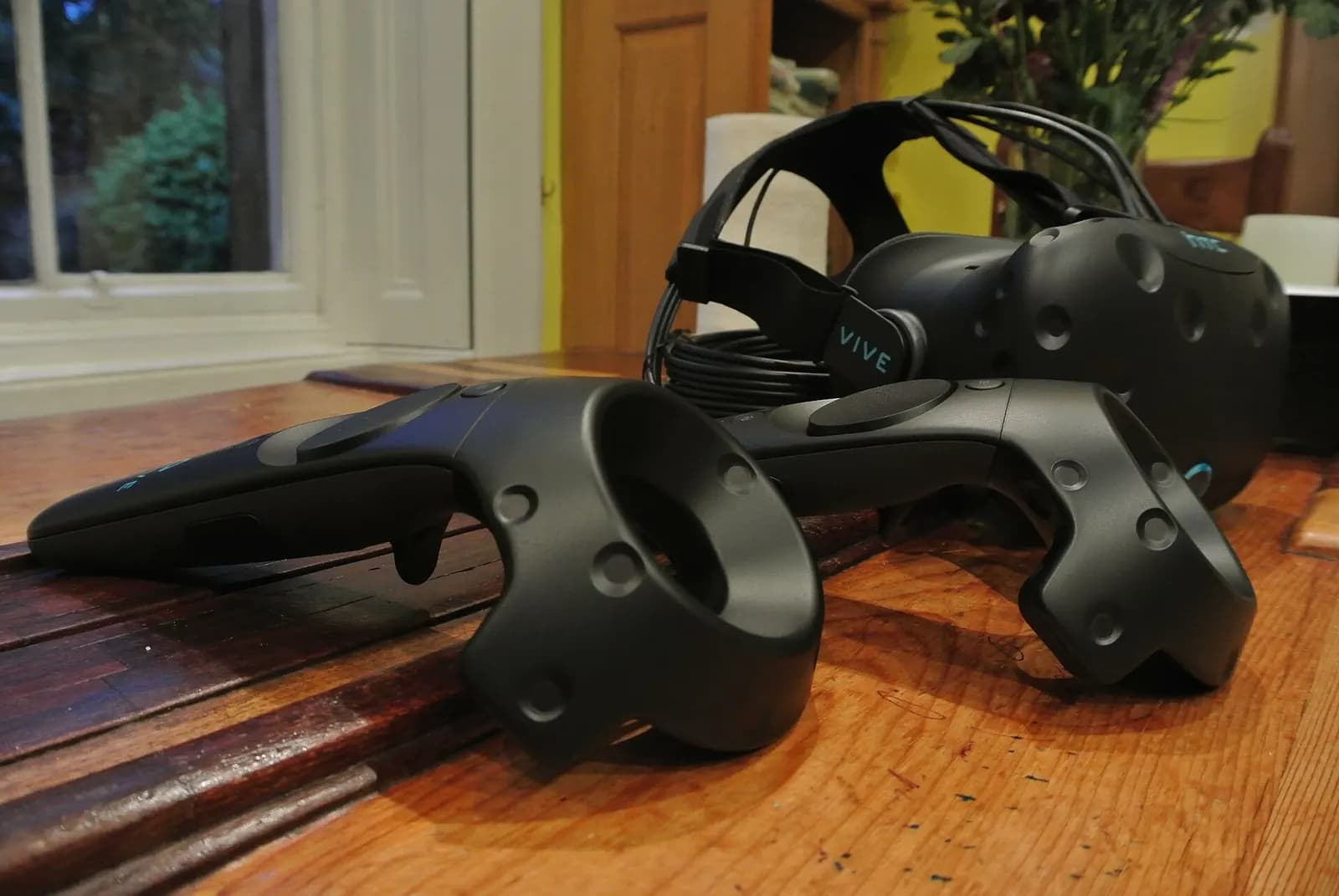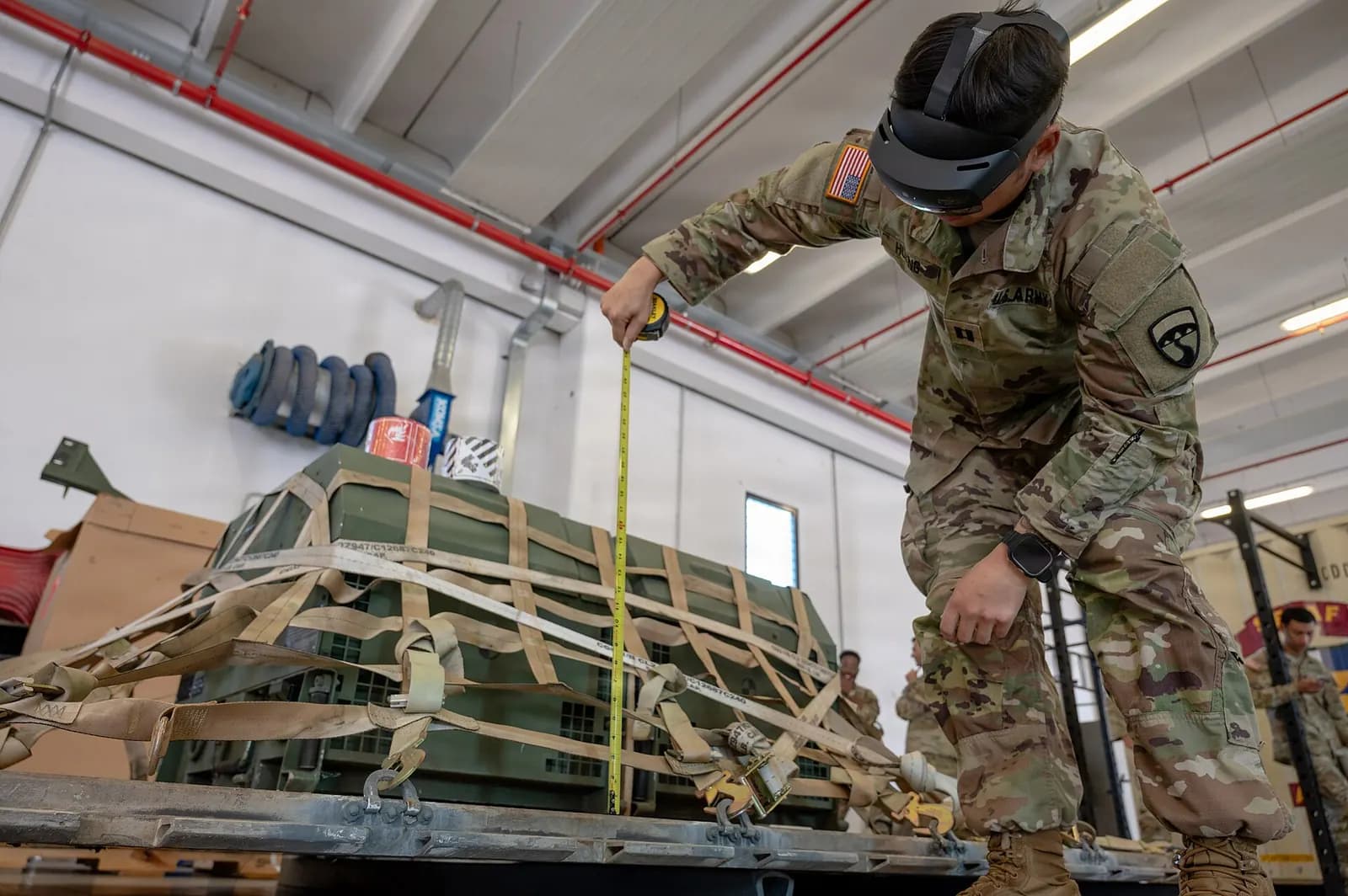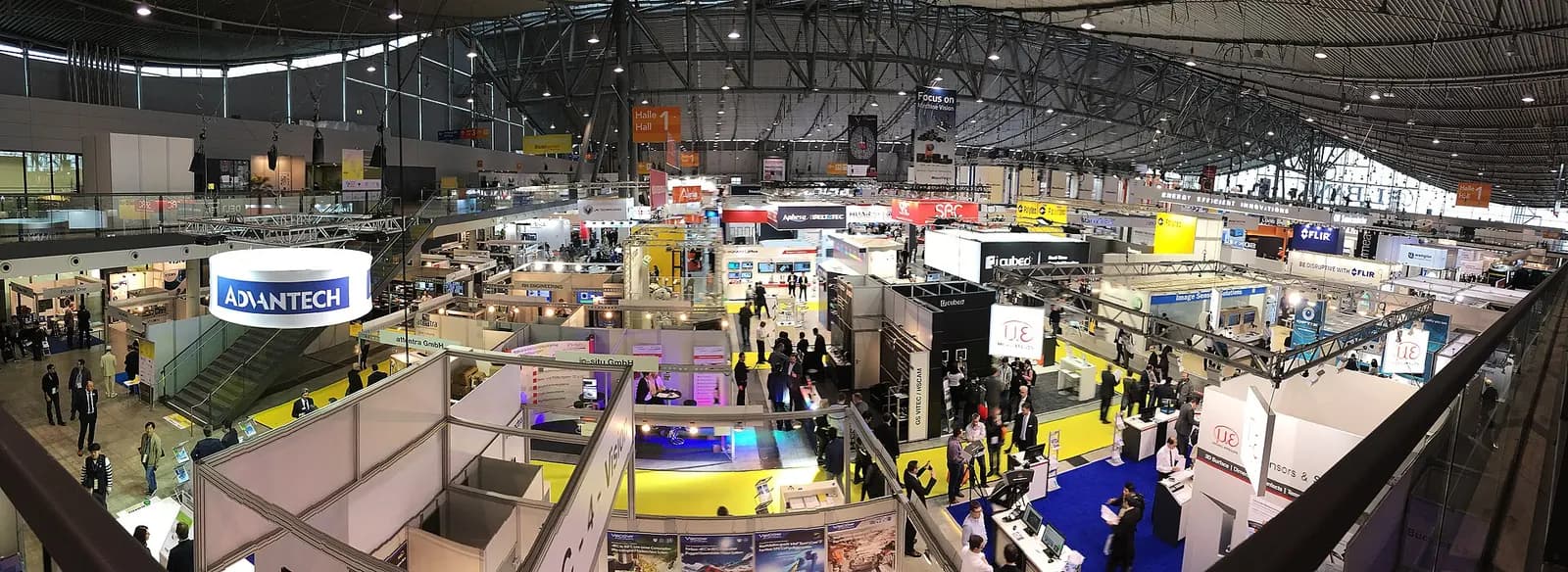
A virtual showroom for industrial equipment lets buyers rotate, open up and configure a machine in a web browser, walk around it in VR or place it at full scale on their own factory floor through a phone camera, long before a demonstration unit is available. iUNI's Virtual Showroom Platform builds these from the CAD and 3D files equipment makers already have, and embeds them on any website with lead capture.
For makers of large or highly configurable machines, packaging lines, process skids, conveyors, test rigs, it solves an old problem: the product that is hardest to show is usually the one that matters most to sell.
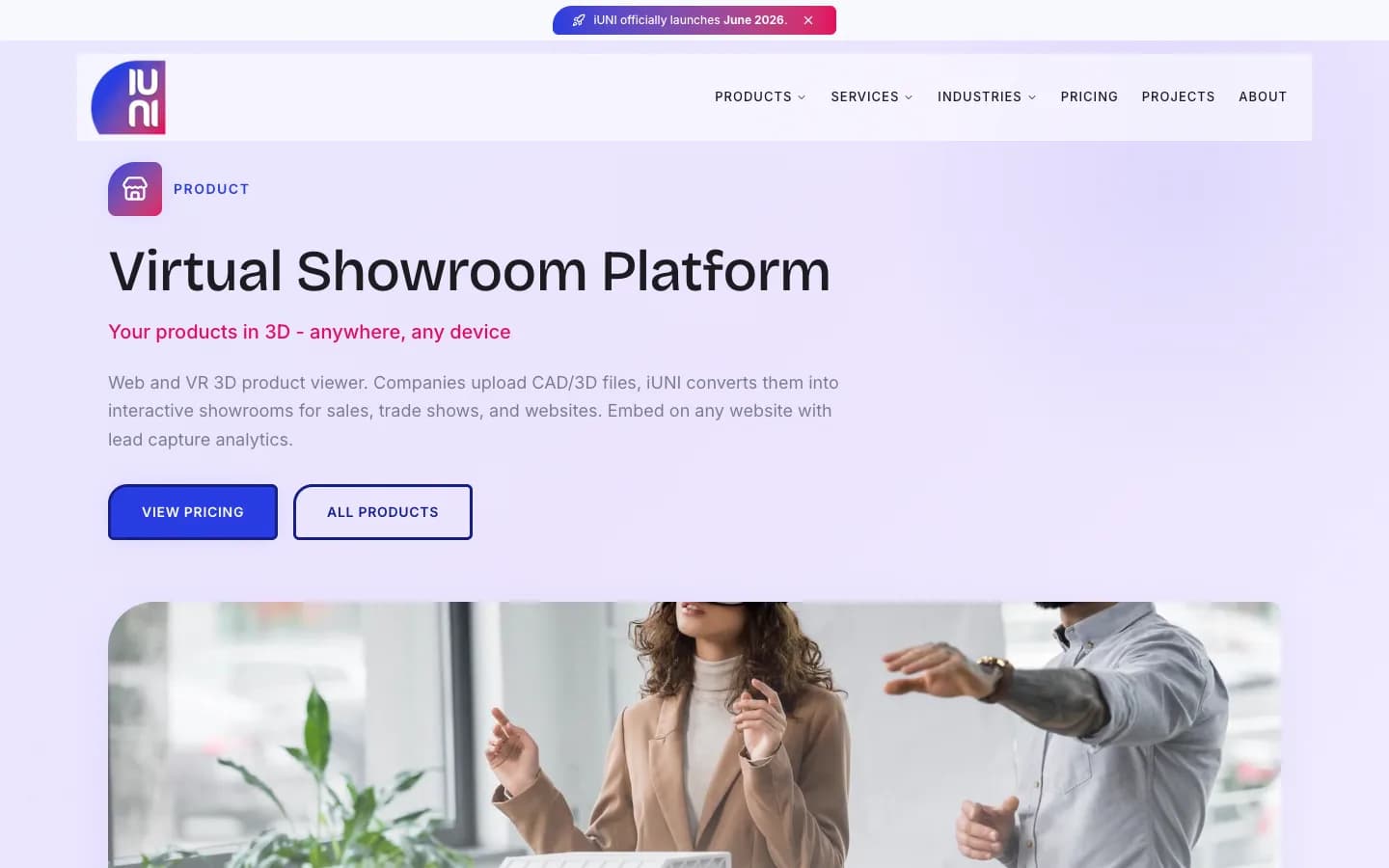
What the iUNI Virtual Showroom Platform does
| Feature | What it gives your sales team |
|---|---|
| CAD and 3D import (STEP, OBJ, FBX, glTF) | Start from engineering data, not a new 3D model |
| Interactive 3D viewer: rotate, zoom, explode | Show internals and access points, not just the guarding |
| VR walkthrough (Meta Quest, Apple Vision Pro) | Full-scale presence at trade fairs and customer visits |
| WebAR through a phone camera | Place the machine in the buyer's own hall at true size |
| Product configurator: colour, options, variants | Buyers see their option set rather than a brochure |
| Embed on any website, with branding | One viewer on your site, distributors' sites and proposals |
| Lead capture: who views what | Sales sees which models and options interest which visitor |
Details are from iUNI's Virtual Showroom Platform page. The platform runs on the web, on Meta Quest 2 and 3, on Apple Vision Pro and through WebAR on phones.
From CAD to showroom: the engineering steps
Engineering CAD is built for manufacture, not for a browser. A machine assembly can hold thousands of parts, every fastener modelled, with exact surfaces that are far heavier than a web viewer needs. Getting from one to the other is a short but deliberate process:
- Choose the model and the story. Pick the variant and the three or four things a buyer must understand: footprint, access for maintenance, changeover, options.
- Export from CAD. STEP is the usual neutral export from mechanical CAD; FBX, OBJ and glTF are accepted where you already have visual models.
- Simplify and protect. Remove internal parts that reveal know-how, suppress fasteners, and reduce geometry. A showroom needs to look right, not to be machinable.
- Convert for the web. glTF, the Khronos Group's open format for transmitting 3D assets, is the common target for web and AR viewers.
- Set up interactions. Define exploded views, hotspots with short explanations and the configurator options that map to your real price list.
- Embed and connect. Place the viewer on product pages and route lead capture into your CRM, with consent wording your legal team has approved.
What is glTF?
The Khronos Group
This video is hosted on YouTube. Playing it loads content from Google, which may set cookies.
Watch on YouTubeWhere it pays off for equipment makers
- Trade fairs. Bring a headset and a tablet instead of a machine. Visitors can walk around the full-size unit and open it up.
- Site fit checks. A buyer's engineer can place the machine in their hall with WebAR and check clearances, door widths and access before a layout drawing is made.
- Configurable products. When a palletiser has five infeed options and three pattern-forming heads, a configurator shows the actual combination being quoted.
- Distributors and export markets. One embedded viewer gives every distributor the same up-to-date model, without shipping demo units.
- Service and training. The same exploded views help field technicians and pair well with AR maintenance guidance.
Keeping the showroom accurate
A showroom that shows last year's guarding or an option you no longer sell does more harm than a brochure. Give each showroom model an owner in product management, tie updates to your engineering change process, and review it whenever a product variant is released or withdrawn. Keep the configurator options in step with the price list, and date the model so distributors know which version they are showing.
Protecting intellectual property
A web viewer has to send geometry to the visitor's device, so assume anything you publish can be copied. That is why the simplification step matters. Publish the outer envelope, guarding, interfaces and the internals you want to show, at reduced detail. Keep cam profiles, tooling details and anything a competitor would value out of the showroom model. Your engineering CAD stays where it is.
Lead capture done properly
Knowing which visitor configured which option is valuable to a sales team, and it is personal data. If you collect names or contact details, be clear about your lawful basis and tell visitors what you do with the information. The UK ICO's guide to lawful basis is a clear starting point, and the rules where your buyers are will apply too.
Cost and next step
iUNI publishes its prices on the iUNI pricing page; at the time of writing, the Virtual Showroom Platform is listed from £99 per month and custom virtual showrooms from £5,000, depending on the number of products and interactions.
Showrooms sit within the group's immersive training and XR work. If you also want a working model of the machine's behaviour, the same CAD can feed a digital twin, described in the iUNI digital twin brief. To scope a showroom for your product range, contact us.