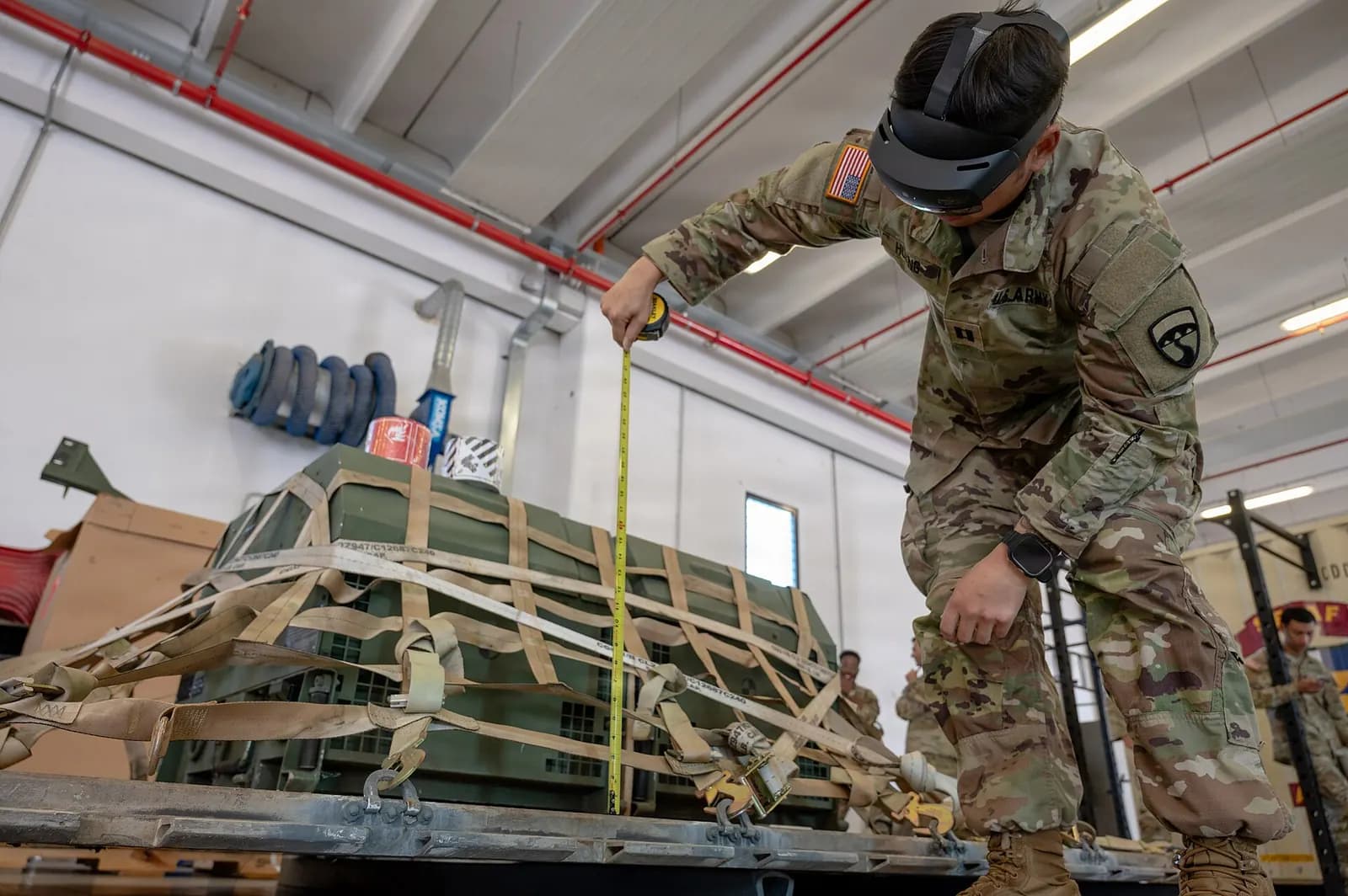
An AR maintenance assistant is an application that overlays step-by-step instructions, equipment data or a remote expert's annotations onto the technician's view of a real machine, through a tablet, phone or head-mounted display. Instead of flicking between a manual and the machine, the technician sees which bolt to loosen, which terminal to test and what the reading should be, right where the work happens.
The idea has been discussed for years; Michael Porter and James Heppelmann argued in Harvard Business Review as early as 2017 that AR closes the gap between digital information and the physical world where work is done. What has changed since is the hardware, the authoring tools and, most of all, the shortage of experienced technicians.
What an AR maintenance assistant actually does
| Function | What the technician sees | Typical use |
|---|---|---|
| Guided procedures | Steps anchored to the machine with arrows, highlights and checks | Changeovers, planned maintenance, lockout |
| Remote expert | A colleague's live annotations on their own camera view | Unusual faults, supplier support |
| Live data overlay | Sensor values, alarms and status next to the asset | Fault-finding, rounds and inspections |
| Documentation access | The right drawing, manual page or part number in context | Repairs, spares identification |
| Evidence capture | Photos and checks recorded against each step | Quality records, audits |
Augmented Reality Smart Glasses in a Manufacturing Environment
Plex, by Rockwell Automation
This video is hosted on YouTube. Playing it loads content from Google, which may set cookies.
Watch on YouTubeWhich tasks benefit most
AR earns its keep on tasks that are infrequent, complex, high-consequence or done by people who do not do them often. A weekly lubrication round on a familiar machine gains little. A twice-yearly gearbox change, a complex changeover on a line that runs three products, or a first repair by a newly qualified technician gain a lot. The same applies to supplier support: a machine builder's engineer can guide a site technician through a repair without flying in.
- Infrequent procedures where memory fades between occurrences
- Complex sequences with many fasteners, settings or checks
- Tasks where an error causes safety risk, scrap or long downtime
- Sites with few experienced staff or many new starters
- Equipment supported by a supplier in another country
Hardware: tablet, phone or headset?
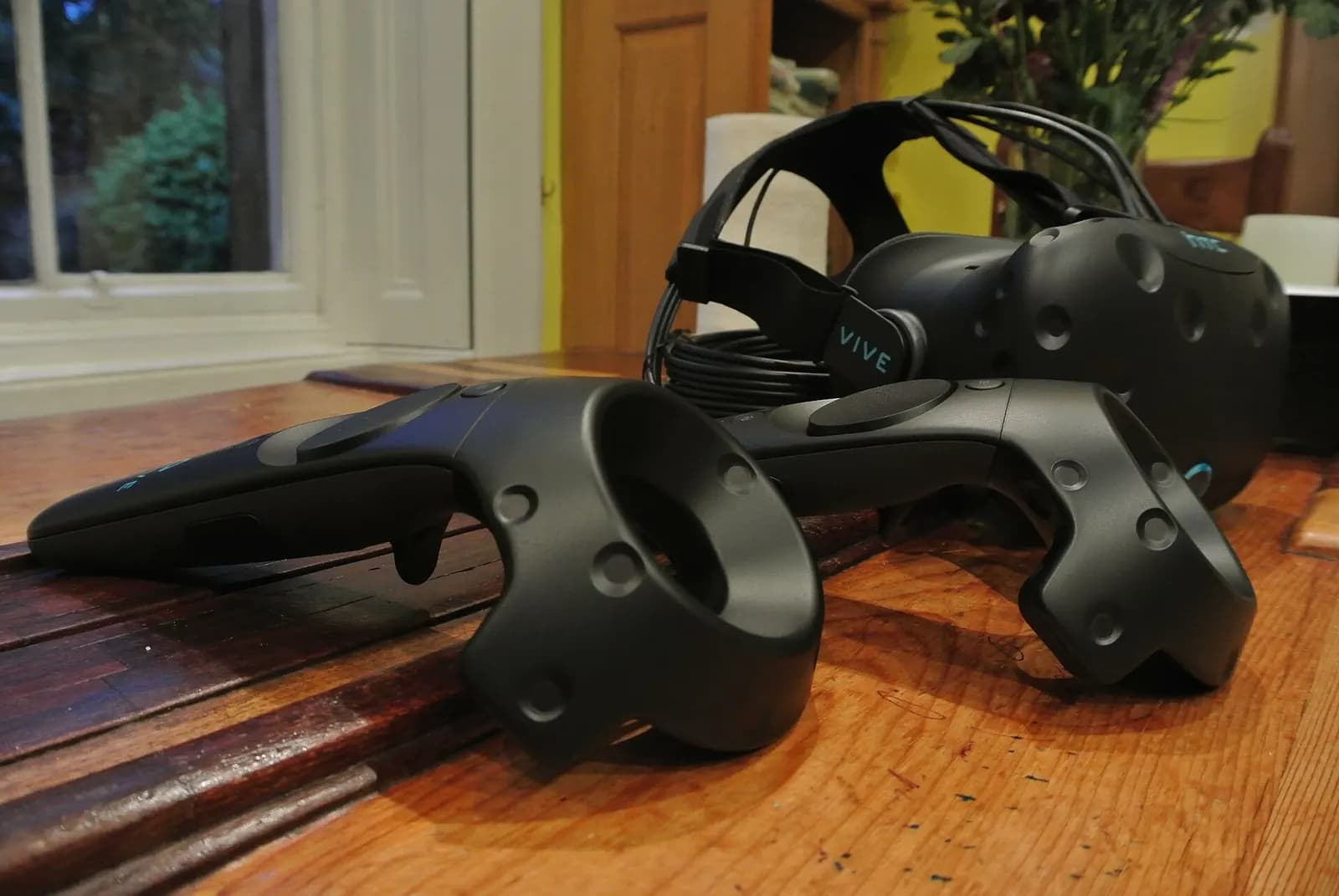
Start with tablets in most plants. They are cheap, familiar, easy to manage and good enough for guided procedures and remote support. Head-mounted displays free both hands and suit long procedures or work at height, but cost more, need charging and hygiene routines, and are not always welcome in hot or hazardous areas. Check intrinsic safety requirements before taking any device into a classified zone.
Authoring: where projects succeed or fail
Content is the real cost. Commercial platforms such as PTC Vuforia offer authoring tools that let engineers create procedures from CAD or from recordings of an expert doing the task. Whatever the tool, the procedure must be correct, current and owned by someone. A wrong instruction displayed confidently in AR is worse than a dog-eared paper manual.
- Choose three procedures that are infrequent, costly when wrong and well understood by an expert.
- Record the expert doing each task, then write the steps with checks and warnings.
- Anchor steps to the machine using CAD, markers or spatial mapping.
- Test with technicians who have never done the task, and fix every hesitation.
- Link each procedure to its revision in your document control system.
Connecting AR to your plant data
The most useful AR assistants show live information: the alarm that triggered the job, the motor current, the last maintenance record. That needs a clean data source, usually the PLC or SCADA system through OPC UA, and an asset structure that matches the physical layout. Plants that have built an operational twin are a step ahead, because the asset model and data links already exist. See digital twin vs simulation for how those pieces fit.
Security and privacy on the shop floor
AR devices are cameras with network connections, so they raise questions IT and works councils will ask. Agree where video is stored, who can see remote sessions and how long recordings are kept. Keep devices on a managed network segment, separate from control systems, and use the same time-limited access rules for remote experts that you apply to any third-party connection. In plants with confidential processes, decide in advance which areas cameras may record and make that visible in the app.
Involve the technicians and their representatives early as well. AR succeeds when people see it as help rather than surveillance, and the best way to achieve that is to let experienced staff shape the first procedures and choose what the system records. Their names on the procedures also make it clear the content comes from people who know the machine, not from a software vendor.
Measuring the return
Track mean time to repair, first-time fix rate, expert travel avoided and errors per procedure before and after. Remote expert support often pays back fastest because travel savings are easy to count. Guided procedures pay back through fewer errors and faster competence for new staff.
Wartens builds AR maintenance assistants, VR training and virtual showrooms through iUNI, using your CAD and equipment data. See our immersive training service, compare with VR training ROI, or contact us to plan a pilot.