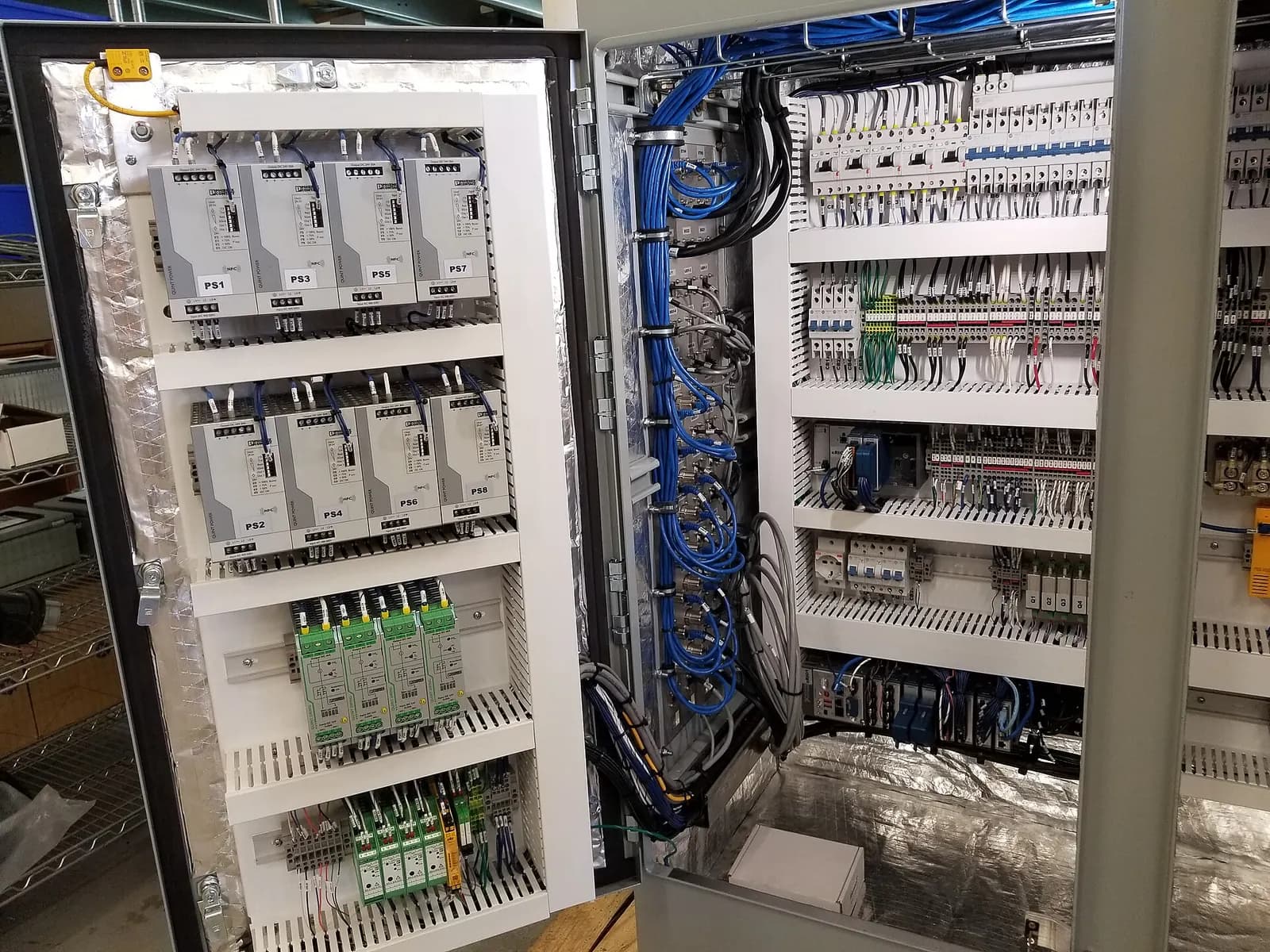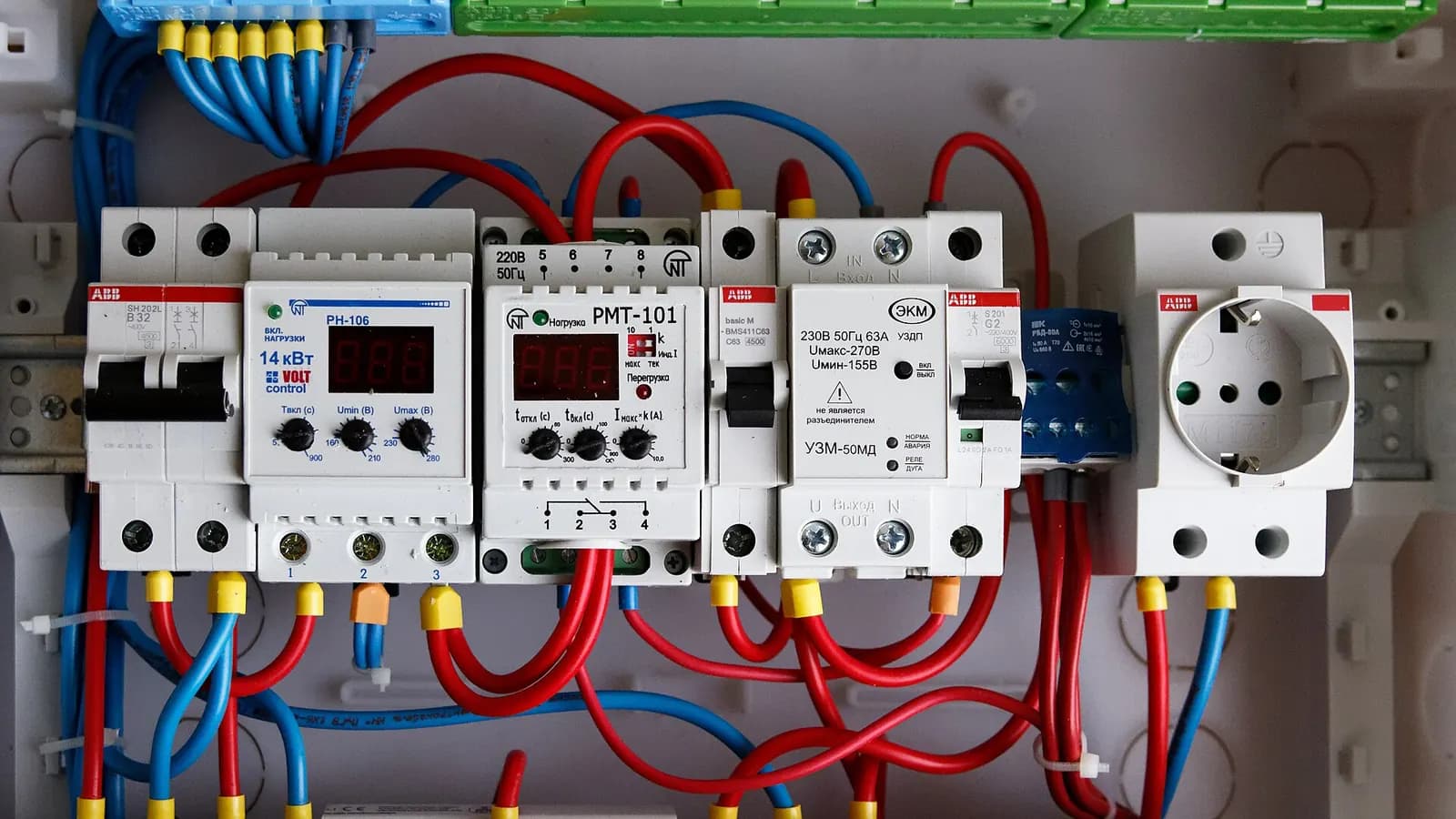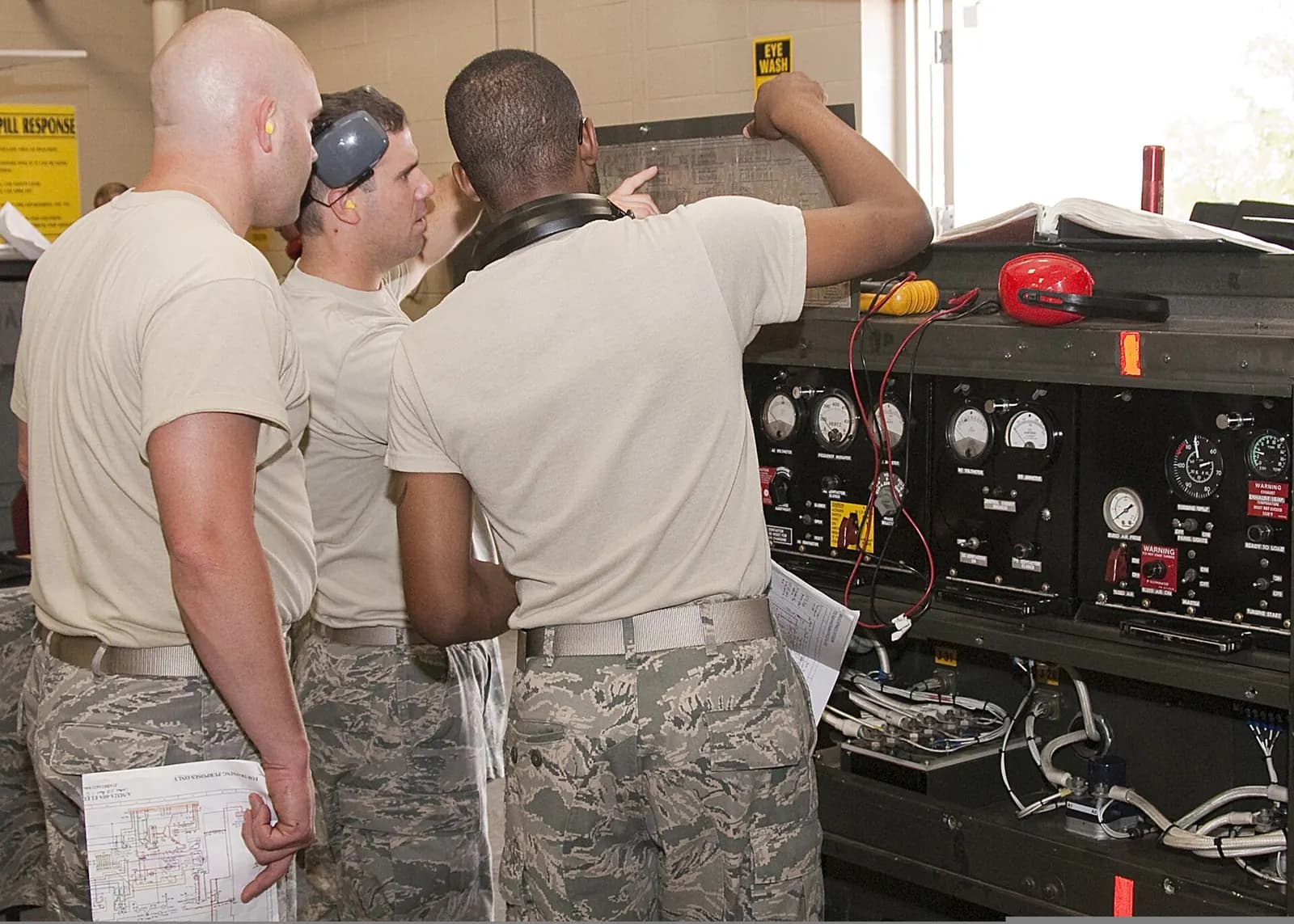
Good PLC training for maintenance technicians focuses on fault-finding, not programming. A technician's job at 3 a.m. is to get a stopped machine running safely: read the HMI alarm, go online to the PLC, find the input that is not made, trace it to a sensor, cable or setting, fix it and restart. Training that starts from that task, on the platforms in your plant, builds confidence far faster than generic courses.
The need is pressing. The Manufacturing Institute and Deloitte estimate US manufacturers will need up to 3.8 million additional workers between 2024 and 2033, and that around 1.9 million roles could go unfilled without closing skills gaps. Meanwhile automation keeps growing: the IFR counts five million industrial robots now operating in factories. Each one adds PLC-controlled equipment that someone has to maintain.
What maintenance technicians actually need to know
| Skill | Why it matters | Level needed |
|---|---|---|
| Electrical safety and isolation | Every PLC fault ends at a field device | Essential, assessed |
| Reading electrical drawings and I/O lists | Links a PLC address to a terminal and a device | Essential |
| Going online and monitoring logic | Finds the condition stopping the machine | Essential |
| Ladder logic reading | Most interlocks are written in ladder | Confident reading |
| HMI alarms and diagnostics | First clue to the fault | Confident |
| Sensors, actuators and drives | Most faults are here, not in the PLC | Confident |
| Networks (PROFINET, EtherNet/IP) | Device and comms faults | Basic diagnosis |
| Backups and restoring programs | Recovery after hardware failure | Procedure-based |
| Editing logic | Changes carry risk | Only under change control |
A practical learning path
- Foundations (week 1 to 2): PLC hardware, I/O, scan cycle, addressing, safe isolation and testing.
- Reading logic (week 3 to 4): contacts, coils, timers, counters, seal-in circuits; follow a motor start interlock through the program.
- Going online (week 5 to 6): connect to your plant's platforms, monitor, use cross-references and force tables safely, read diagnostic buffers.
- Real faults (week 7 to 10): guided fault-finding on a training rig or simulator, then supervised on real machines.
- Networks and drives (week 11 to 12): device diagnostics, replacing a drive or remote I/O module and restoring its configuration.
- Sign-off: practical assessment on your own equipment, recorded in competence records.
How to Train Your Maintenance Team on Industrial Automation Systems
RealPars
This video is hosted on YouTube. Playing it loads content from Google, which may set cookies.
Watch on YouTubeTrain on your own platforms
A course on a platform you do not use is half wasted. If your plant runs Siemens TIA Portal on S7-1500, Allen-Bradley Studio 5000 and a few older controllers, train on exactly those, including the older software your maintenance laptops still need. Use copies of your own programs, with sensitive parts removed, for exercises. Technicians learn faster when the screens look like the machines they will fix tomorrow.
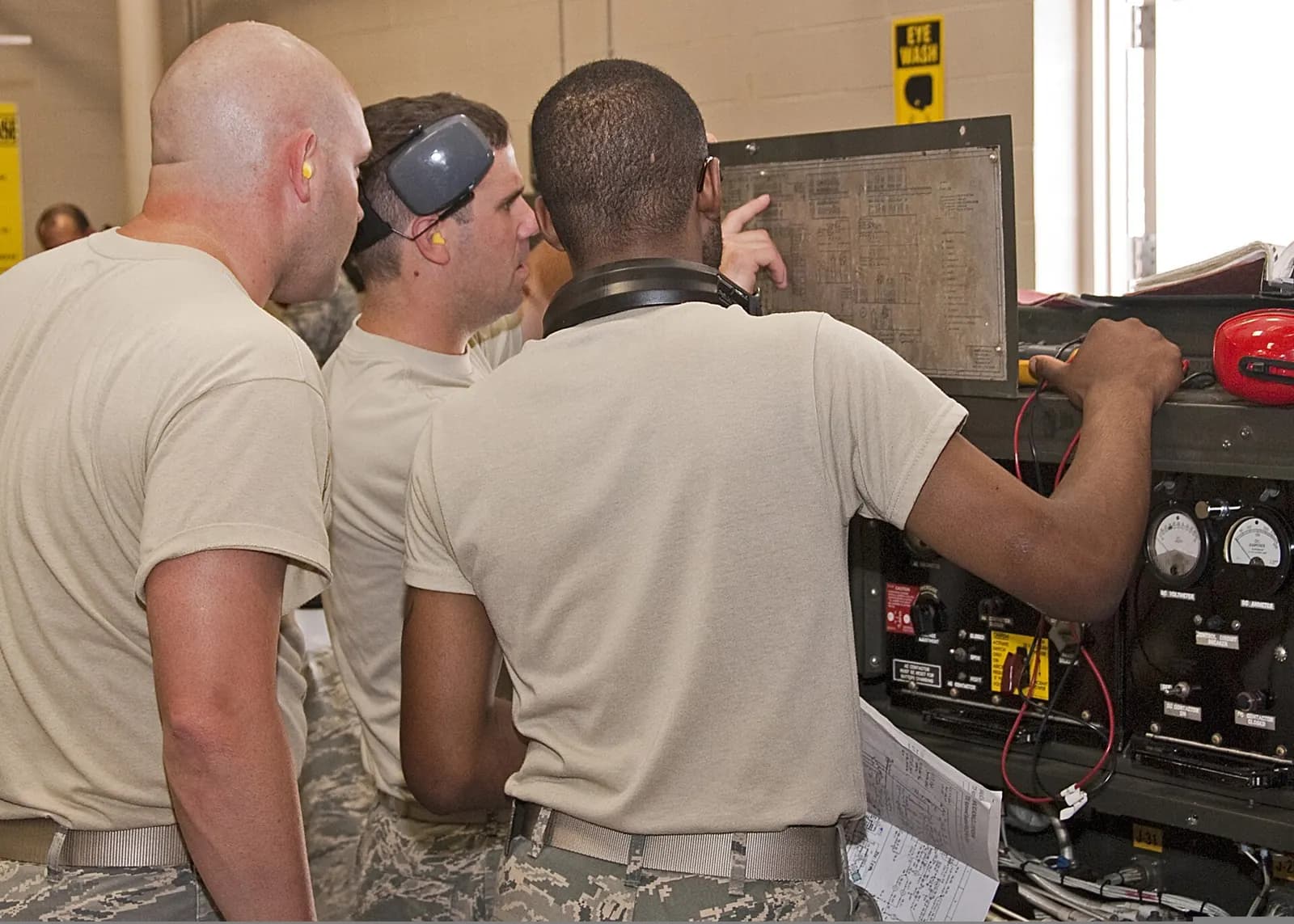
Hands-on, simulated and virtual labs
- Training rigs: a real PLC, HMI and a handful of sensors and actuators with switchable faults. Essential for wiring and meter skills.
- Simulated machines: the PLC drives a software model of a conveyor or filling station, so technicians can break and fix sequences without risk.
- VR labs: a virtual plant where technicians practise isolation and fault-finding on equipment you cannot take out of production. See VR training ROI.
- On-the-job coaching: pairing with an experienced technician for real breakdowns, with a short debrief after each.
Measuring progress
Track what matters to production: mean time to repair on PLC-related stoppages, the share of callouts resolved without escalating to an engineer, and the number of technicians signed off per platform. Run a short practical assessment before and after training; the improvement is more convincing than attendance certificates.
Choosing who to train first
Not everyone needs the same depth at the same time. Start with the technicians on the shifts with the least engineering cover, usually nights and weekends, because that is where PLC faults turn into long stoppages. Then cover the machines with the most PLC-related downtime in your maintenance records. A small group trained well, with a clear escalation route to a controls engineer, does more for uptime than a large group sent on a generic course.
Involve the controls engineers too. They should help write exercises from real faults, agree which online actions technicians may take, and review the fault log monthly. Training works best when it reflects how your plant is actually run. It also builds a relationship between maintenance and engineering, which shortens every escalation after the course has finished.
Making it stick
Skills fade without use. Schedule short refresher exercises, rotate technicians through planned modifications with the controls engineer, and keep a fault log with the root cause and fix for every PLC-related stoppage. That log becomes your best training material, because it shows exactly what fails in your plant. Review it each quarter and turn the most frequent or most costly faults into new exercises.
Training with edWartens
Our training brand edWartens runs PLC, SCADA and robotics courses. In India we offer a classroom Automation Engineer Program in Bangalore covering 20 PLC brands and free online courses (edWartens India); in Germany, courses run at our Oberhaching training centre near Munich in German or English (edWartens Deutschland). VR PLC and SCADA labs are available through iUNI. See our engineering training service, our immersive training service, or ask us to design a programme for your team.