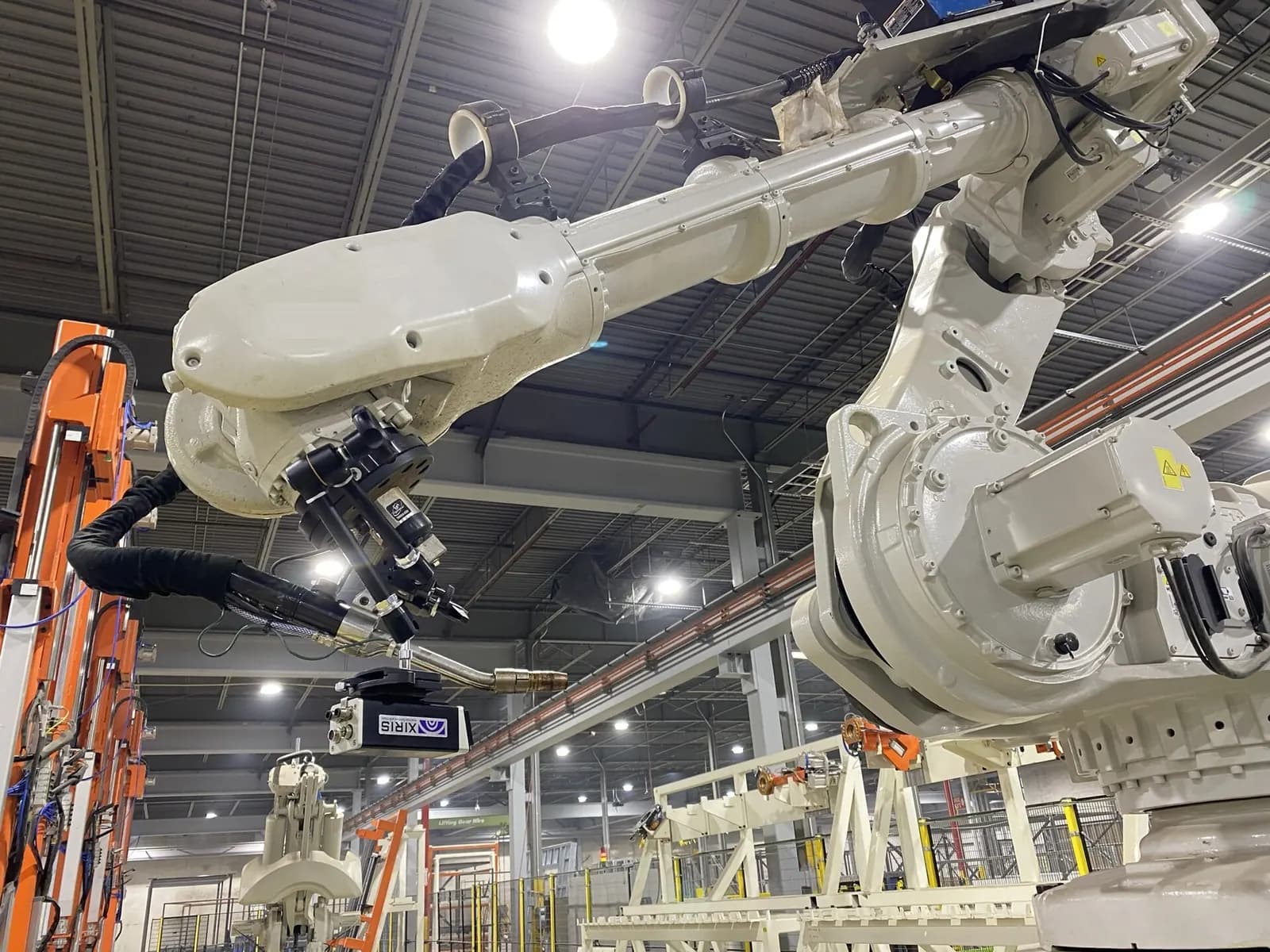
Offline robot programming (OLP) means creating and testing robot programs in a simulation of the cell on a PC, then downloading them to the real robot, rather than teaching each point with a teach pendant while the robot sits idle. It reduces production downtime, catches collisions and reach problems before installation, and lets the robot program be developed in parallel with the mechanical build.
Robot numbers make this matter more each year. The International Federation of Robotics reports that factories installed more than 600,000 industrial robots in 2025 and that the global operational stock reached a record 5 million units, with 655,000 installations forecast for 2026 (IFR). Every one of those robots needs programming, and most of the people who can do it are busy.
How offline robot programming works
- Import CAD of the cell, fixtures, tooling and parts into the simulation tool.
- Place the robot model from the manufacturer's library, with its real kinematics and joint limits.
- Generate paths from the part geometry, for example weld seams, glue beads or pick positions.
- Check reach, singularities, joint limits, cycle time and collisions.
- Add I/O signals and handshakes with the PLC, grippers and other equipment.
- Post-process into the robot's native language and download.
- Calibrate on the real cell and touch up critical points.
Tools fall into two groups: the robot makers' own simulators, such as ABB RobotStudio, FANUC ROBOGUIDE and KUKA's simulation software, which use the controller's real motion planning; and multi-brand platforms such as RoboDK, Visual Components and Siemens Process Simulate, which handle mixed fleets and whole lines.
Offline robot programming with KUKA.Sim and virtual reality production line simulator
KUKA Group
This video is hosted on YouTube. Playing it loads content from Google, which may set cookies.
Watch on YouTubeThe accuracy problem, and how to manage it
A simulation is perfect; a real cell is not. Fixtures are a few millimetres off, the robot's absolute accuracy is worse than its repeatability, and tool centre points are measured imperfectly. Without calibration, offline programs often miss by enough to matter for welding or dispensing. The fixes are well known:
- Calibrate the tool centre point carefully on the real robot
- Measure the real positions of fixtures and update the simulation, or define work-object frames you can re-teach with three points
- Use the robot maker's absolute accuracy option where precision matters
- Use sensing, such as seam tracking or vision, for processes with part variation
- Plan time for touch-up of critical points; OLP reduces teaching, it rarely eliminates it
Do not forget the PLC side
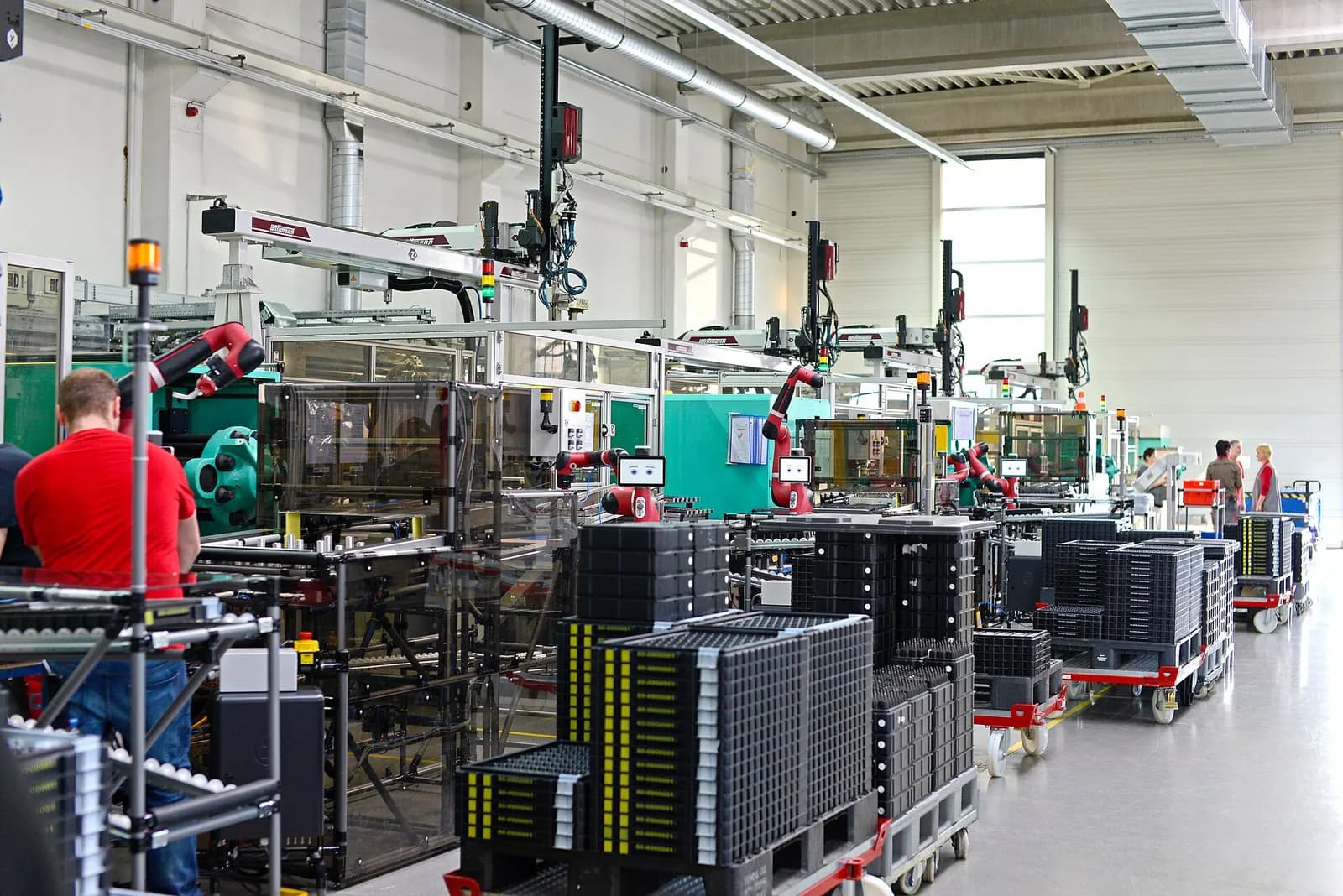
Most robot cell commissioning delays are not about paths but about handshakes: the robot waiting for a clamp signal that never comes, the PLC waiting for a 'home' bit the robot program does not set, a safety zone that stops the robot when a conveyor moves. Simulate these too. Connect the robot simulation to an emulated PLC, or include the PLC logic in a line-level model, so interlocks, modes and fault recovery are tested before site. That is virtual commissioning applied to a robot cell.
Safety design belongs in the simulation
Robot safety requirements are set out in ISO 10218-1:2025 for robots and its companion part for integration. Simulation is the right place to check safety zones, speed limits near operators and guard positions, because changes are cheap there. The final safety validation must still be done on the real cell against the risk assessment, as covered in our guide to ISO 13849 and IEC 62061.
Cycle time: where simulation earns its keep
Cycle time is usually the number a robot cell is bought on, and the one most often missed. Simulation lets you compare layouts, robot models and gripper designs against the target before anything is ordered. Use the robot maker's motion planning where possible, because generic kinematic models tend to be optimistic about acceleration. Include the slow parts honestly: gripper open and close times, vacuum build-up, waiting for a conveyor to index and handshakes with the PLC. A cell that achieves its cycle in simulation only when every signal arrives instantly will not achieve it on the floor.
Simulation also helps when the product mix changes. With a validated cell model, a new part variant can be programmed, checked for reach and collisions and timed while the cell keeps producing the current parts. On high-mix lines, that alone can justify the software. Keep the model under version control alongside the robot and PLC programs, so the simulation always matches what is running on the floor and remains useful for the next change rather than becoming an out-of-date drawing.
When offline robot programming pays off
| Situation | OLP value |
|---|---|
| Complex paths: welding, dispensing, deburring, painting | High: thousands of points generated from CAD |
| New cells built before the line is available | High: program in parallel with the build |
| Frequent new part variants | High: new programs without stopping production |
| Multi-robot cells with shared workspace | High: interference checking |
| Simple pick-and-place with few points | Low to medium: pendant teaching may be quicker |
How Wartens supports robot cells
Wartens programmes and integrates robot and cobot cells, including offline simulation and PLC-robot interlocking, as part of our automation engineering work. See automation engineering and digital twins and virtual commissioning, or send us your cell layout.