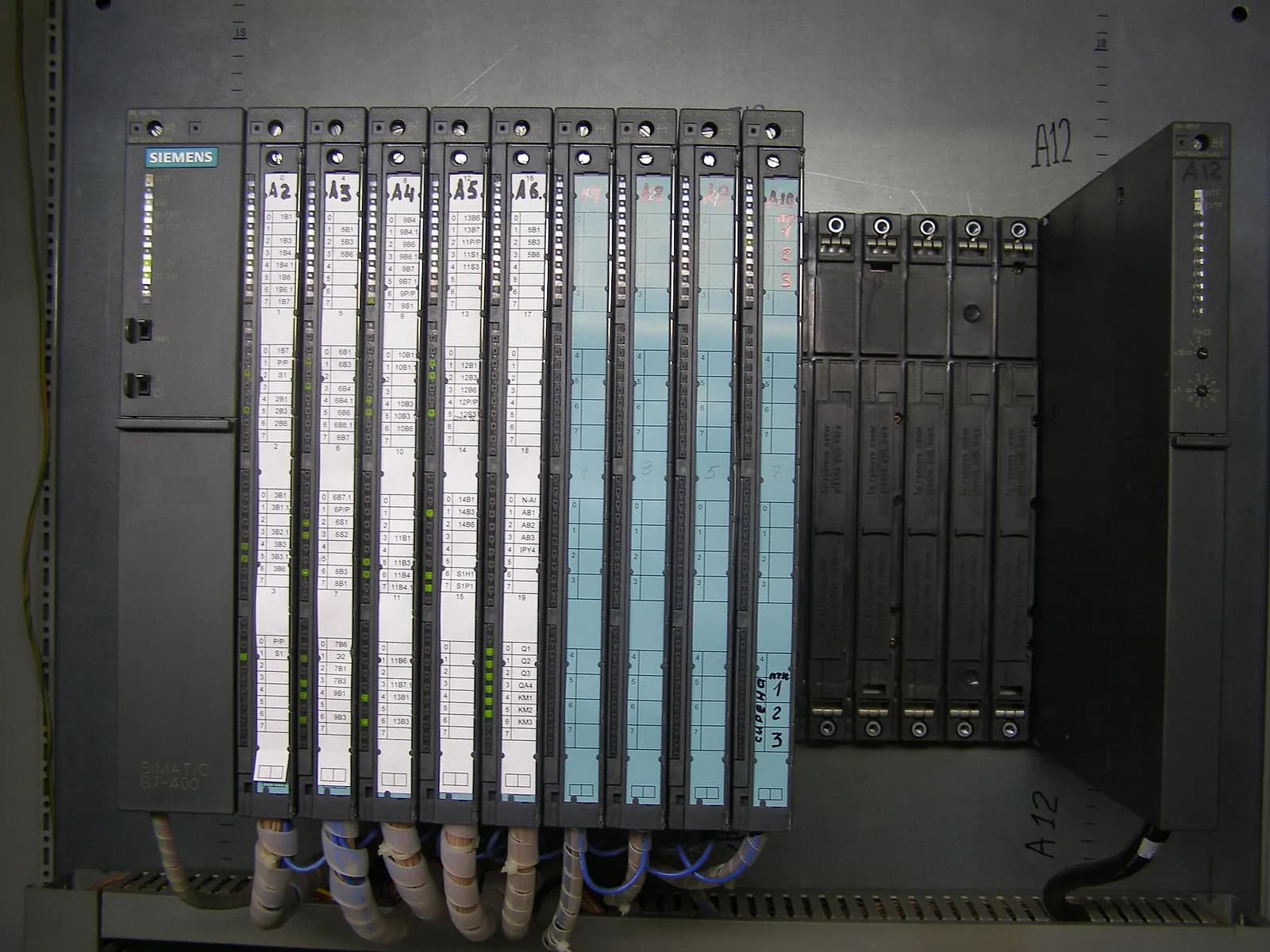
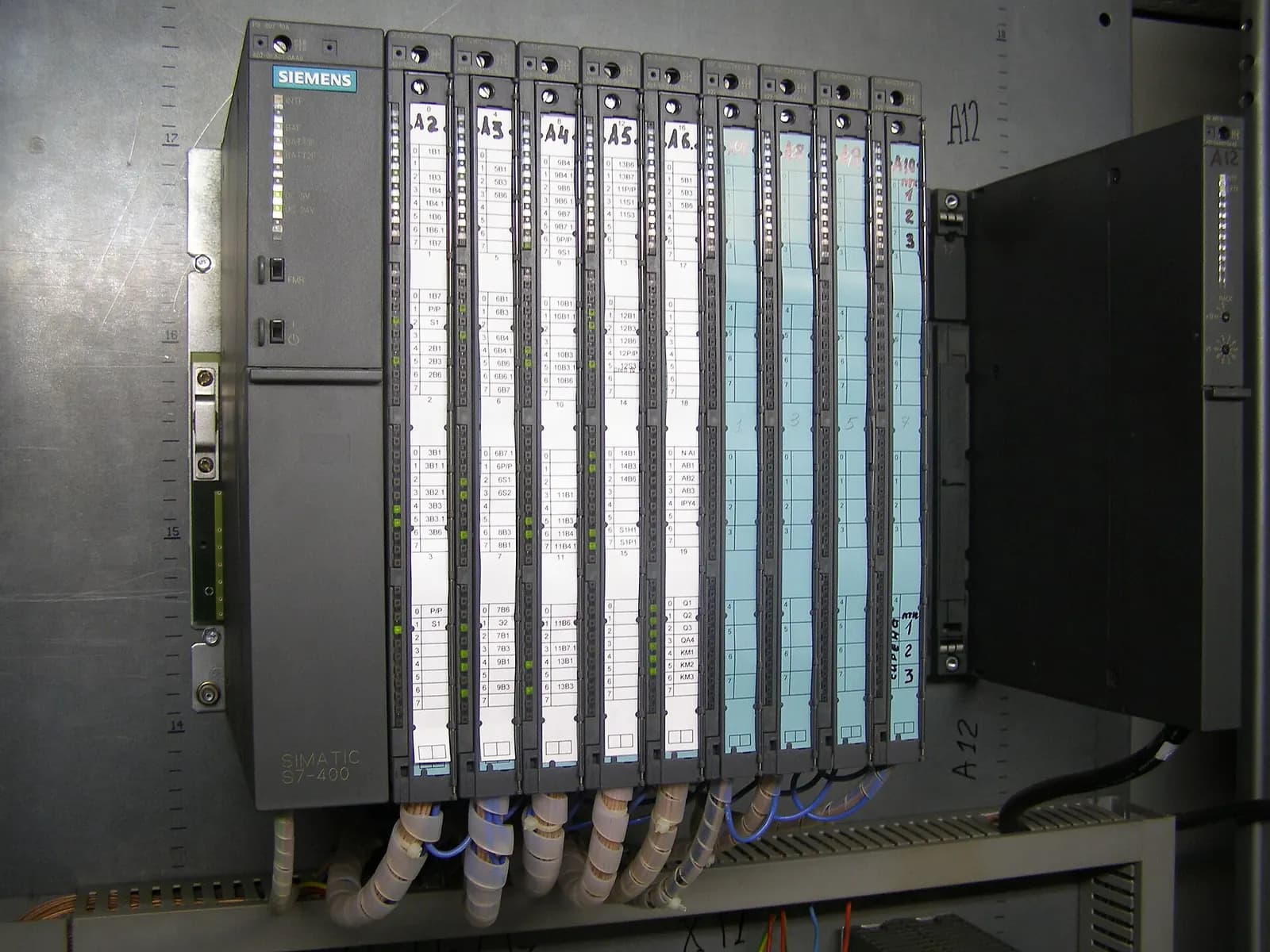
An S7-400 to S7-1500 migration is a strategic choice, not an emergency. Siemens states on its S7-400 page that the platform will be available beyond 2035 and will remain the hardware backbone of the PCS 7 process control system (Siemens). That is a very different position from the S7-300, which entered phase-out in October 2025. So the question for S7-400 users is not "how fast?" but "when does it pay?"
Below is how we answer that question with clients, followed by what a migration involves, including the move from S7-400H to the S7-1500R/H redundant controllers.
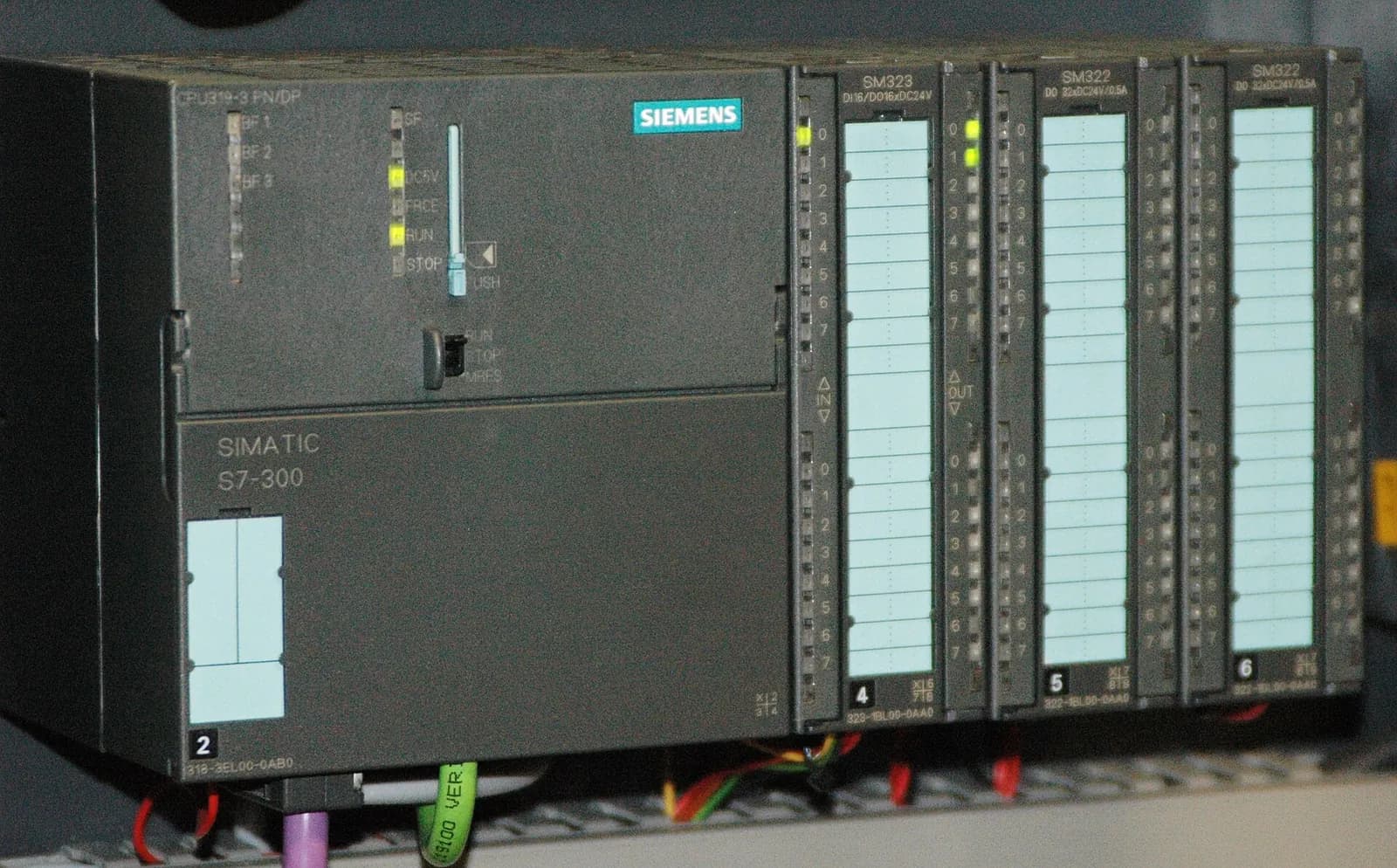
S7-400 and S7-300 are on different timelines
| Platform | Status | Source |
|---|---|---|
| S7-300 | Phase-out from 1 Oct 2025; available until 2033 | European Automation, Siemens |
| S7-400 | Available beyond 2035; PCS 7 hardware backbone | Siemens |
| S7-1500R/H | Current redundant controllers in TIA Portal | Siemens |
If you run S7-400 inside a PCS 7 process plant, the migration question belongs to your PCS 7 strategy, and the answer is often to stay. This article is mainly for discrete and hybrid plants that use S7-400 as a large standalone controller, typically engineered in STEP 7 V5.x.
When an S7-400 to S7-1500 migration makes sense
- You are already migrating S7-300s. One platform, one engineering tool (TIA Portal) and one skill set across the plant reduces spares and training costs.
- The software must change anyway. A capacity expansion, new product or new safety concept is a natural moment to move platform.
- Your engineers no longer know STEP 7 V5.x well. Knowledge risk is real, and it grows each year.
- You need current security and diagnostic features. The S7-1500 family is engineered and maintained in TIA Portal, alongside your newer machines.
A useful test is to price both paths over ten years. On one side, the migration project, training and new spares. On the other, keeping two engineering tool chains, two sets of spares and the knowledge risk of an older platform, plus the cost of an unplanned failure. For a plant already moving its S7-300s to TIA Portal, the second column usually grows faster than people expect.
When it is better to wait
- The S7-400 runs inside PCS 7 and the process system is not due for renewal.
- The controller is stable, well documented and backed by tested spares.
- The shutdown needed for cutover would cost more than the risk you remove.
Waiting is a legitimate decision, but make it an active one. In the meantime, keep the STEP 7 project archive current and make sure at least two people can open it. Document why you are staying on the S7-400, check your spares and backups, and review the decision when the next major change to the process comes up.
From S7-400H to S7-1500R/H
Many S7-400 installations are redundant H systems. The successor family, the S7-1500R/H, keeps a synchronised backup CPU that takes over on failure. Siemens lists a switchover time of 300 ms for the R CPUs, which synchronise over PROFINET in an MRP ring, and 50 ms for the H CPUs with synchronisation modules and fibre. The R CPUs can be about 100 m apart and the H CPUs up to 40 km (Siemens). Both are engineered in standard TIA Portal without additional software or licences, and can be simulated with PLCSIM Advanced.
For a migration, the switchover time is the first thing to check against your process. A 50 ms requirement points to the H family; many discrete applications are comfortable with R. The I/O topology is the second: redundant I/O must be connected as S1 or S2 devices, so existing distributed I/O may need new interface modules.
SIMATIC S7-1500RH – The easiest way to redundant solutions
Siemens Knowledge Hub
This video is hosted on YouTube. Playing it loads content from Google, which may set cookies.
Watch on YouTubeWhat the migration work involves
- Assessment. Read the STEP 7 V5.x project, list blocks, system functions, communication and redundancy logic, and flag what will not convert directly.
- Code migration. Move to TIA Portal and the S7-1500 instruction set, replacing absolute addressing and old system function calls. We cover these in STEP 7 to TIA Portal migration.
- Communication. Rebuild links to HMIs, SCADA, other PLCs and drives, often moving from PROFIBUS to PROFINET.
- Test on a virtual plant. Run the migrated code in S7-PLCSIM Advanced against a model of the process, including redundancy switchover cases. See virtual commissioning with PLCSIM Advanced.
- Cutover. Planned by your team and local partner, with our engineers joining remotely.
Typical surprises in S7-400 projects
- Communication processors carrying links nobody documented, such as fetch/write connections to an old visualisation.
- Redundancy logic written by hand in the user program rather than relying on the H system.
- Several CPUs in one rack sharing data in ways that have to be redesigned for the new platform.
- Large data blocks used as an informal database by MES or reporting tools.
How Wartens helps
Wartens migrates S7-300 and S7-400 code to S7-1500 as fixed-price work packages, with HMI migration, test documentation and remote cutover support. For the S7-300 side of your fleet, read S7-300 end of life. More about our automation engineering and virtual commissioning work.
Next step: send us your S7-400 project and a short description of the process. We will tell you honestly whether we would migrate now or wait, and what it would cost. Contact us.