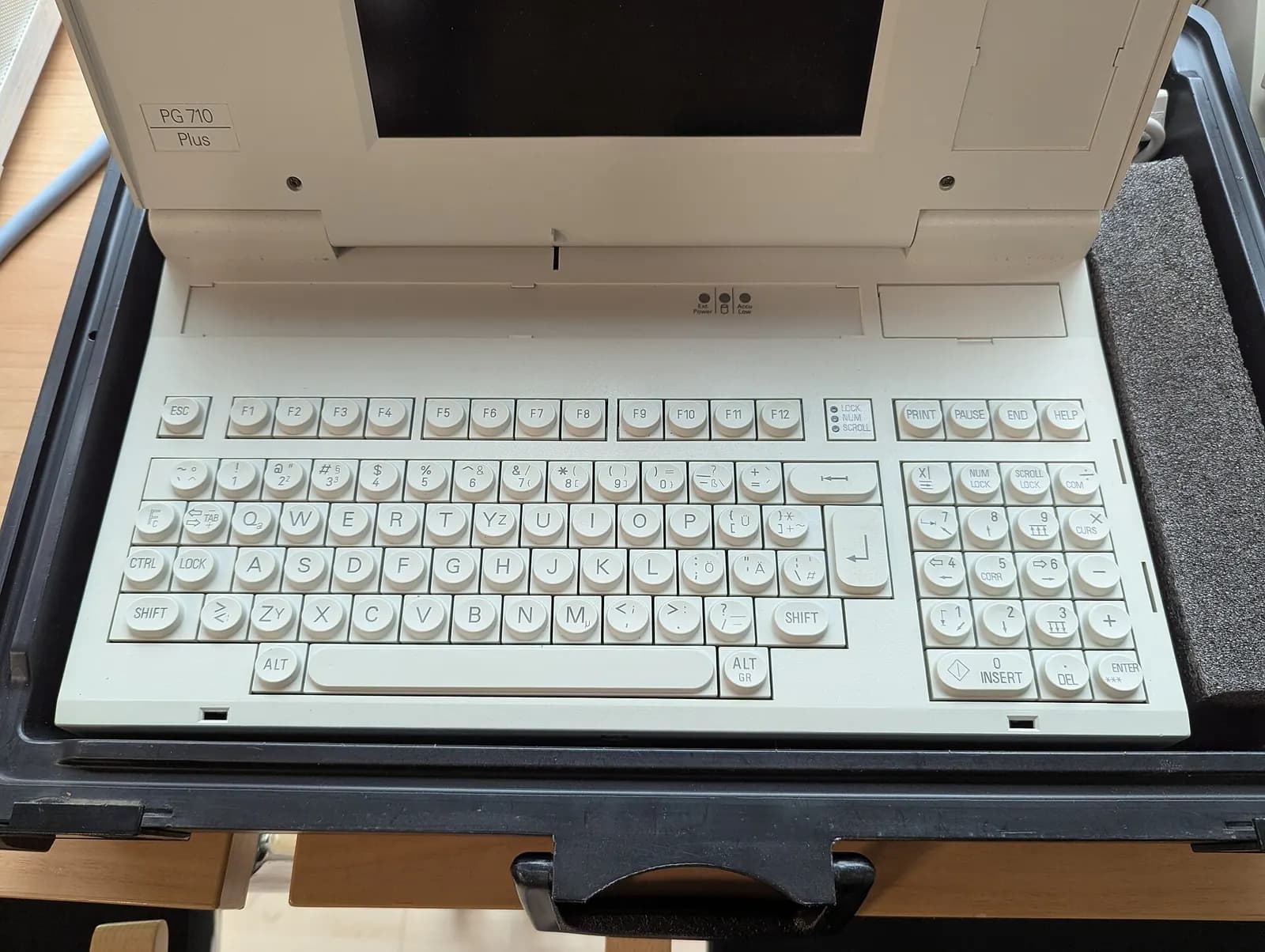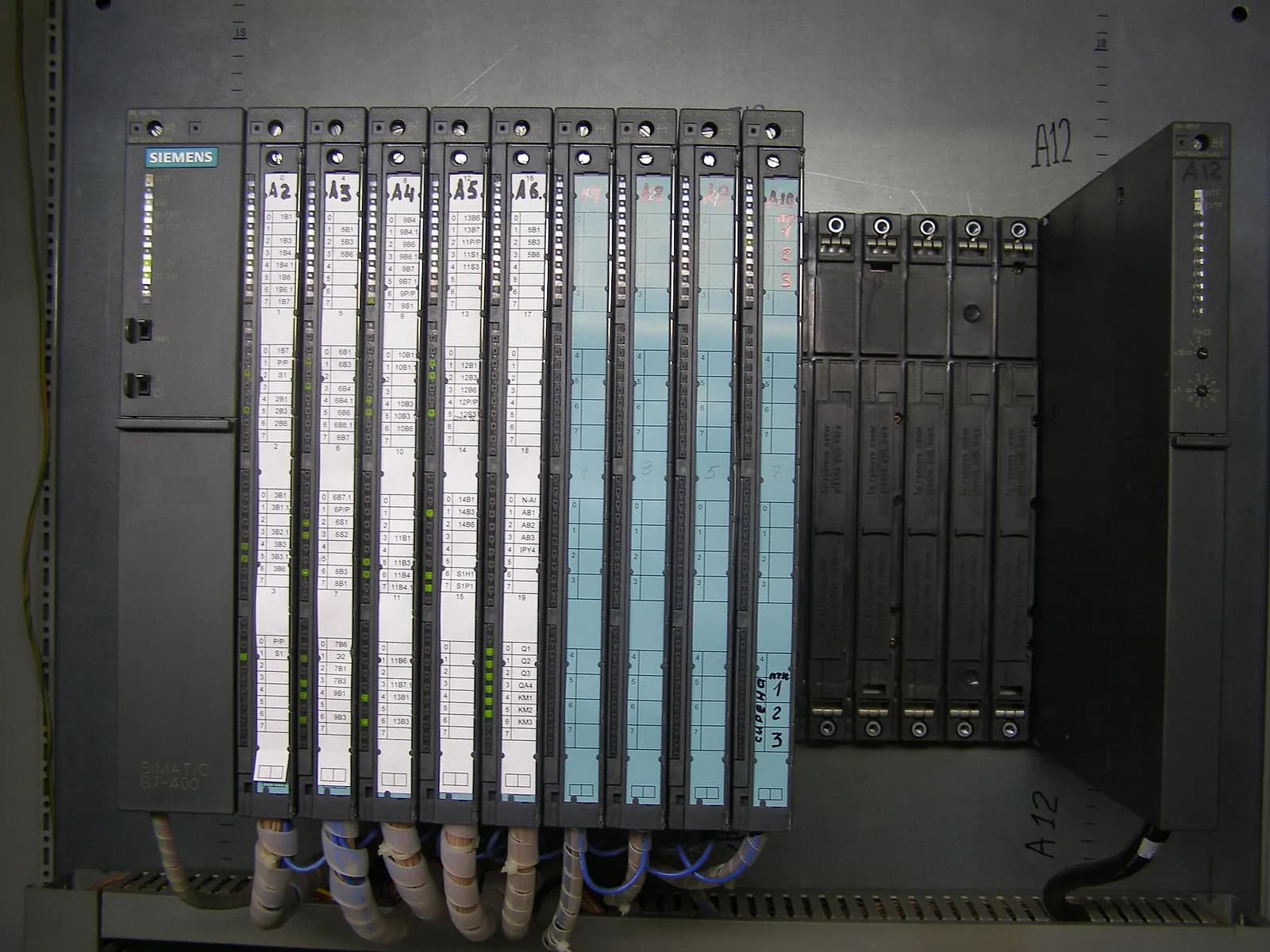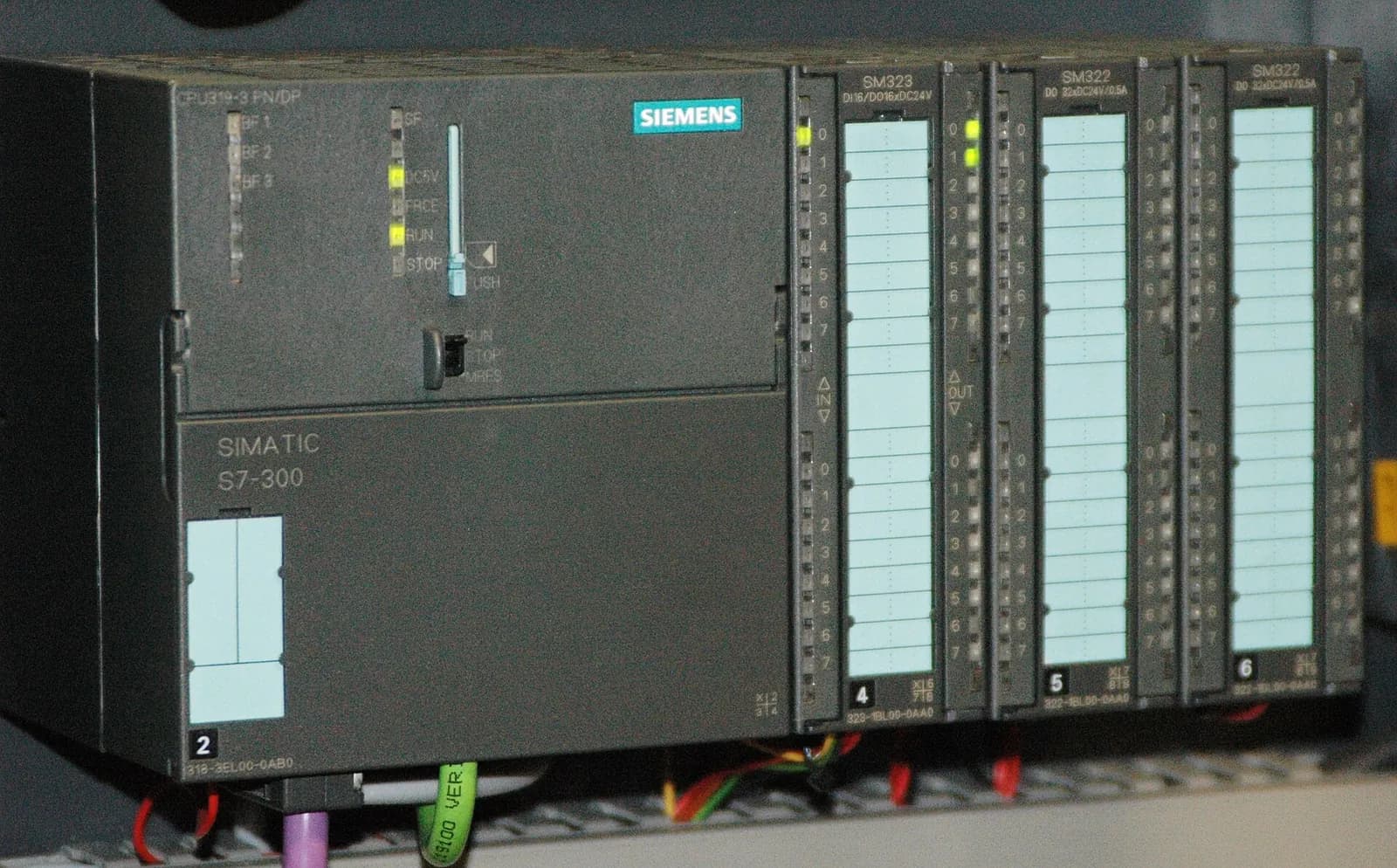
The S7-300 end of life is now a planning fact, not a rumour. Siemens set the SIMATIC S7-300 to phase-out from 1 October 2025 and recommends migrating to the S7-1500 or S7-1200 (European Automation). On its own product page, Siemens states that the S7-300 and ET 200M system families will be available until 2033 (Siemens). Seven years sounds comfortable. For a plant with forty S7-300 CPUs, a two-week shutdown window per year and a small controls team, it is not.
This guide is for plant managers and maintenance leads who need a plan they can defend: which controllers to migrate first, which to keep running on spares, and how to do the work without losing production.
What the S7-300 end of life means in practice
Phase-out does not mean the controller stops working. Your existing S7-300 CPUs will keep running for years. What changes is the risk profile. New hardware becomes harder to buy and more expensive on the open market. Engineers who know STEP 7 V5.x retire. Security updates for an old platform are limited. And every year you wait, more plants compete for the same migration engineers and the same shutdown windows.
| Date | Status | Source |
|---|---|---|
| 1 Oct 2025 | S7-300 enters phase-out; migration to S7-1500 or S7-1200 recommended | European Automation |
| Until 2033 | S7-300 and ET 200M system families available | Siemens |
Step 1: inventory every S7-300 in the plant
You cannot plan what you have not counted. List every CPU with its type, firmware, I/O modules, communication processors, connected HMIs and drives, the line it runs and who supplied it. Include the S7-300s hidden inside machines you bought as packaged units. Our OT asset inventory guide explains how to collect this without disturbing production. The same list serves your NIS2 risk management, so the effort counts twice.
Step 2: rank controllers by risk, not by age
Score each controller on four questions and migrate the highest scores first:
- Criticality. Does the whole plant stop if this CPU fails, or one machine?
- Spares. Do you hold a tested spare CPU and the critical I/O modules, with the program on a current backup?
- Knowledge. Is there a complete, commented project, or only an upload from the PLC with no symbols?
- Change pressure. Is a product change, a capacity expansion or a security requirement coming that would touch this code anyway?
A packaging line with good spares and a stable product can wait. A central utility controller without documentation and with no spare CPU should be near the top, even if it is younger.
Step 3: choose the migration pattern
| Pattern | What changes | When it fits |
|---|---|---|
| Keep and stock spares | Nothing now; buy and test spare CPUs and modules | Machines due for replacement before 2033 |
| CPU and code migration | New S7-1500 CPU, migrated code; existing I/O retained where interface modules allow | Stable machines with large I/O counts |
| Full migration | CPU, I/O, HMI and network replaced | Lines due for upgrade or with failing I/O |
| Replace the machine | New machine with current controls | Lines with other end-of-life issues |
Most plants use all four patterns across their fleet. The point of the ranking is to make that choice per controller, in writing, so that the budget follows the risk.
Step 4: migrate the code and test it before the shutdown
The engineering part of a migration is converting the STEP 7 V5.x project into TIA Portal for the S7-1500 and cleaning up what does not translate directly. We cover the technical pitfalls in STEP 7 to TIA Portal migration. The step that saves the shutdown is testing. We run the migrated program on a simulated S7-1500 in S7-PLCSIM Advanced, drive it with a model of the machine, and compare its behaviour with the original before anyone touches the cabinet.
What are the differences between SIMATIC S7-300 and S7-1500 PLCs?
RealPars
This video is hosted on YouTube. Playing it loads content from Google, which may set cookies.
Watch on YouTubeTesting on a virtual machine also changes the conversation with production. Instead of asking for a long shutdown to "see what happens", you can show the test report, the list of cases that passed and the few open points, and ask for exactly the time the cutover needs.
Step 5: plan the cutover and the people
- Fix the shutdown window and a fall-back plan: keep the old CPU and cabling ready to reinstall for at least the first restart.
- Prepare a loop check list from the I/O list and test every signal on site.
- Run the tested program, then the agreed test cases with operators.
- Train maintenance on TIA Portal and S7-1500 diagnostics before cutover, not after.
- Archive the final project, the test report and the old STEP 7 project together.
What to do with the spares you have
Spare S7-300 modules are an asset during the transition, but only if they work. Test stored CPUs and critical modules once a year, keep a current program backup next to each spare, and do not sell off the spares from the first migrated line: they become the stock that keeps the remaining S7-300 lines running until their turn comes.
How Wartens supports S7-300 migrations
Wartens migrates S7-300/400 code to S7-1500 from our engineering centre in India, migrates the HMI, tests the result and documents every test. Your team or local partner carries out the cutover, with our engineers supporting remotely. Each migration is quoted as a fixed work package. See our automation engineering services, and if your maintenance team needs TIA Portal skills, our engineering training in Oberhaching.
Next step: send us one STEP 7 project archive and its hardware list. We will return a migration assessment with the issues we found, a test approach and a fixed price. Contact us.