An OT asset inventory is a complete, maintained list of the controllers, HMIs, network devices, servers and engineering stations in your production systems, with the attributes you need to secure and support them. It is the first step of any NIS2 or IEC 62443 programme. In August 2025, CISA and partner agencies, including Germany's BSI, published joint guidance on exactly this topic, warning that without an inventory organisations do not know what they have (CISA).
Here is how we build OT inventories in running plants without upsetting production, and what to do with the list once you have it.
What an OT asset inventory should record
The joint guide sets out a list of high-priority attributes, including communication protocols, criticality, IP and MAC addresses, manufacturer, model, operating system, ports and services, and user accounts (CISA guide, PDF). The BSI's ICS Security Compendium adds hardware, firmware and operating system versions, location and lifecycle status, and stresses that the list must be kept current over the whole lifecycle (BSI).
| Attribute | Example | Why it matters |
|---|---|---|
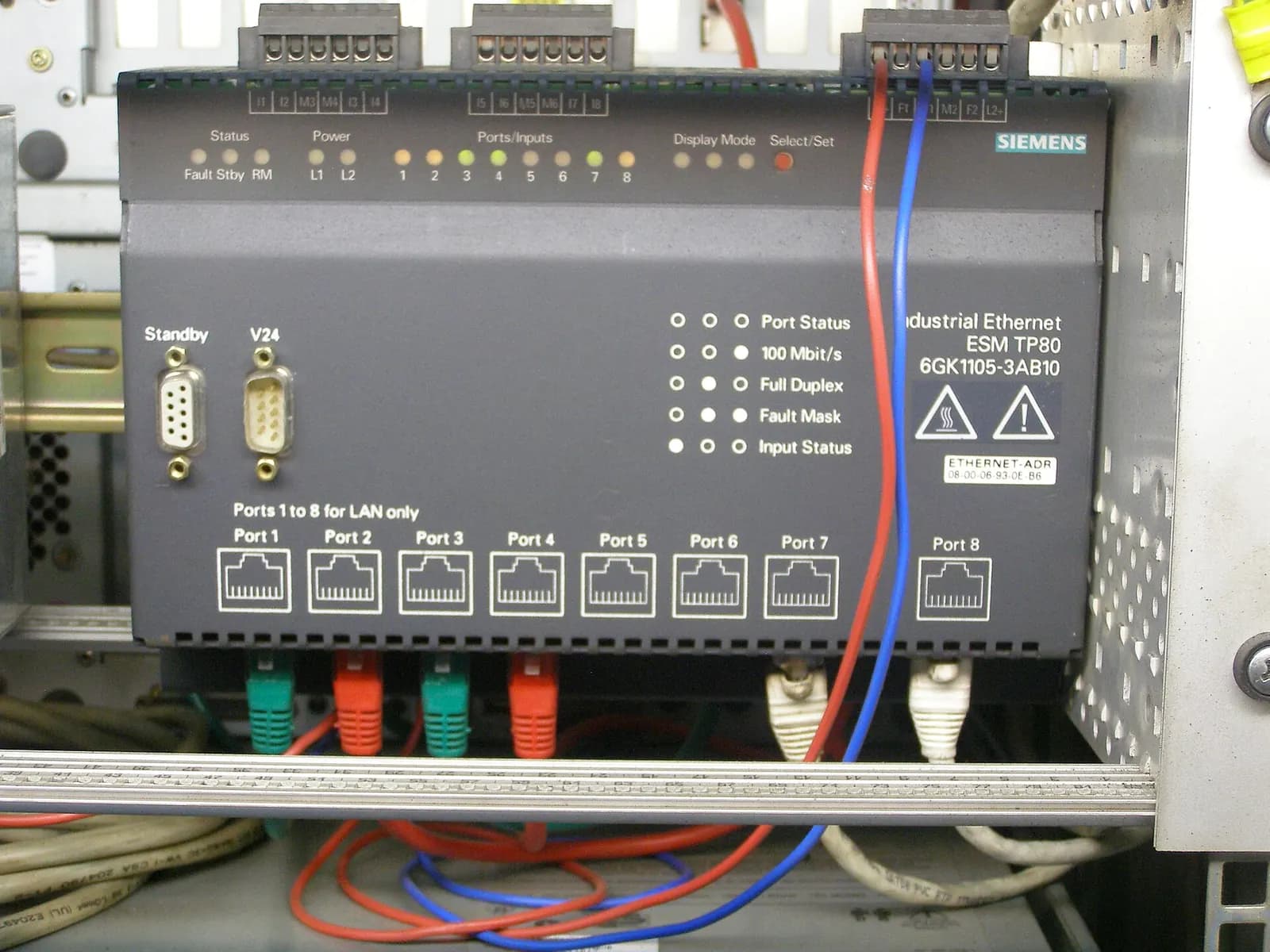
| Type, make, model | Siemens CPU 315-2 PN/DP | Spare parts, vulnerabilities, lifecycle |
| Firmware version | V3.2.x | Matching security advisories |
| IP and MAC address | 192.168.10.11 | Zoning and firewall rules |
| Protocols and services | S7 communication, HTTP, SNMP | What to allow in conduits |
| Location and line | Hall 2, line 3, cabinet +A1 | Finding it during an incident |
| Criticality | Line stops if it fails | Prioritising measures |
| Owner and supplier | Maintenance; machine builder X | Who changes it, who supports it |
| Lifecycle status | Phase-out | Planning migration |
How to build an OT asset inventory without disturbing production
The guide describes identifying assets through physical inspection and logical survey. Both are needed. Network data shows you devices that are talking. A walk through the cabinets finds the device nobody configured an IP for, the unmanaged switch behind a panel and the 4G router a supplier fitted for remote service.
- Collect what exists. Electrical drawings, I/O lists, TIA Portal or STEP 7 projects, network drawings, supplier documentation. The PLC projects alone give you most controller types and addresses.
- Listen passively. A mirror port on the core switches and a passive monitoring tool reveal devices, protocols and traffic patterns without sending a single packet to a PLC.
- Walk the plant. Cabinet by cabinet, with the drawings. Photograph type plates. Note every router, modem and wireless device.
- Query carefully. Use the engineering tools the controllers are designed for, such as accessible devices in TIA Portal, during agreed windows, rather than generic IT scanners.
- Reconcile and assign owners. Merge the sources, resolve duplicates, and give every asset an owner.
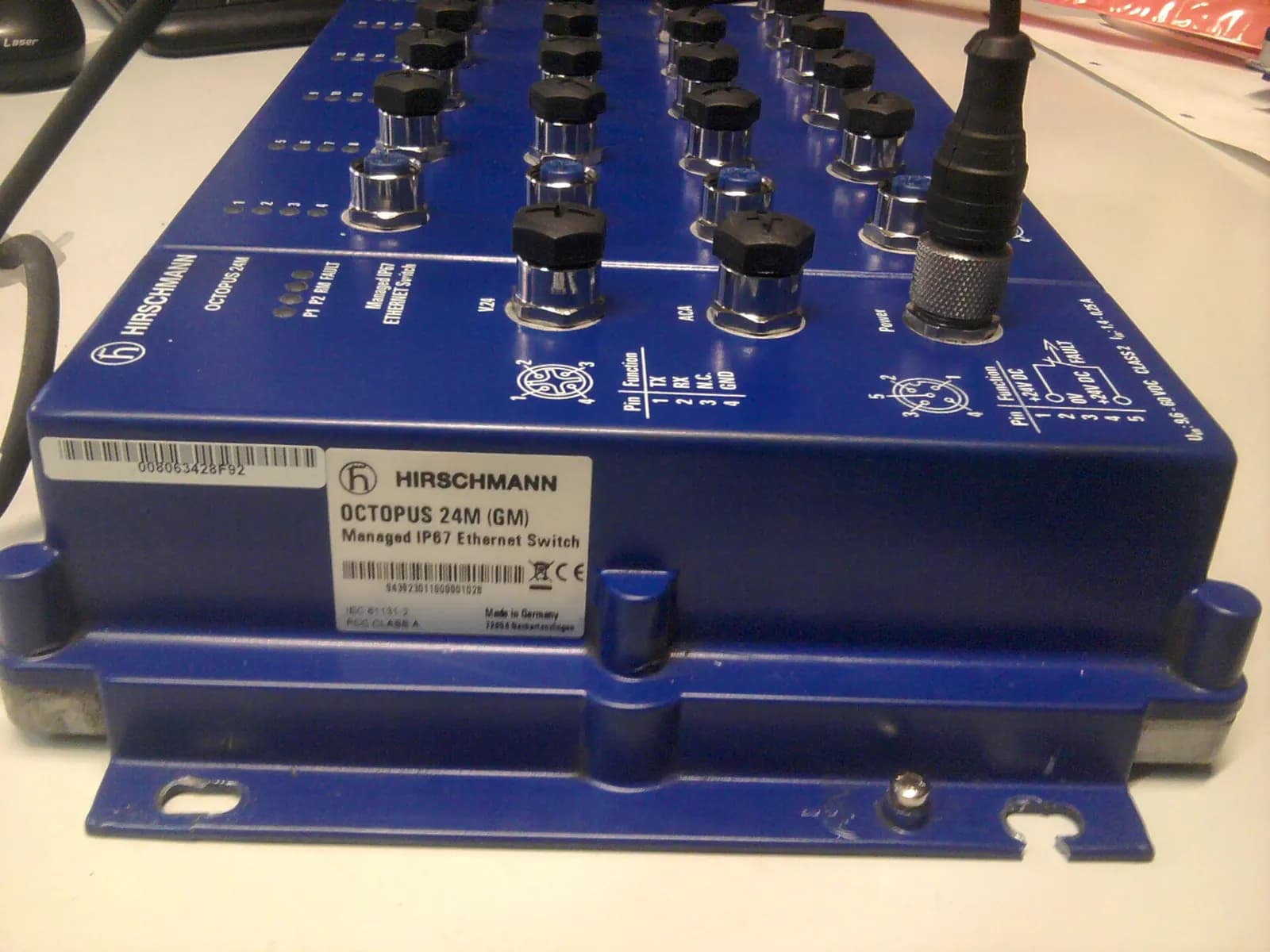
What the inventory usually reveals
In German plants, the first inventory regularly turns up the same findings. S7-300 controllers that have entered the phase-out phase, with no migration plan. Remote maintenance routers that bypass the firewall. Engineering PCs used for email. Default passwords on HMIs. Flat networks where every line can reach every other. The BSI's top ten ICS threats, which list removable media, internet-connected control components and remote maintenance access among the main attack paths, read like a summary of these findings (BSI-CS 005).
CISA’s OT Cybersecurity Webinar: Foundational Steps for Building an OT Asset Inventory
CISA
This video is hosted on YouTube. Playing it loads content from Google, which may set cookies.
Watch on YouTubeA one-week pilot for one line
If the whole plant feels too big, prove the method on one line first. This is the plan we use:
- Day 1: gather drawings and PLC projects for the line; agree the mirror port and the walk-through route with maintenance.
- Days 2 and 3: passive capture on the line switch during normal production, including a shift change and a product changeover.
- Day 4: cabinet walk-through with drawings, photos of type plates, note every network device and connection.
- Day 5: reconcile, mark unknowns, assign owners and list the first findings with a proposed priority.
The output is a filled inventory template for one line and a realistic estimate for the rest of the plant. It also shows management what the gaps look like, which tends to make the budget conversation shorter.
Keeping the inventory current
An inventory that is correct on the day of the audit and wrong six months later is worth little. Tie it to processes that already exist. Every management of change form for a machine includes an inventory update. Every new machine is accepted only with its asset list and network data. Every firmware update is recorded. And once a year, repeat the walk-through for one area of the plant.
From inventory to action
The inventory feeds three decisions. Which zones and conduits to build, explained in our IEC 62443 zones and conduits guide. Which remote access paths to close or consolidate. And which ageing controllers to migrate first: if your list shows a wall of S7-300 CPUs, our article on the S7-300 end of life explains the options.
Wartens builds OT asset inventories, zoning designs and gap assessments based on IEC 62443 for manufacturers covered by NIS2 in Germany. See our automation engineering services. Next step: tell us how many lines and controllers you have, and we will propose a scope and a schedule that avoids production stops. Contact us.