PLCSIM Advanced virtual commissioning means running your real S7-1500 program on a simulated controller and connecting it to a model of the machine or plant, so that the code is tested before it reaches the hardware. S7-PLCSIM Advanced simulates the behaviour and firmware of S7-1500 controllers, including failsafe (F), redundant (R/H), software and drive controllers, as well as ET 200SP CPUs (Siemens). Its API lets you couple that virtual controller to a plant or machine simulation (Siemens developer portal).
The simulated controller is only half the bench. The other half is the model, and Siemens offers more than one way to build it. This guide explains the options and when we use each.
The tool chain around PLCSIM Advanced
| Tool | What it simulates | Best for |
|---|---|---|
| S7-PLCSIM Advanced | The S7-1500 controller, including communication, safety and web server | Every Siemens virtual commissioning set-up |
| SIMIT | Signal-level and process behaviour; supports software- and hardware-in-the-loop | Process plants, skids, operator training |
| NX Mechatronics Concept Designer | 3D kinematics and physics from mechanical CAD | Special machines with complex motion |
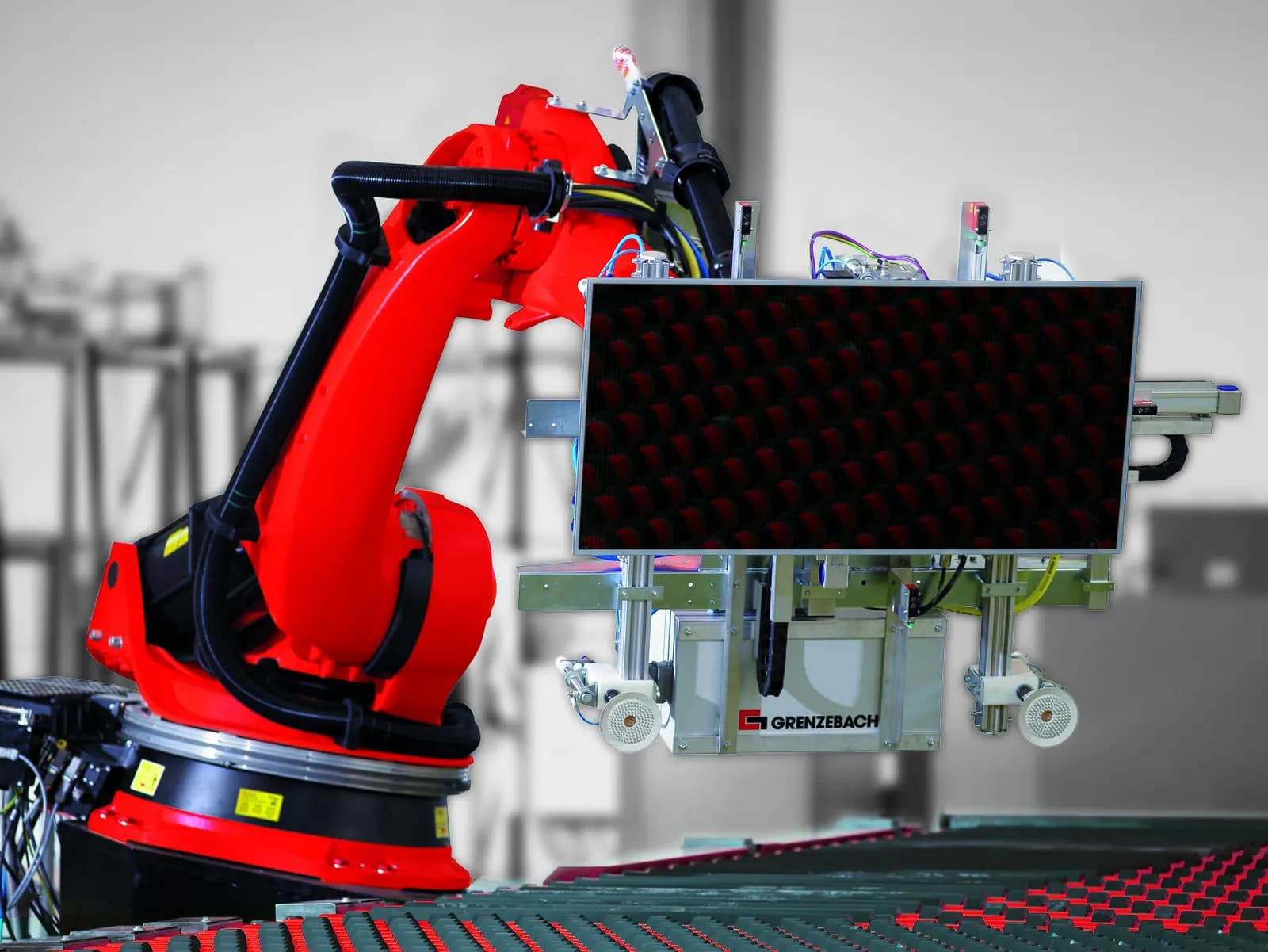
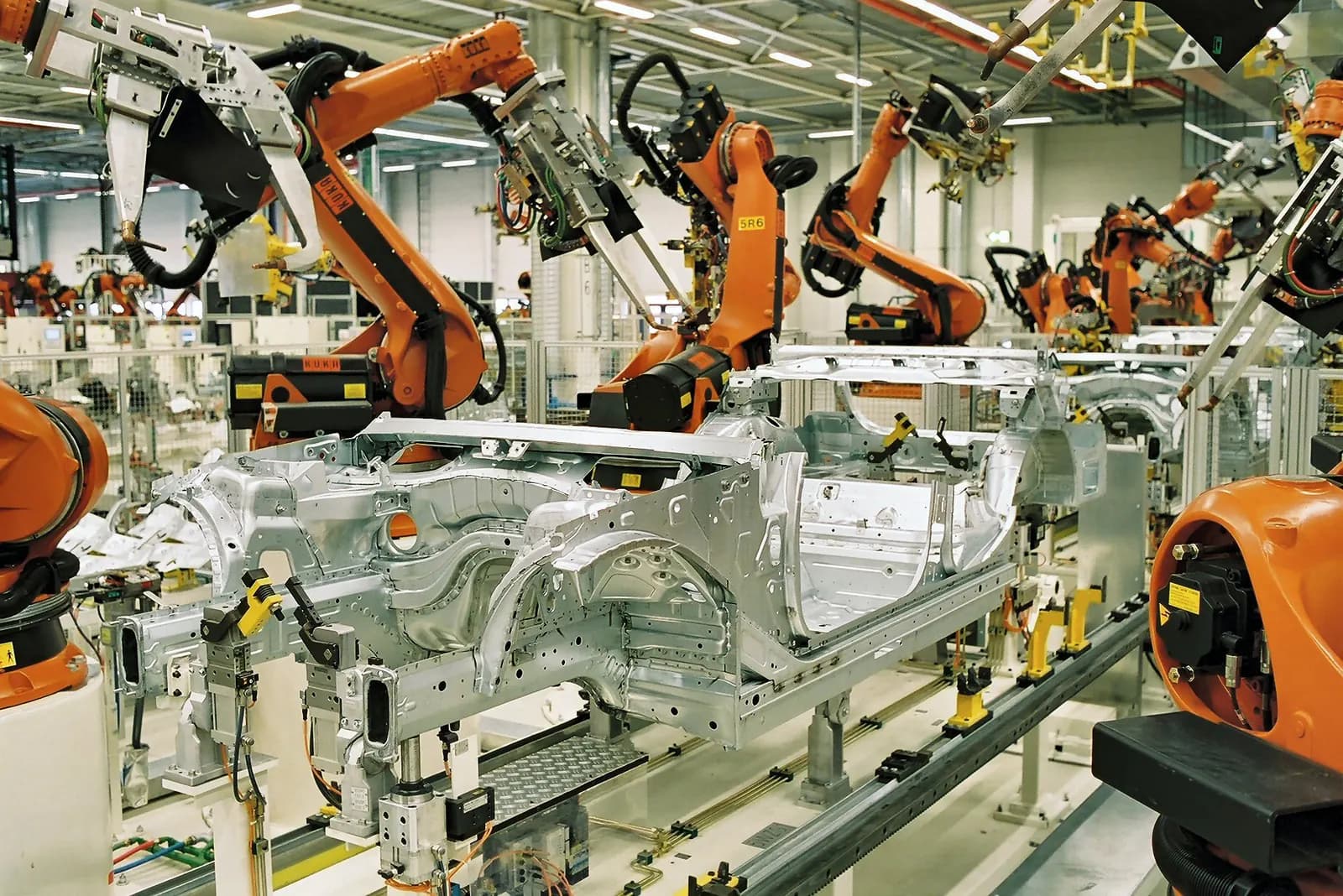
| Process Simulate | Robotic cells and lines connected to real PLC logic | Body shops, assembly lines |
SIMIT supports both software-in-the-loop, using PLCSIM Advanced, and hardware-in-the-loop, and can import engineering data from COMOS, which makes it the natural choice for process skids and plants. For machines, Siemens has coupled PLCSIM Advanced with NX MCD since TIA Portal V15.1 in 2018, when it described the virtual S7-1500 as a digital twin of the controller (Siemens press release). For robotic lines, Process Simulate connects its line models to external control systems so a cell or line can be commissioned virtually with real PLC logic.
How the pieces connect on a typical bench
On a typical machine bench, one engineering PC runs TIA Portal and a PLCSIM Advanced instance with the machine's S7-1500 program. The model, whether a signal-level model, SIMIT or NX MCD, exchanges I/O with that instance every cycle through the API. WinCC runtime connects to the same virtual controller, so the operator screens behave as they will on the real panel. For timing-sensitive applications, PLCSIM Advanced's isochronous mode keeps the controller and model in step.
For larger lines, several virtual controllers run side by side, communicating over a virtual network exactly as their real counterparts will. This is where line-level logic, handshakes between machines and MES interfaces get tested, and where the biggest site savings usually come from, because these interfaces are the hardest to debug once the line is built.
What results to expect
The published results are strong, and they come from very different applications. Wipro PARI used Tecnomatix Process Simulate on a brownfield engine assembly line and cut on-site commissioning time by 70%, finishing in three months against an estimated six to eight (Siemens blog). Tronrud, a builder of packaging machines, cut its design phase by 10% and commissioning by 25% (ISA InTech). For machine tools, Siemens states that real commissioning can be shortened by up to 70% with its virtual commissioning service (Siemens).
In our experience the gains depend less on the tool than on discipline: a model that matches the I/O list, test cases written from the specification, and a rule that no code goes to site without passing them.
Virtual Commissioning with NX MCD and PLCSim Advanced
Siemens Knowledge Hub
This video is hosted on YouTube. Playing it loads content from Google, which may set cookies.
Watch on YouTubeChoosing a combination
- Special machine, few axes, mostly sequences: PLCSIM Advanced with a lightweight signal-level model. Fast to build, covers most logic errors.
- Machine with complex motion or collision risk: PLCSIM Advanced with NX MCD, using the mechanical CAD.
- Process skid or plant: PLCSIM Advanced with SIMIT, which also gives you an operator training environment.
- Robotic line: Process Simulate connected to the line PLCs.
- Migration project: PLCSIM Advanced and a simple model to compare the migrated code with the original behaviour, as described in STEP 7 to TIA Portal migration.
Practical tips from real projects
- Keep the model's interface identical to the real I/O list. If the model needs a signal the machine does not have, the specification is wrong.
- Simulate HMIs too. PLCSIM Advanced lets you run the WinCC screens against the virtual controller without changing the project, so operators can review them early.
- Include safety. The simulated F-CPU lets you test the standard program's reaction to safety functions; validation of the safety functions themselves still happens on the real machine.
- Version the model with the code. A model that drifts from the program becomes useless within weeks.
- Plan acceptance as a remote session. The customer watches the virtual machine run through the test cases and signs off before site work.
Costs and licences to plan for
Budget for the PLCSIM Advanced licences, any modelling tool you choose, a capable engineering PC and, above all, the engineering time to build the model. The model is the larger cost on a first project and the smaller one on the second, because station models and test cases can be reused across machine variants. That reuse is why virtual commissioning pays best for builders of machine families rather than one-off specials.
How Wartens works with it
Wartens builds machine and line twins driven by your PLC program and tests S7-1500 code against them before delivery, from our engineering centre in India. The same bench supports remote acceptance and later changes. For Beckhoff machines see virtual commissioning with TwinCAT. More about our digital twins and virtual commissioning and PLC engineering.
Next step: send us the TIA Portal project and I/O list of one machine, and we will propose a virtual commissioning scope with the test cases we would run. Contact us.