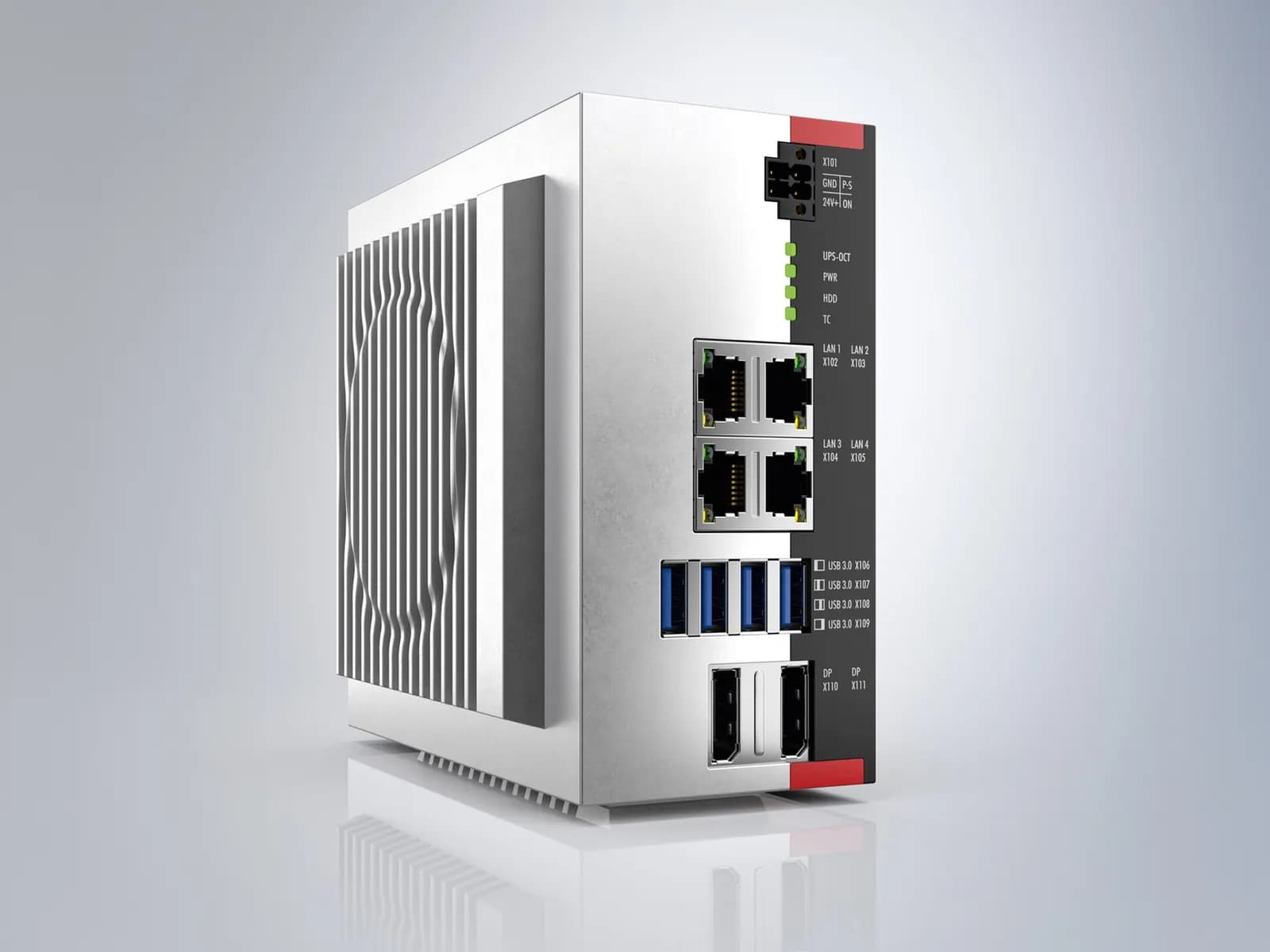
Virtual commissioning with TwinCAT means running your real TwinCAT 3 PLC and motion project against a simulated machine, so that sequences, interlocks, axes and fault handling are tested before the hardware exists or before you get time on it. Beckhoff's TE1111 EtherCAT Simulation emulates the EtherCAT devices on a separate simulation PC: you plug the machine controller's EtherCAT cable into it and the controller sees its I/O, without reconfiguring the project (Beckhoff TE1111). Add a behaviour model of the machine and you have a test bench.
This article describes how we set up such a bench for Beckhoff-based special machines, what to model and what not to, and where the time savings really come from.
Why virtual commissioning pays on TwinCAT machines
Commissioning can take 15 to 20% of a machine project's delivery time, and research cited by Visual Components found that nearly two thirds of commissioning time is spent fixing software errors (Visual Components). Move that debugging off the shop floor and the machine reaches the customer sooner. At machine builder Tronrud, virtual commissioning cut commissioning time by 25%, and a week of physical testing fitted into a weekend of simulation (ISA InTech).
PC-based control makes this easier than on many platforms. The runtime that executes your PLC code on the virtual bench is the same TwinCAT runtime that will run on the industrial PC in the machine.
The building blocks of virtual commissioning in TwinCAT
| Component | Role on the test bench | Status |
|---|---|---|
| TwinCAT 3 runtime (machine project) | Runs the real PLC, NC and motion code | Standard |
| TE1111 EtherCAT Simulation | Emulates EtherCAT devices, including distributed clocks, CoE and SoE | Regular delivery |
| TE1420 Target for FMI | Runs FMI 2.0 and 3.0 models (model exchange and co-simulation) in TwinCAT | Regular delivery |
| TE1400 Target for Simulink | Compiles Simulink models into TwinCAT modules or PLC function blocks | Regular delivery |
| TE1132 Interface for SOLIDWORKS | Couples TwinCAT to SOLIDWORKS CAD for sequence simulation | Announced, release estimated Q4 2026 |
Sources: Beckhoff product pages for TE1420, TE1400 and TE1132. The FMI route is especially useful because many simulation tools can export a Functional Mock-up Unit, so the machine model does not have to be built in a Beckhoff-specific tool.
What to model, and what to leave out
The most common mistake is modelling too much. A virtual commissioning model needs to behave like the machine at the level the PLC can see: sensors switching, cylinders reaching end positions, axes moving with realistic times, products arriving and leaving. It rarely needs finite-element physics.
- Model: every sensor the PLC reads, every actuator it drives, axis motion profiles, product flow, and the faults you want to test (sensor stuck, cylinder slow, product missing).
- Simplify: pneumatics as timed movements, conveyors as queues, drives as ideal axes with limits.
- Leave out: anything the PLC cannot observe or influence.
The German VDI/VDE 3693 guideline gives a shared vocabulary for model types, test configurations and simulation set-ups, and its first part was revised in May 2025 (VDI). It is worth using its terms in specifications so that everyone means the same thing by software-in-the-loop or hardware-in-the-loop.
Tutorial: TwinCAT 3 Simulation Runtime for FMI - Configuration of the Simulation Runtime
Beckhoff Automation
This video is hosted on YouTube. Playing it loads content from Google, which may set cookies.
Watch on YouTubeA test bench in five steps
- Freeze the I/O and axis configuration from the electrical design, so the bench and the real machine share one TwinCAT hardware tree.
- Build the behaviour model for the stations, in FMI, Simulink or as a TwinCAT PLC project on the simulation side.
- Connect through TE1111 for the EtherCAT image, or in pure software-in-the-loop mode on one PC for early tests.
- Write test cases from the functional specification: start-up, automatic cycle, each fault, recovery, product changeover.
- Run, record and repeat every time the code changes, so regressions show up at once.
Keep the bench alive after delivery. When the customer asks for a change a year later, the model is still there, so the change can be tested the same way as the original code.
Remote virtual commissioning
A virtual bench does not care where the engineer sits. That is what lets us write TwinCAT code in our engineering centre in India for a machine being built in Germany, and then run a shared remote acceptance session with your team. Our post on outsourcing PLC programming in Germany explains how that fits into a fixed-price work package. If your fleet is mostly Siemens, see the equivalent set-up in virtual commissioning with PLCSIM Advanced.
What it does not replace
Virtual commissioning does not replace the I/O check, the mechanical set-up, the tuning of real axes under load or the safety validation on the real machine. It removes most logic errors before those steps, so the time on site is spent on physical problems, not on code you could have tested at a desk.
Wartens builds machine and line twins driven by your PLC program and delivers TwinCAT, TIA Portal and CODESYS code tested against them. See our digital twins and virtual commissioning services and PLC engineering. Next step: send us the TwinCAT project or the electrical design of your next machine and we will propose a test bench scope. Contact us.