A VR PLC training lab connects a real or simulated PLC to a virtual machine that trainees see and work with in a VR headset or on a screen. They write the program, download it, and watch a conveyor, a filling station or a pump skid respond in 3D. Instructors can inject faults such as a failed sensor or a jammed cylinder, so trainees practise fault finding on equipment that would be too expensive, too large or too dangerous to put in a classroom.
For training providers, colleges and plant training centres in the UAE, it solves the oldest problem in PLC teaching: a hardware trainer with a row of switches and lamps does not look anything like a real machine.
How a VR PLC training lab works
- The controller. A physical PLC on the desk, or a software PLC such as a vendor simulator, runs the trainee's program.
- The connection. The virtual machine reads the PLC outputs and writes its inputs, usually over OPC UA or a vendor driver, many times a second.
- The virtual machine. A 3D model with physics: boxes move on conveyors, tanks fill, cylinders extend, sensors trigger.
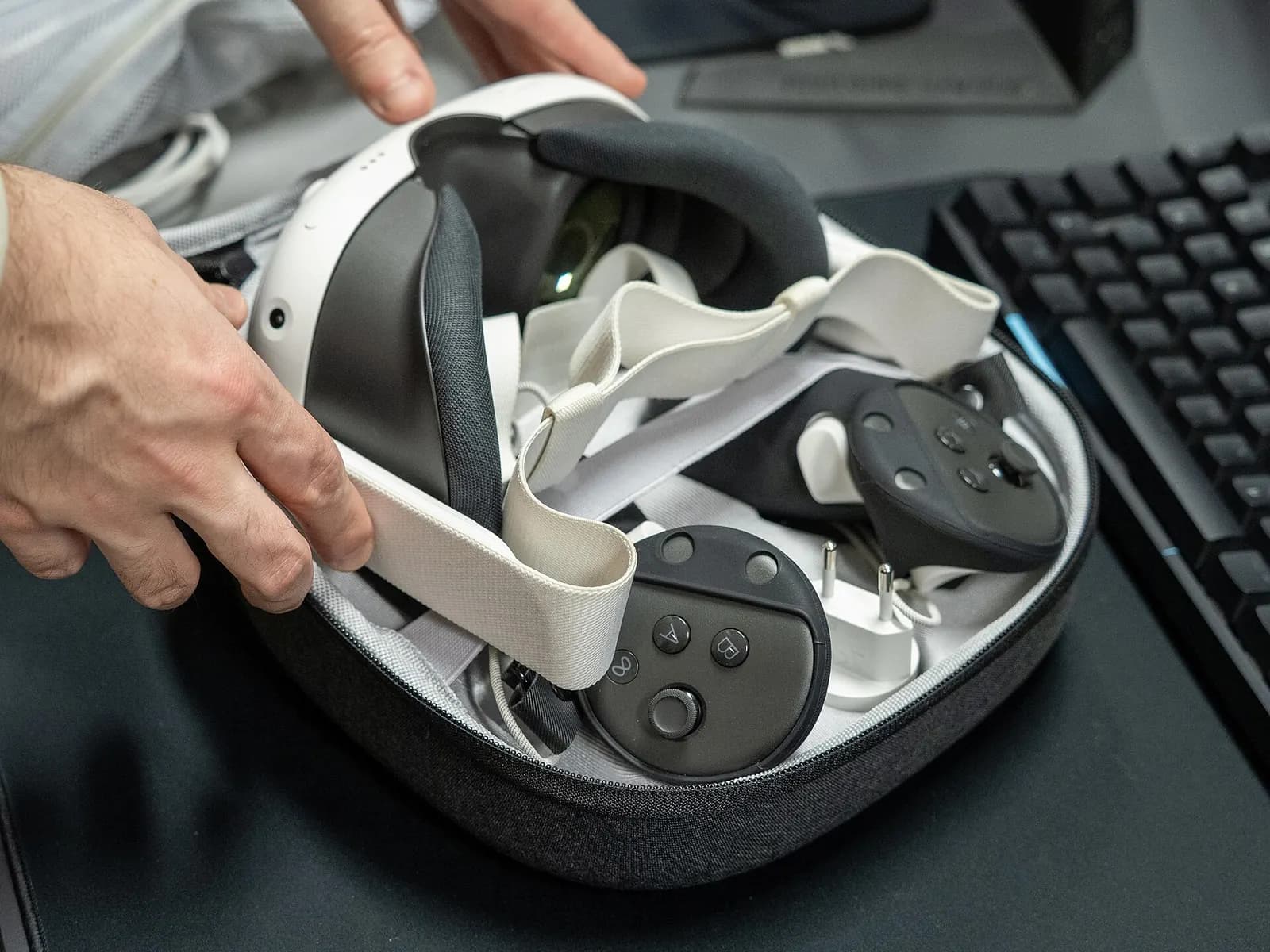
- The headset or screen. Trainees walk around the machine in VR, or use a desktop view when headsets are busy.
- The instructor console. Faults, scenarios and scoring, recorded per trainee.
The programming itself follows the same IEC 61131-3 languages trainees will meet on site: ladder, function block diagram and structured text. The virtual machine changes how they test it, not what they learn.
VR lab vs hardware trainer vs desktop simulation
| Approach | Strengths | Limits |
|---|---|---|
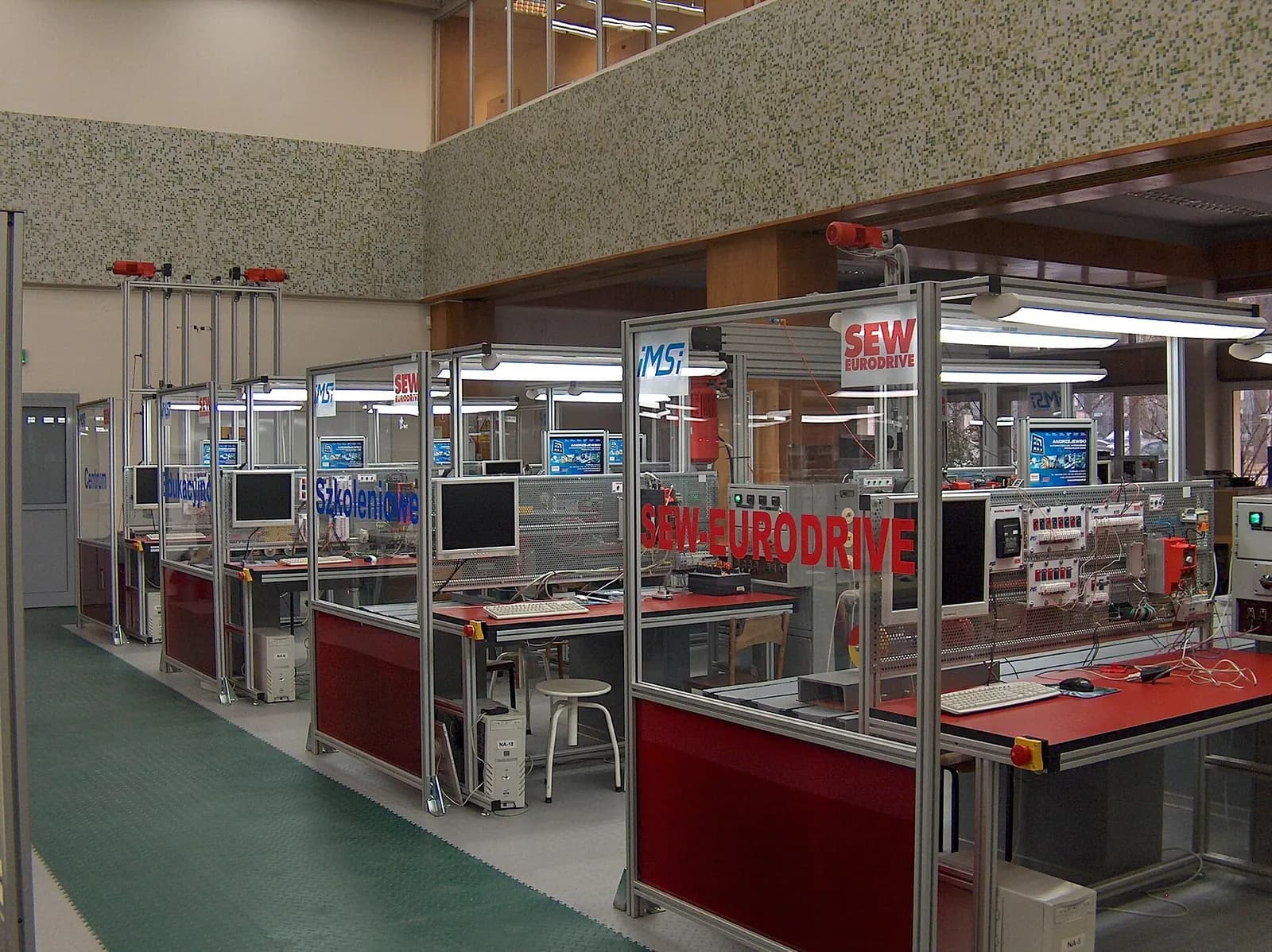
| Hardware trainer | Real wiring, real I/O, tactile | Switches and lamps only; one machine type |
| Desktop simulation | Cheap, many scenes, works at home | Flat view; less sense of scale and access |
| VR PLC lab | Full-size machines, safe fault practice, walk-around | Headset management, motion comfort, setup time |
Most good programmes use all three. Hardware for wiring and I/O basics, desktop simulation such as Factory I/O for volume practice, and VR for the scenarios where scale and immersion matter: a full packaging line, a pump station, a process skid with hazardous areas.
What trainees practise in VR
- Start-up and shutdown sequences on a multi-station line.
- Interlocks and safety circuits: what happens when a guard opens mid-cycle.
- Fault finding: a sensor that has drifted, a valve that sticks, a motor that trips on overload.
- Commissioning steps: I/O checks, direction checks, first run at low speed.
- Reading the machine: following product flow, finding the device behind an alarm.
Spatial Learning VR Labs | Higher Education | Immersive Learning | iXR Labs
iXR Labs
This video is hosted on YouTube. Playing it loads content from Google, which may set cookies.
Watch on YouTubeA sample five-day lab programme
| Day | Focus | VR scenario |
|---|---|---|
| 1 | Hardware, I/O and addressing | Walk the virtual line and identify every sensor and actuator |
| 2 | Basic logic, timers and counters | Run a single conveyor with start, stop and jam detection |
| 3 | Sequences and interlocks | A pick-and-place station with guard door interlocks |
| 4 | HMI, alarms and analogue | A tank filling skid with level control and alarm handling |
| 5 | Fault finding assessment | Instructor-injected faults on a full line, scored per trainee |
What to budget for
A lab has four cost lines: headsets and a few gaming-class PCs for the desktop view, PLC hardware or simulator licences, the virtual machine content, and instructor time to build exercises around it. Content is the part people underestimate. A single generic machine teaches principles; a set of five to eight scenes, each with a fault library, is what keeps a programme interesting for a full course. Ask suppliers how new scenes are added and who can edit the fault scenarios.
Comfort and accessibility
A few trainees feel motion discomfort in VR, especially when the scene moves them rather than letting them walk. Good lab content uses teleport movement, keeps a stable horizon and offers a seated mode. Always provide the same exercise on a desktop screen, so nobody is excluded from an assessment because the headset does not suit them. Glasses wearers need headsets with enough space or prescription inserts.
Does VR training work?
Evidence from enterprise training is encouraging. PwC's study of VR training found learners completed courses up to four times faster than in a classroom and felt more confident to apply what they learned (PwC). That study was about soft skills, not PLCs, so treat it as a signal rather than proof. Measure your own results: time to complete a set exercise, faults found per hour, and how trainees perform when they meet real equipment.
Building a lab around your own equipment
Generic virtual machines teach principles. A plant training centre can go further and use a virtual copy of its own line, built from CAD, so new technicians learn the actual equipment before they set foot on the floor. That is the same model we use for digital twins, reused for training.
Wartens builds VR PLC labs through iUNI, and edWartens runs PLC and SCADA courses with VR options. See our immersive training service, our engineering training service, our guide to PLC training in the UAE, or talk to us about a lab.