Our product · LADX
LADX, the AI workbench for automation engineers
LADX is the Wartens group's software for the people who program machines. Draw ladder logic and run it, ask for logic and get it back checked, with anything the checks object to listed beside it, then convert it, build the operator screens, draw the panel and produce the project documents, all on one project. It is vendor-neutral, it runs in your browser, and it includes the Wartens LADV virtual PLCs for testing logic before it reaches a machine.
In short
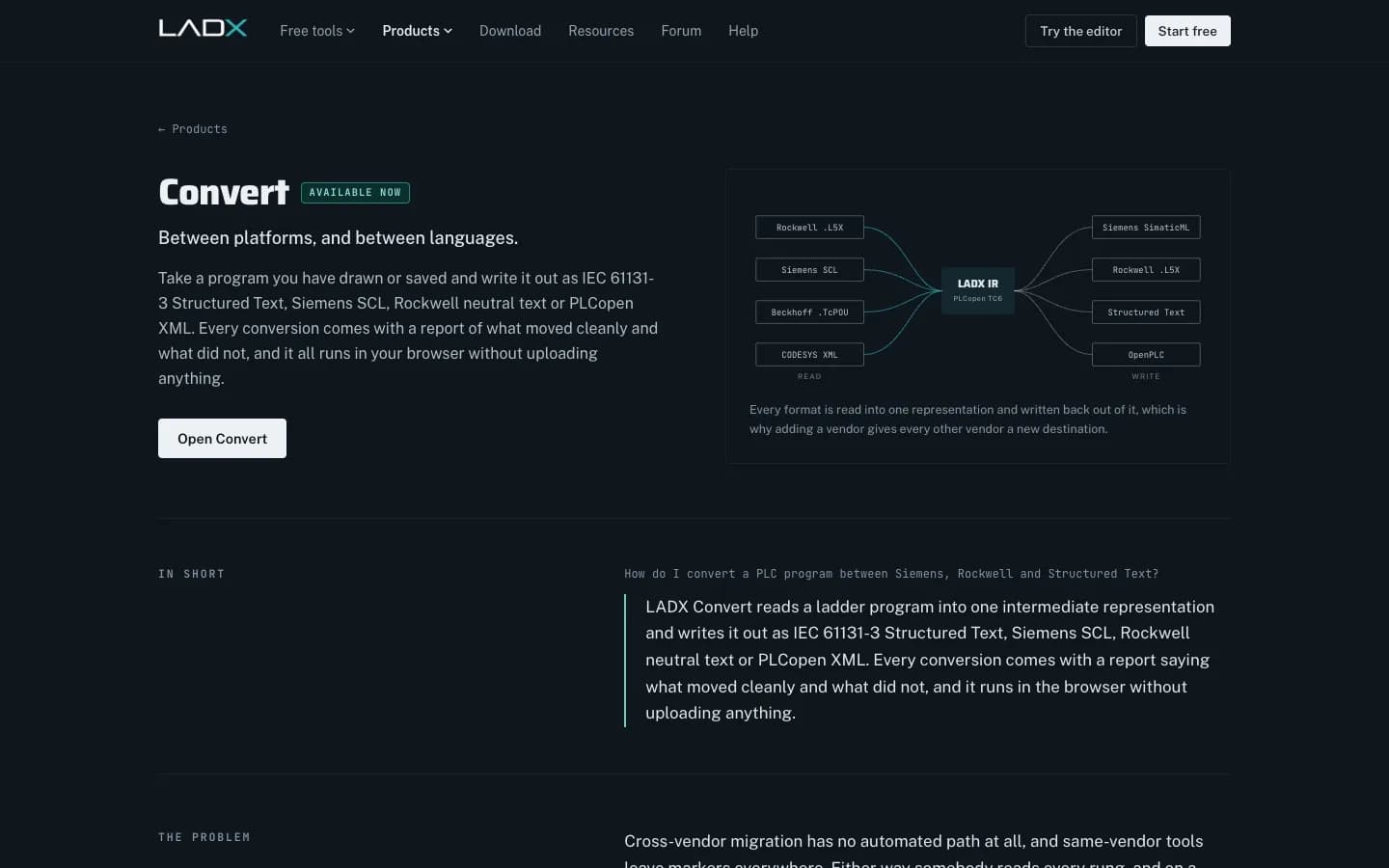
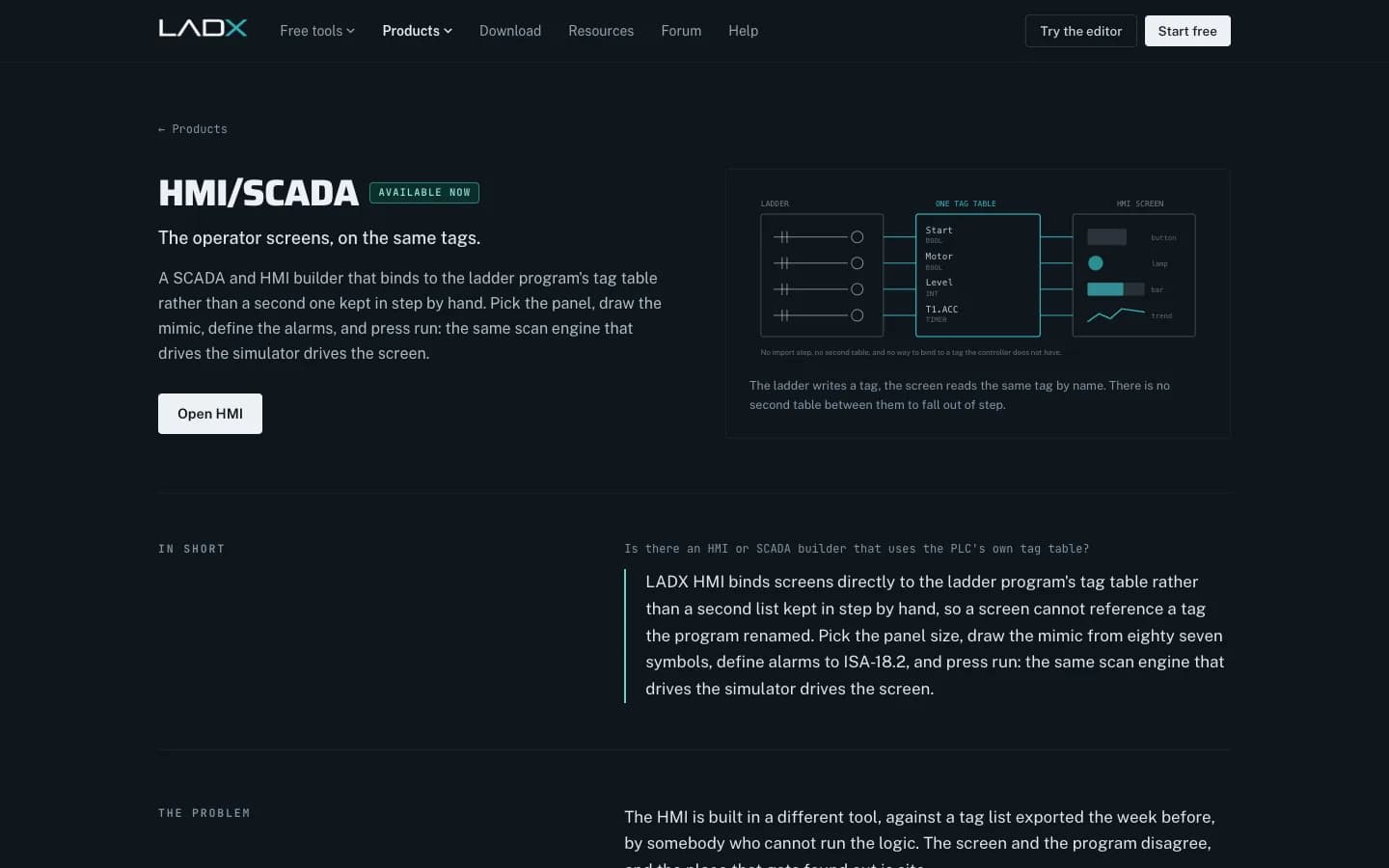
LADX is the Wartens group's AI workbench for automation engineers: a free browser ladder editor and PLC simulator, AI whose answers are checked before you use them (ladder by the editor's validator, Structured Text by the LADV IEC 61131-3 compiler), the Wartens LADV virtual PLCs for testing logic in the browser, conversion to Siemens SCL, Rockwell neutral text, Structured Text and PLCopen XML, an HMI/SCADA builder, panel CAD and 17 project document templates. It is vendor-neutral and runs in the browser.
Try it here
Write a PLC program in your browser
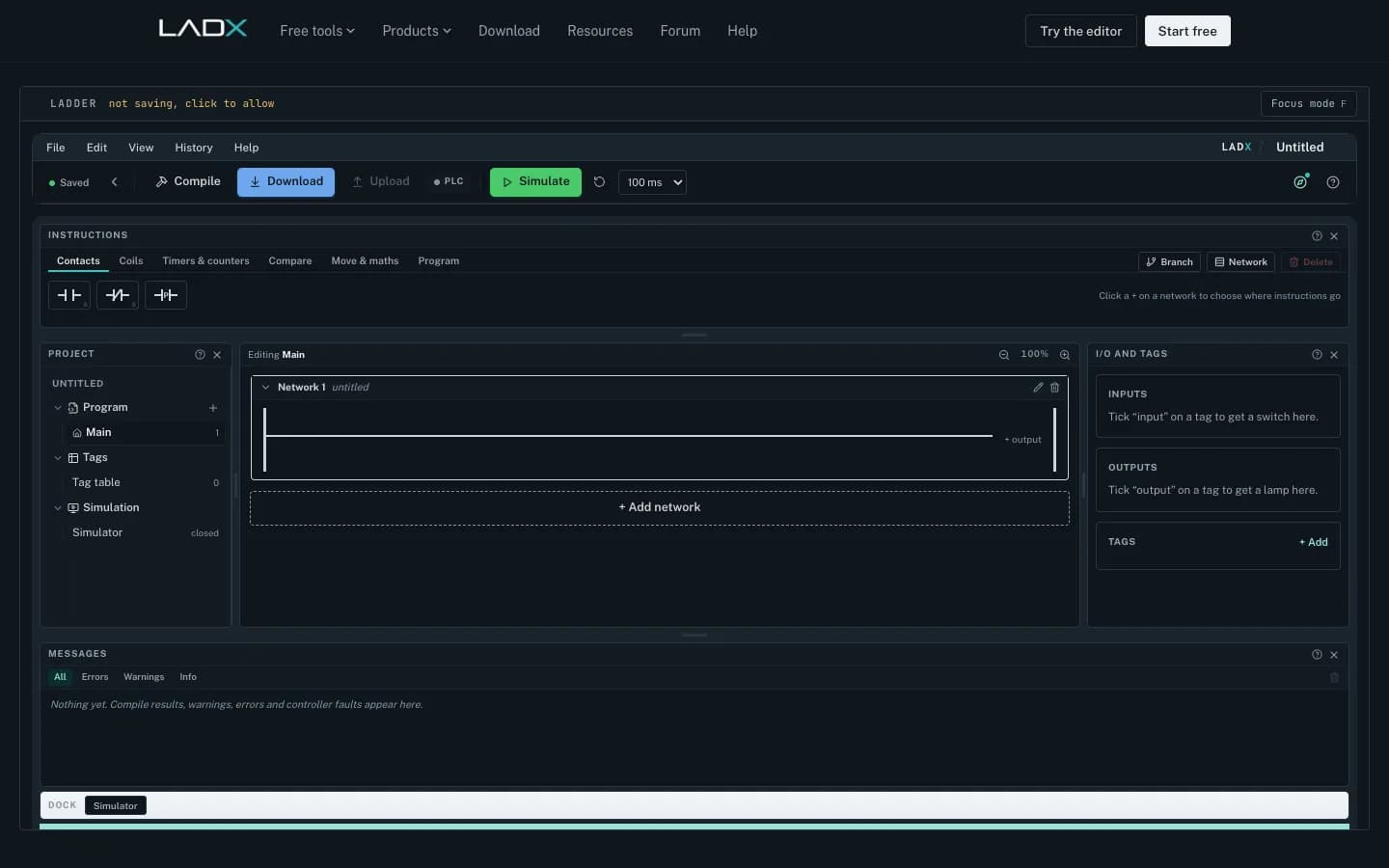
This is the real LADX ladder editor, running here from ladx.ai. Add contacts and coils from the instruction bar, create tags, press Simulate and watch each rung conduct, then export your program. No account is needed.
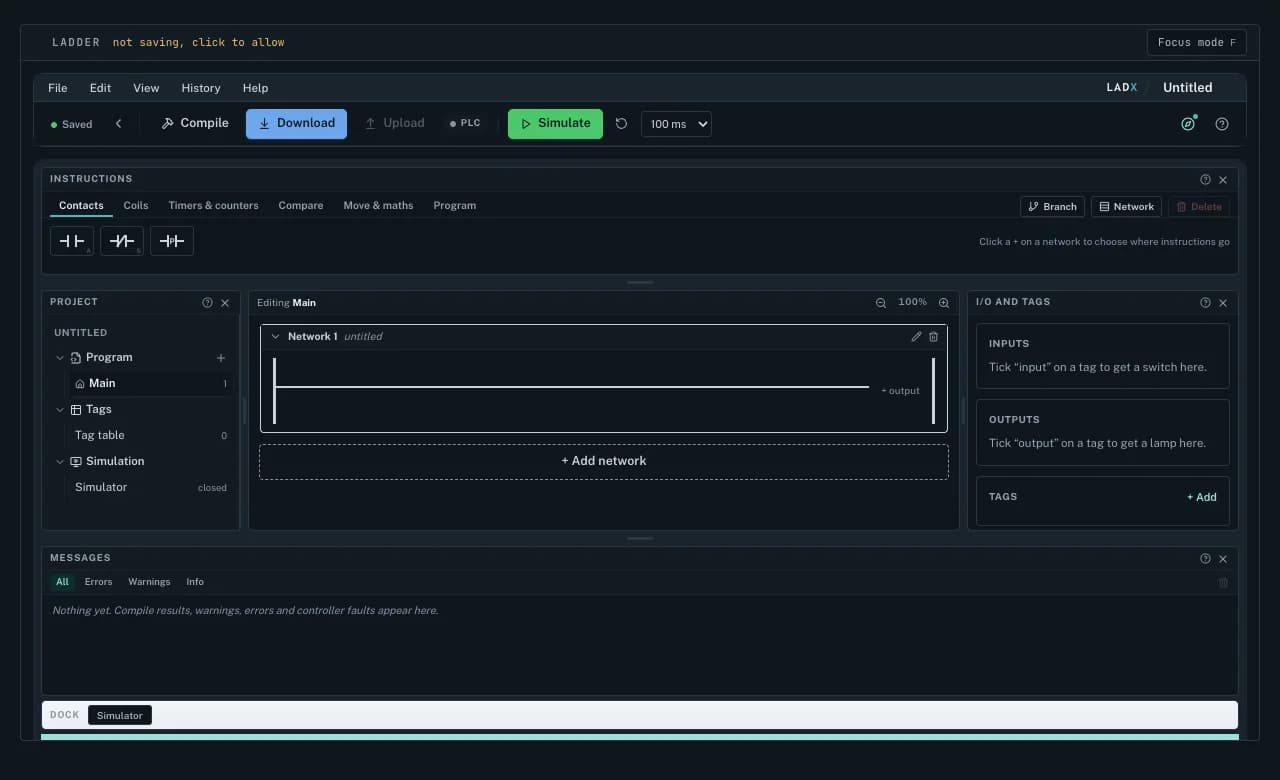
Tip: press F inside the editor for focus mode. To keep your program between visits, allow storage in the LADX notice or open the full editor.
Open the full LADX editorLADX CAD
Draw control panels and schematics
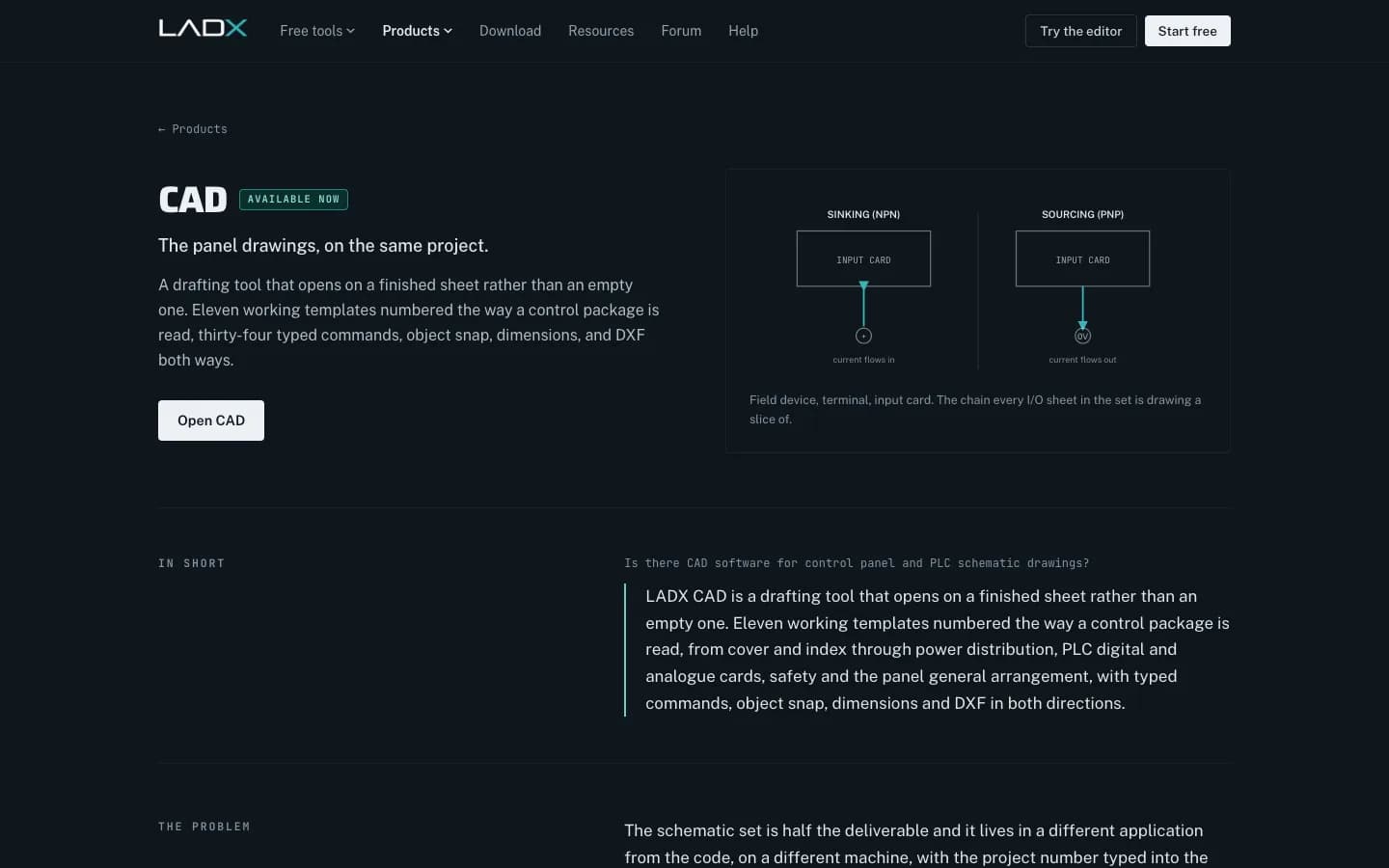
Below is LADX CAD, the free drafting board for control panel and electrical drawings. Start from a working sheet in the library (cover, power distribution, PLC cards, safety, panel layout), draw with typed commands and object snap, then export DXF, SVG or PDF.
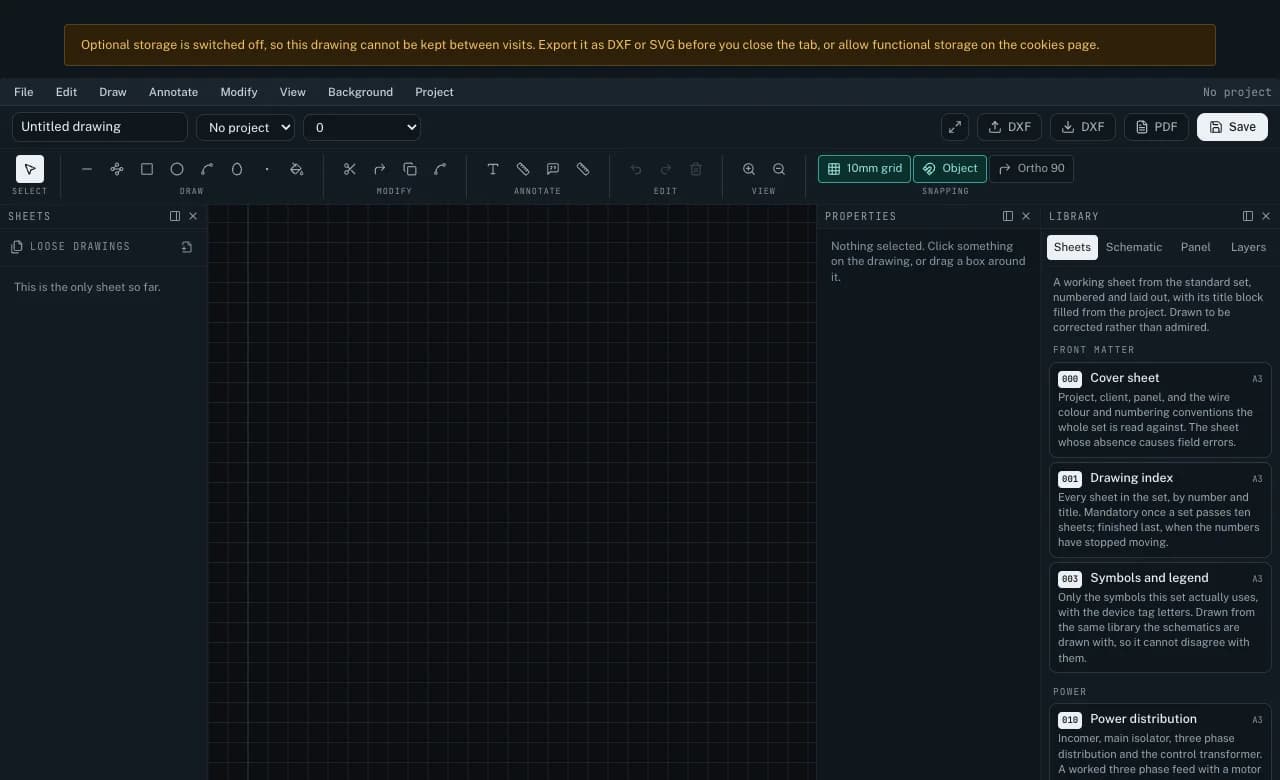
CAD exports DXF, so nothing you draw is locked in. A free account keeps drawings with your PLC program and project documents.
Open LADX CAD in fullHow the AI works
Every answer is checked, and you see what the checks found
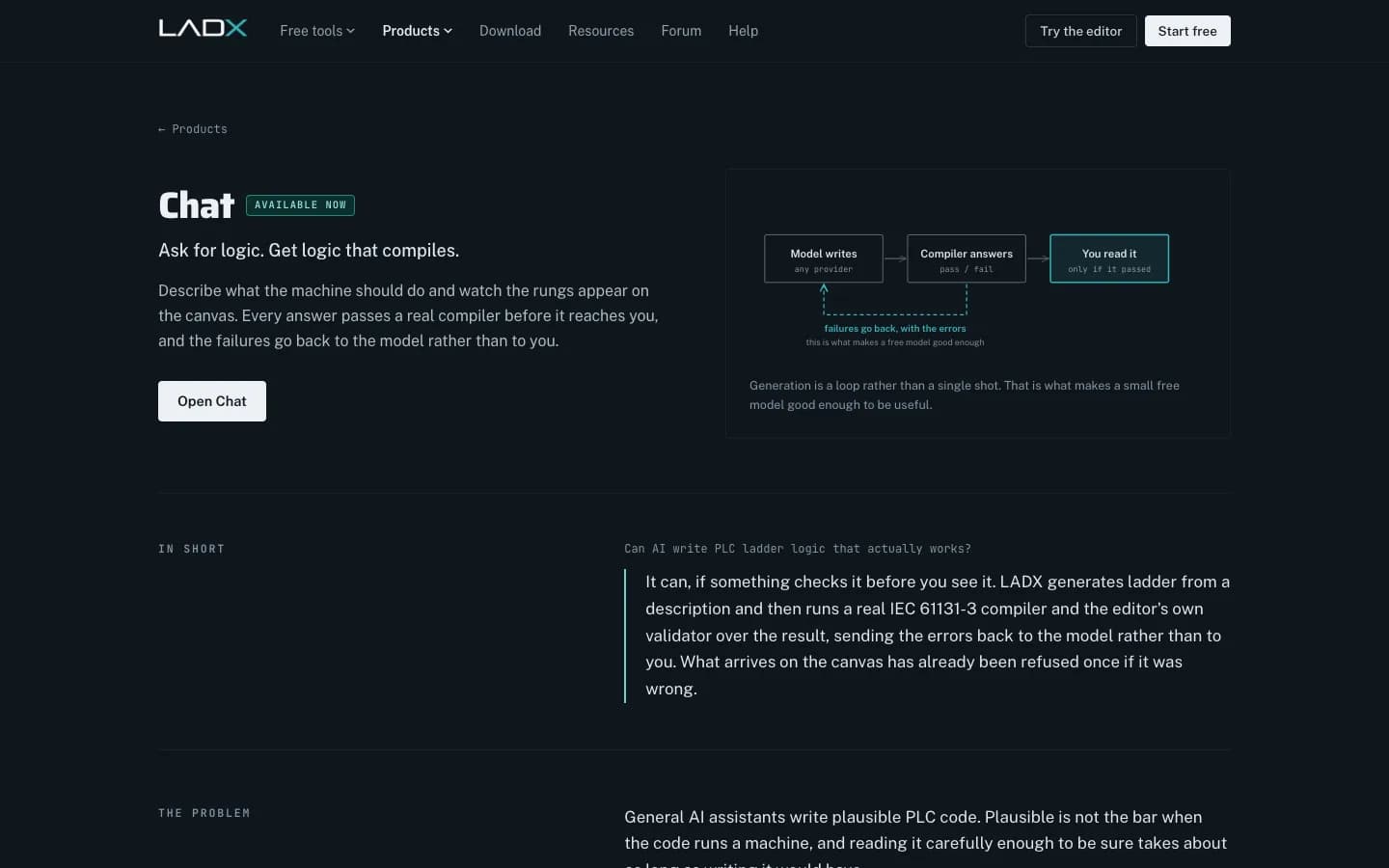
General AI assistants write plausible PLC code. Plausible is not the bar when the code runs a machine, so LADX treats generation as a loop rather than a single answer.
- 01
Generate
You describe what the machine should do. A free model writes the logic, or the provider you connect for paid models: OpenRouter, Anthropic, OpenAI or any OpenAI-compatible endpoint.
- 02
Check
Ladder goes through the editor's own validator and a seal-in check. Structured Text is compiled by the LADV compiler, the IEC 61131-3 compiler the Wartens virtual PLCs run, which checks every name, type and block call.
- 03
Repair
Anything the checks object to is listed beside the answer, never hidden. Auto-fix sends the errors back to the model, up to three times, and shows you each attempt.
- 04
Run
Structured Text that passes opens on a Wartens LADV virtual PLC in your browser with one click, so you can watch it scan against a digital twin before it goes near a machine.
Ten tools, one project
Everything a control system job produces, in one place
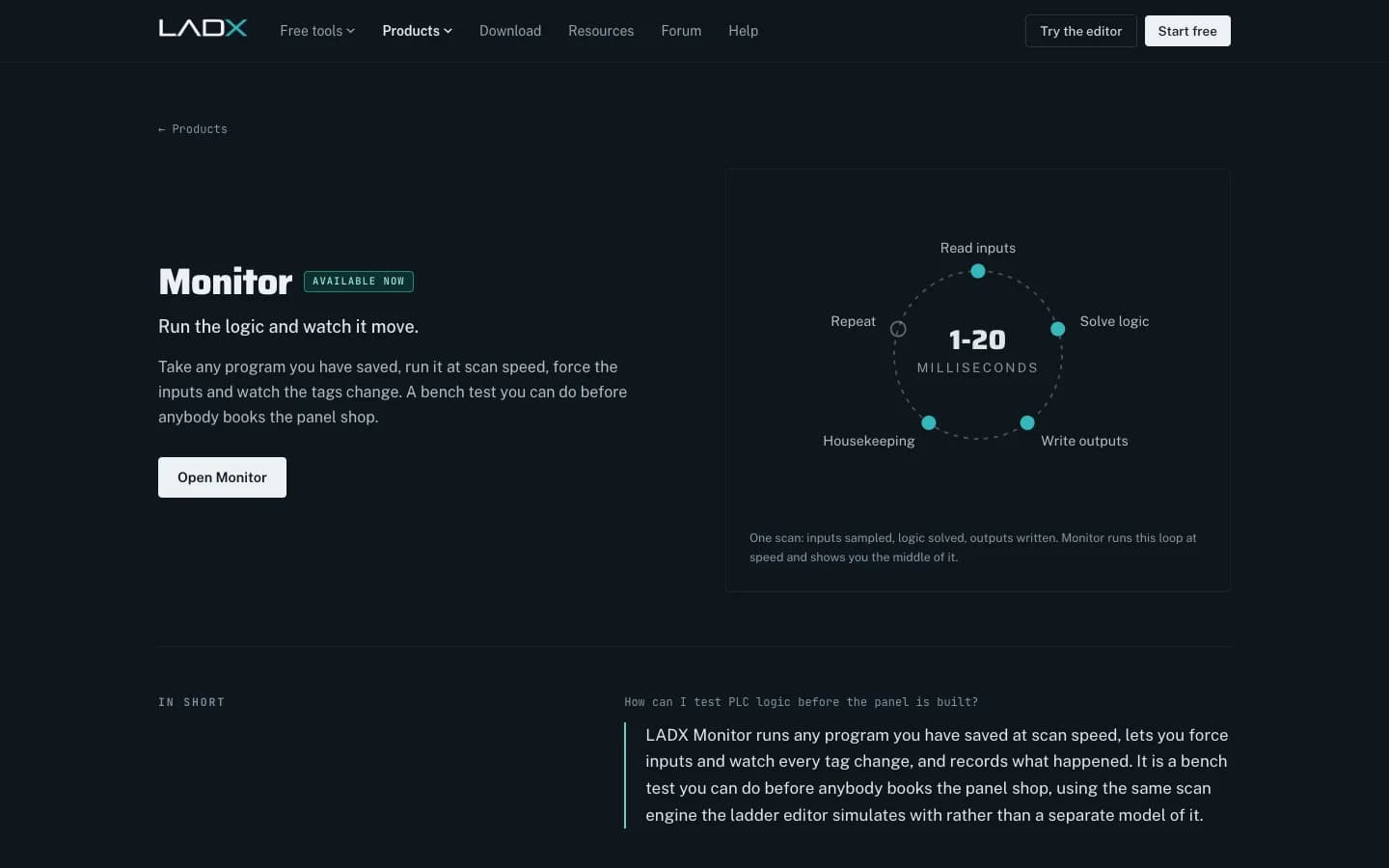
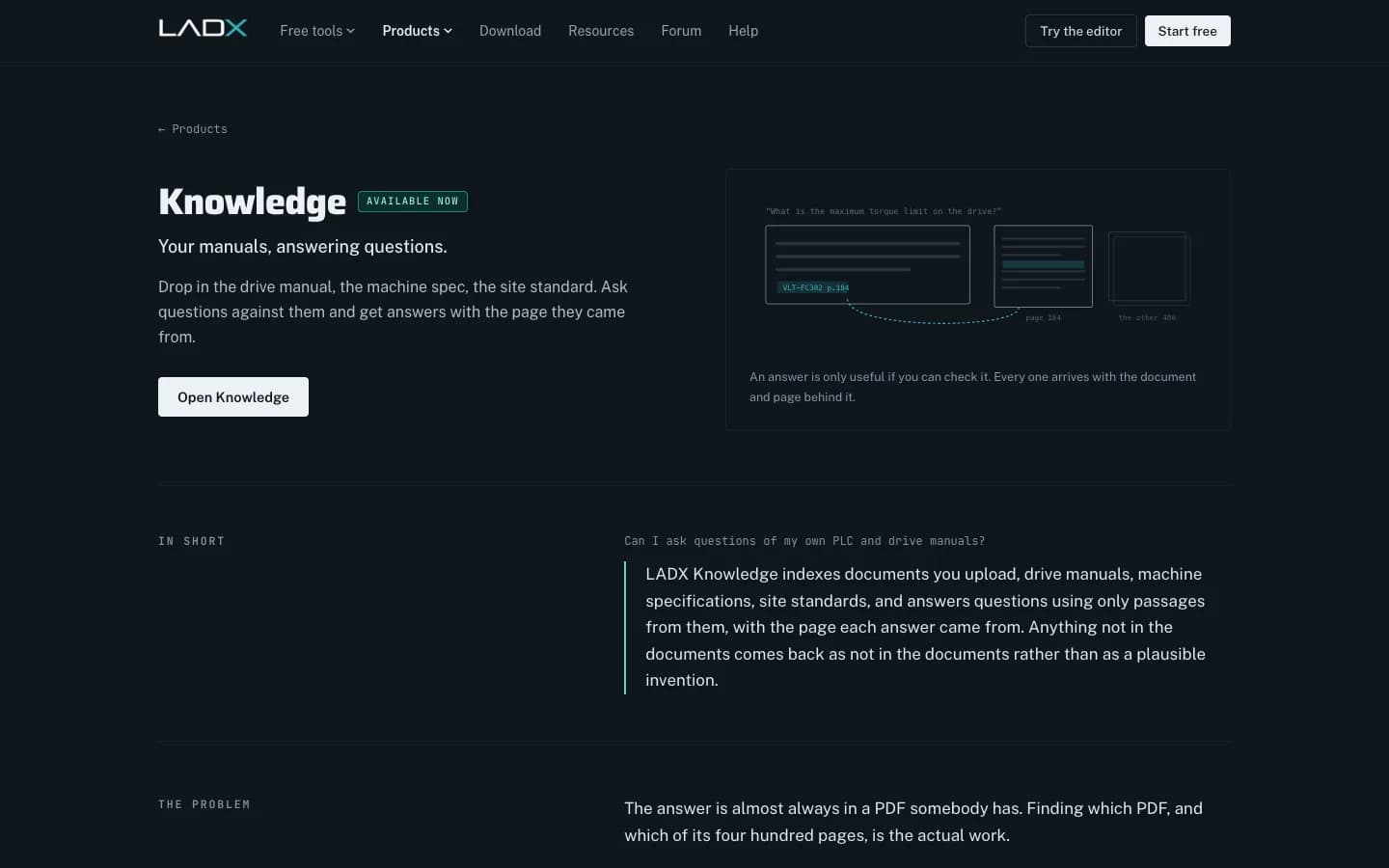
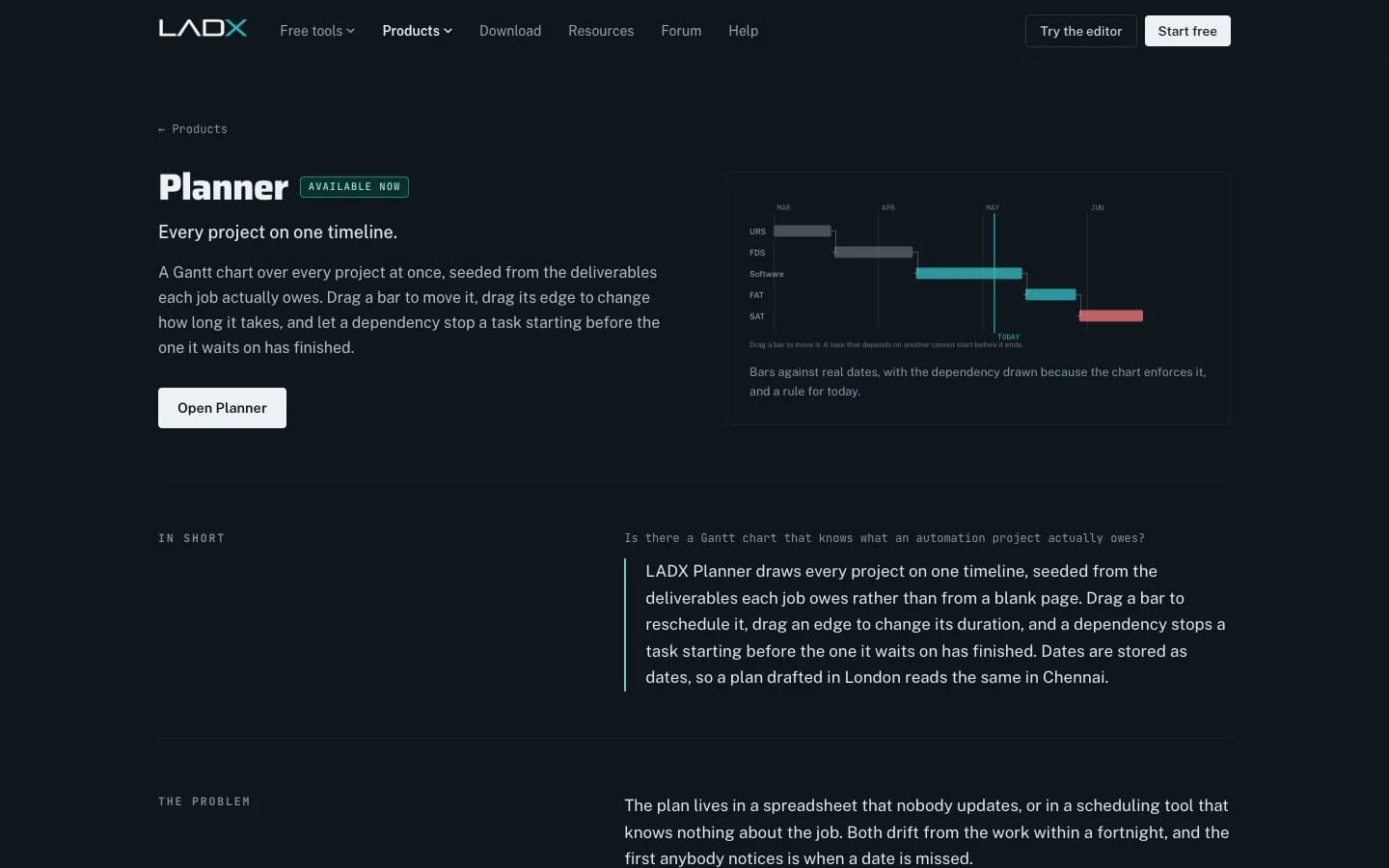
The rung you draw is the rung the AI edits, the rung that converts to another platform, the rung Monitor runs and the rung described in the functional specification. Change the client name once and it lands on every drawing and document.
Free, no account
Free PLC, CAD and SCADA tools in the browser
No sign-up, no installer, no trial period and nothing that expires. An account only adds somewhere central to keep your work.
- Ladder editor and PLC simulatorDraw ladder logic and run it with a scan-accurate simulator.
- Ladder to Structured Text converterConvert to ST, Siemens SCL, Rockwell neutral text or PLCopen XML. Your program is not uploaded.
- HMI and SCADA builderBuild operator screens and run them against real ladder logic, with no tag limit.
- CAD for panels and schematicsDraw control panel and electrical drawings and export DXF, with no watermark.
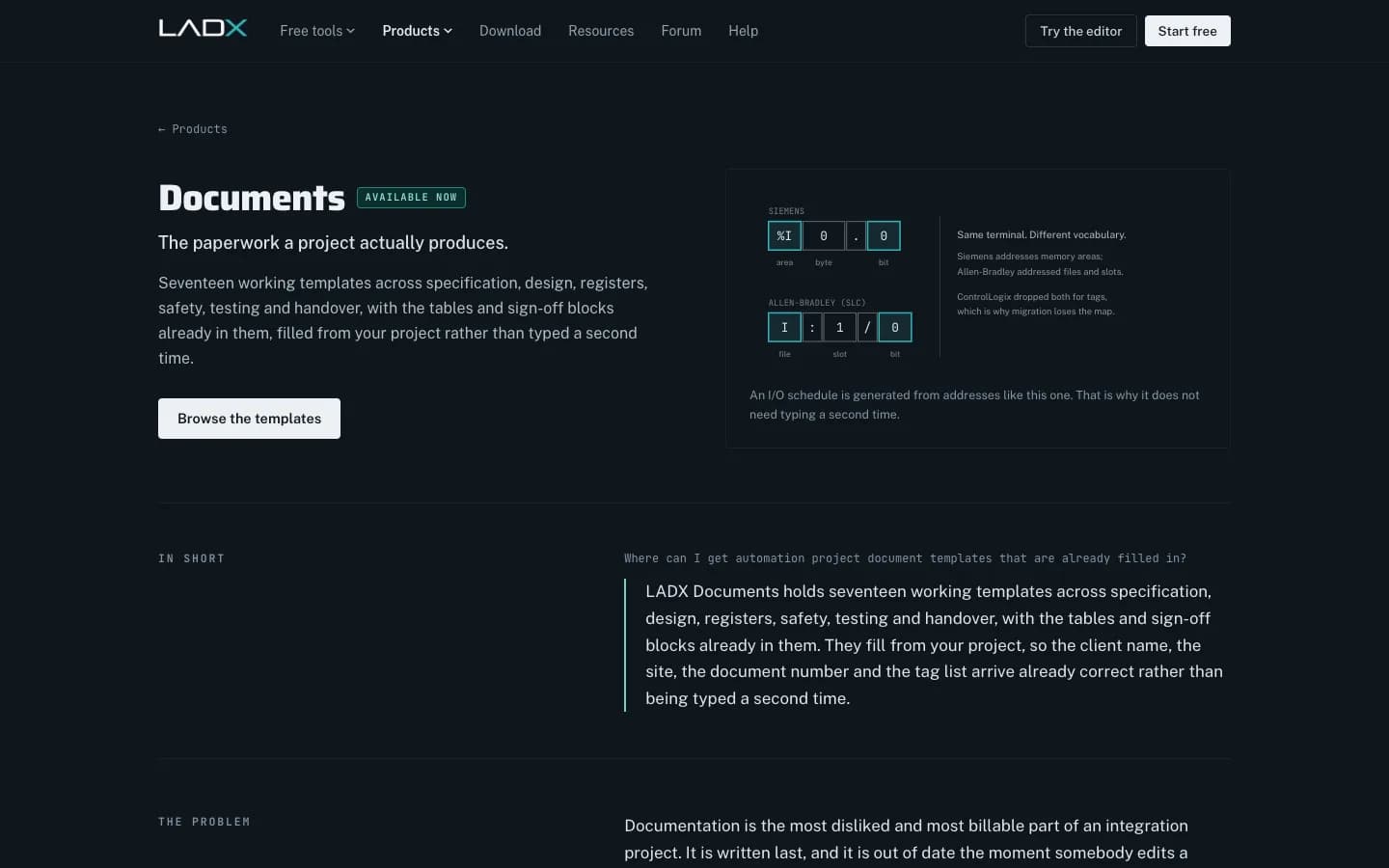
- 17 project document templatesURS, FDS, I/O list, FAT, SAT, O&M manual and more, downloaded already filled with your project details.
- Forum for automation engineersAsk the people who have hit the problem before. Open to read without an account.
Built for real plants
Your code stays yours
- Vendor-neutralSiemens, Rockwell, Beckhoff and CODESYS on one workbench, for engineers who touch several platforms in the same week.
- Never used for trainingLADX never sells your data or uses it to train AI models, and your account and its data can be deleted in one action. On the free tier the company running the free model may keep prompts, so connect your own provider key for confidential work.
- Virtual PLCs includedThe Wartens LADV virtual PLCs run ladder and Structured Text in the browser against digital twins, with manuals and datasheets to download. They are for learning and testing logic, not for running a machine.
- No writes to live controllersLADX does not download to a running PLC. You still compile and download in the vendor tool, after review.
Who it is for
For the people who program machines
System integrators
One workbench across every client's platform, with the documents and drawings on the same project.
Maintenance and controls teams
Check logic, test changes on the bench and find the answer in the manual before the line stops.
Students and apprentices
Learn ladder logic on a simulator that behaves like a real PLC, free and without a licence.
LADX questions
LADX is the Wartens group's AI workbench for automation engineers. It brings a ladder editor and simulator, AI whose answers are checked before you use them, conversion between PLC platforms, an HMI/SCADA builder, panel CAD, project documents, a planner and a manuals assistant onto one project, with the Wartens LADV virtual PLCs for testing logic. It is vendor-neutral and runs in the browser.
The browser ladder editor and simulator, the converter, the HMI/SCADA builder, the CAD tool, the 17 document templates and the forum are free with no account and no trial period. An account adds a central place to keep projects. With a free account the AI runs on free models, and you can connect your own provider key for paid ones.
It can, if something checks it and shows you what it found. LADX runs generated ladder through the editor's validator and a seal-in check, and compiles generated Structured Text with the LADV IEC 61131-3 compiler. Problems are listed beside the answer, Auto-fix sends them back to the model, and code that passes can be run on a virtual PLC. A compiler proves code is valid, not that it is right, so review stays with the engineer.
LADX writes programs out as Siemens SCL, Rockwell neutral text, IEC 61131-3 Structured Text and PLCopen XML. You then import, compile and download in the vendor tool. Reading vendor projects back into LADX is still being built.
No. LADX never uses your programs to train AI models, and your account and its data can be deleted in one action. On the free tier your prompts go to the company running the free model, which may keep them; connect your own provider key to work under your own provider's terms.
Your next innovation starts with a conversation
Planning a plant upgrade, a digital twin, a virtual showroom or a VR training programme? Send us the details and we'll come back with a written scope and price.
Contact us now