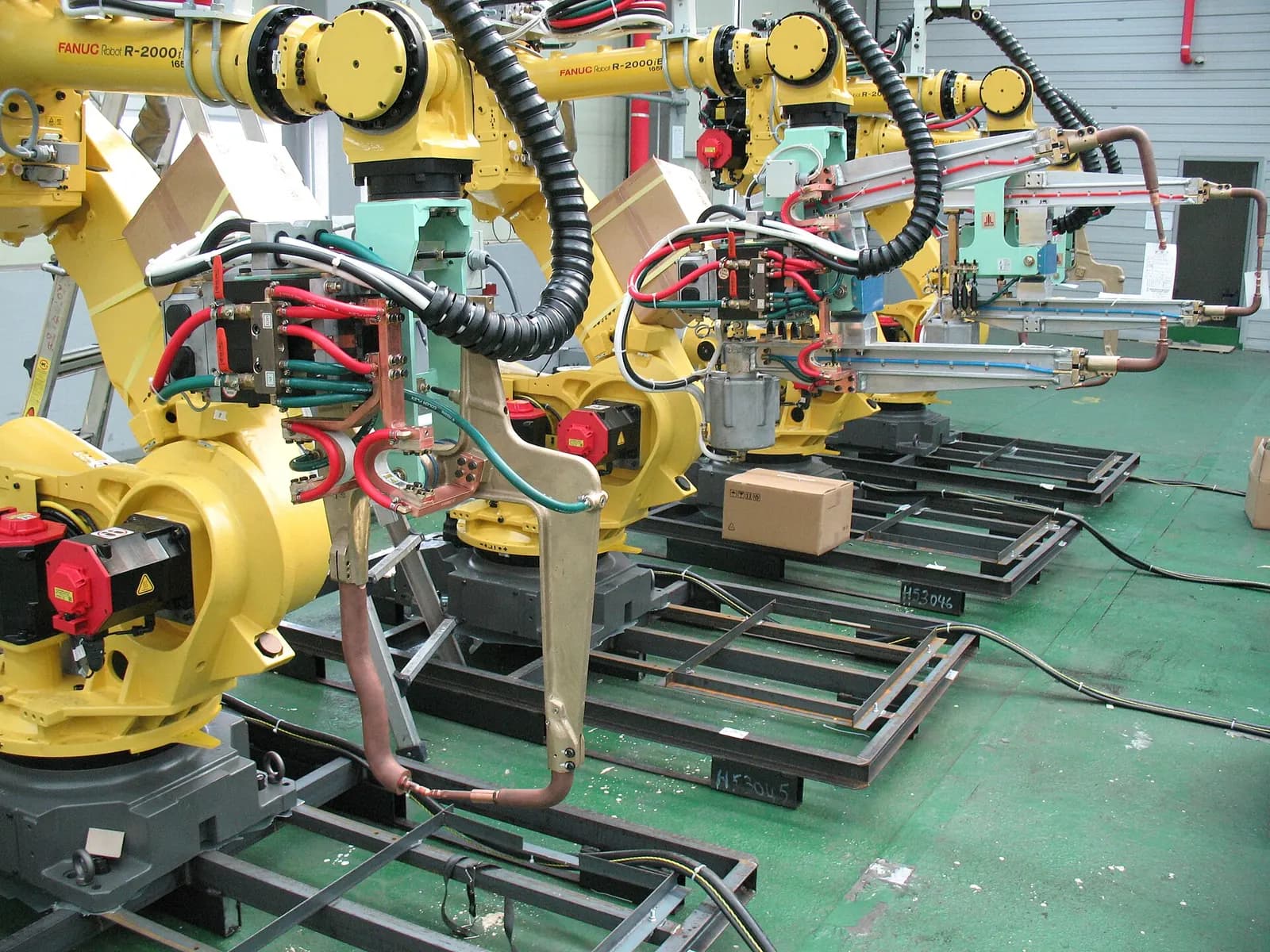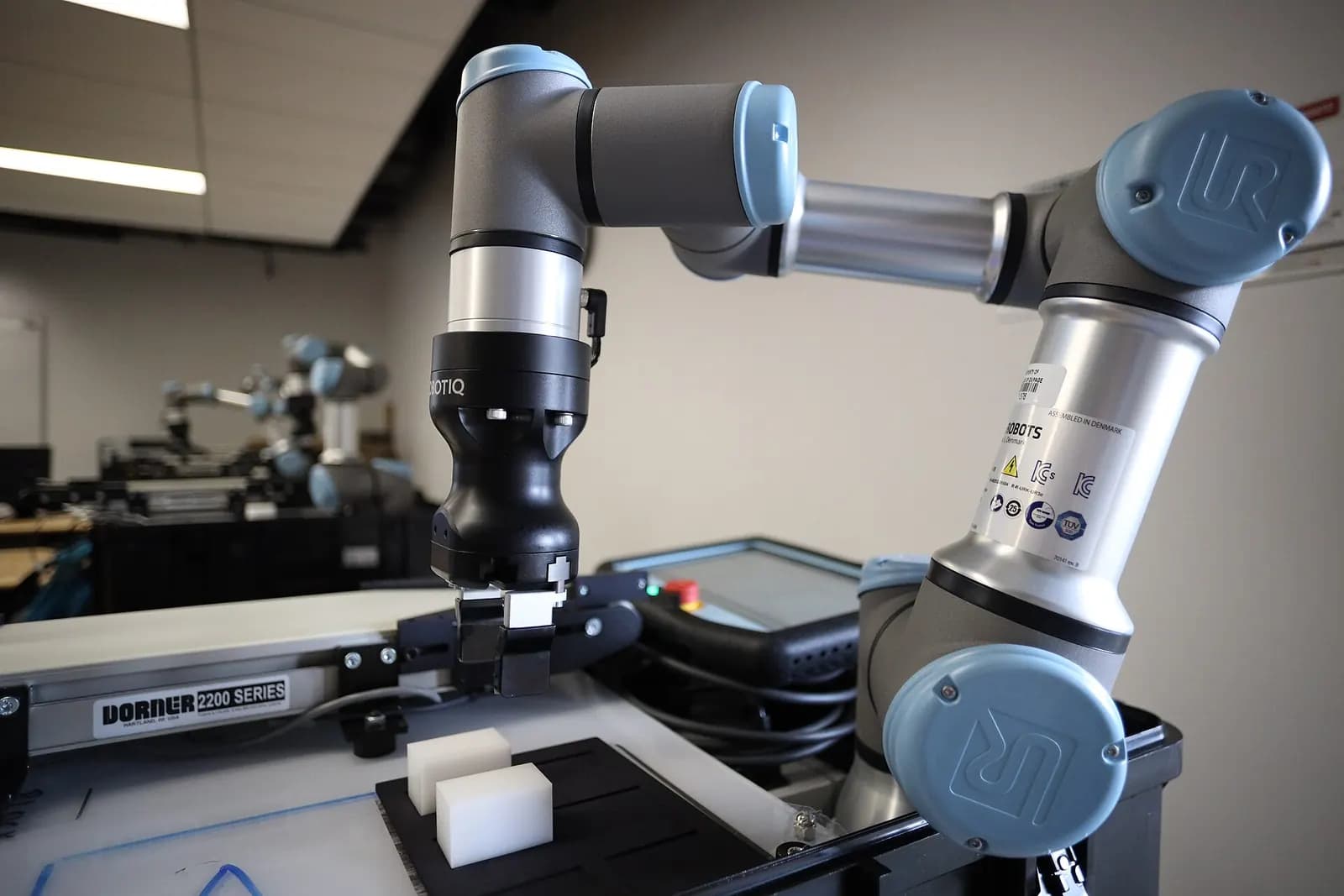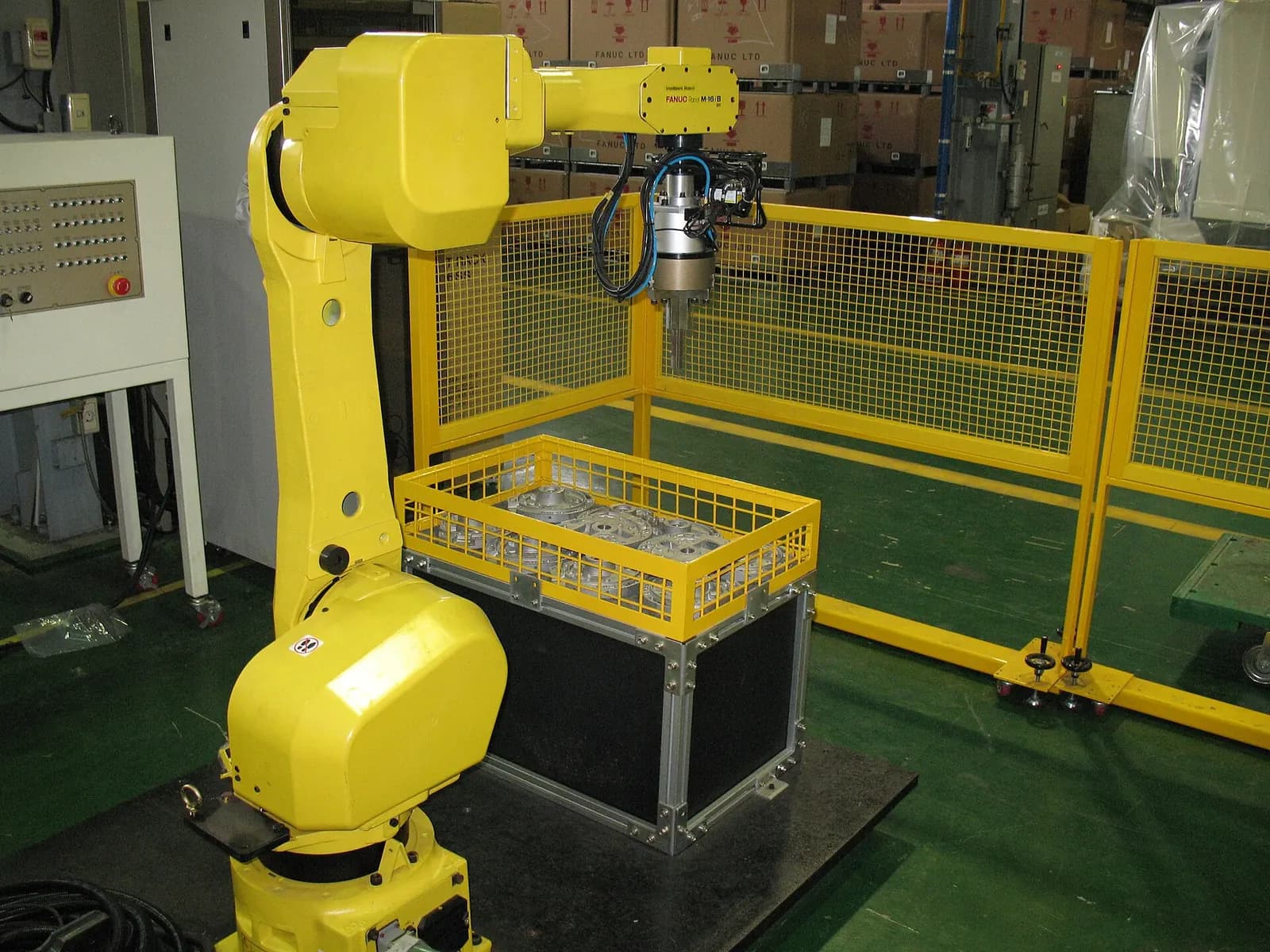
PLC robot integration is the design of everything that passes between the cell's PLC and the robot controller: start and stop commands, program selection, position and status feedback, part handshakes and safety signals. The PLC usually owns the cell sequence and the robot owns its motion. Problems appear when the two disagree about who is waiting for whom. A written interface specification, a standard handshake and testing both sides together in simulation prevent almost all of them.
Choose the network first
Hardwired I/O still works for simple cells, but most new cells use an industrial Ethernet network. In Allen-Bradley plants that means EtherNet/IP, which runs on standard Ethernet and TCP/IP and uses the Common Industrial Protocol supported by hundreds of vendors (ODVA EtherNet/IP). In Siemens plants it means PROFINET, which PI reports at 89.2 million installed nodes, with 10.4 million new nodes in 2025 (PROFINET). Every major robot brand supports both.
For safety, both ecosystems use a black-channel safety protocol on the same cable. CIP Safety supports applications up to SIL 3 per IEC 61508 (ODVA CIP Safety). PROFIsafe supports functional safety up to PL e and SIL 3 (PROFIsafe). Using the safety network for e-stops, door switches and robot safe stops removes a lot of hardwired safety wiring, and makes diagnostics much easier.
MinutePROFINET: PROFIsafe & PROFINET | Functional Safety over the Bus
MinutePROFINET
This video is hosted on YouTube. Playing it loads content from Google, which may set cookies.
Watch on YouTubeA standard handshake
| Direction | Signal | Purpose |
|---|---|---|
| PLC to robot | Enable, start, stop, reset | Run control |
| PLC to robot | Program or job number, strobe | Select the task for the current part |
| PLC to robot | Part present, fixture clamped, area clear | Permissives before motion |
| Robot to PLC | Ready, running, at home, faulted | Status for the sequence and HMI |
| Robot to PLC | Job acknowledged, job complete | Closes the handshake |
| Robot to PLC | In zone, clear of zone | Shared-space interlocks |
The rule that prevents most deadlocks: every command has an acknowledgment, every acknowledgment is reset only after the command drops, and every wait has a timeout with an alarm that tells the operator what the cell was waiting for. "Robot waiting" is not an alarm. "Robot waiting for fixture 2 clamped" is.
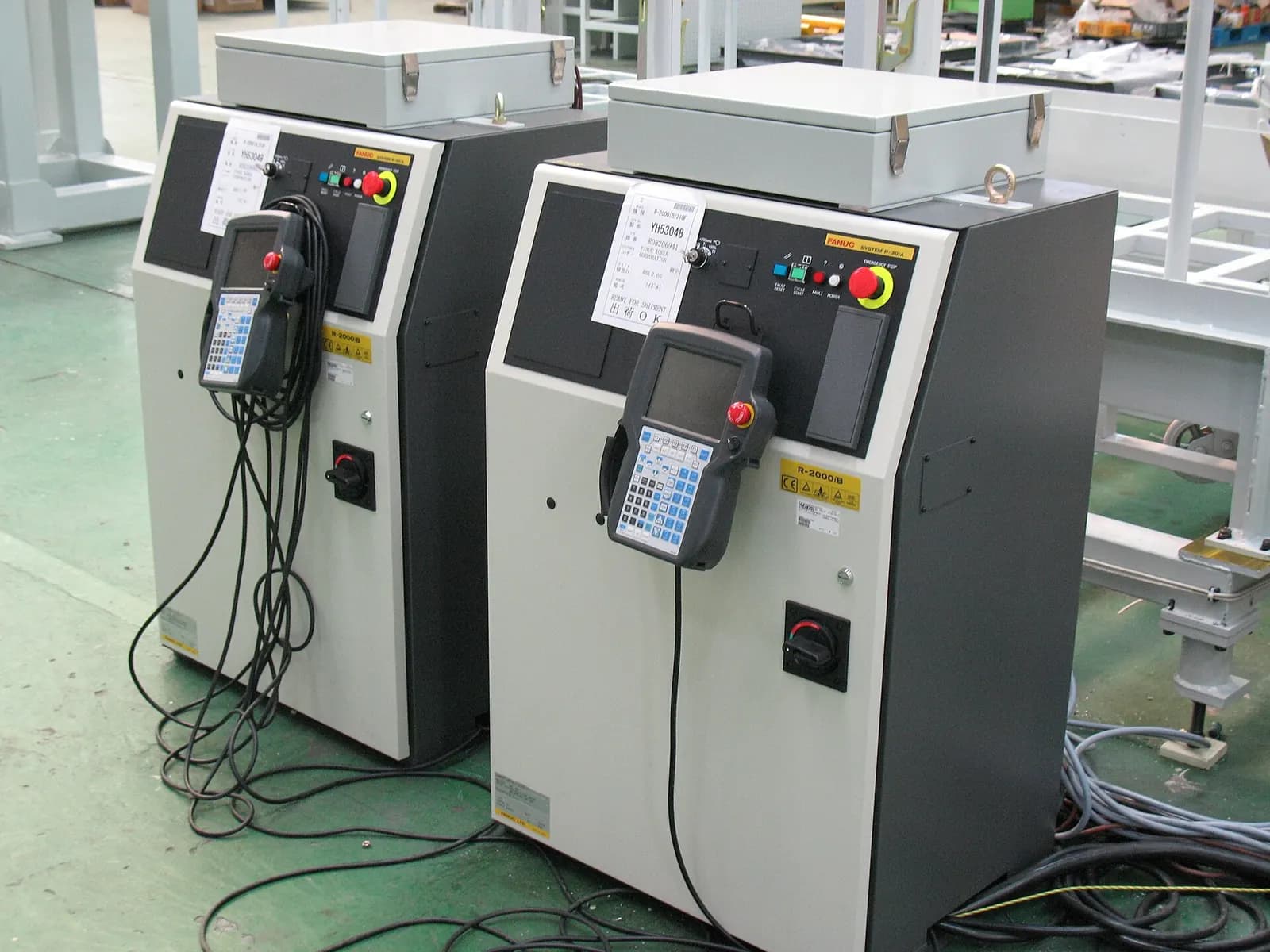
Who controls the robot program?
There are two models. In the classic model, the robot runs its own programs and the PLC only selects them. In the newer model, the PLC calls robot functions directly. PROFINET's Standard Robot Command Interface (SRCI) lets users program the robot from the PLC engineering environment, with more than 115 robot functions callable from the PLC (PROFINET SRCI). Robot makers also offer their own PLC libraries.
Whichever model you choose, keep robot program numbers, job tables and fault codes in one shared document that both the PLC and robot programmers work from. Version it like code. PLC-centric programming suits plants where controls staff know PLCs but not robot languages, and simple pick-and-place tasks. Robot-centric programming still suits complex paths, welding and dispensing. We choose per cell, and we keep the decision in the interface spec so nobody changes it halfway through.
Interlocks for shared space
- Zone interlocks between robots, or between a robot and a press or conveyor, using in-zone and clear-of-zone signals.
- Safe zones in the robot controller (for example FANUC DCS or ABB SafeMove) for limits that must hold even if the PLC misbehaves.
- Safety-rated monitored stops when people load parts, with the robot's safety function confirmed over the safety network.
- Recovery paths that bring the robot home safely after a stop at any point, tested from every position.
Safety-related parts of the control system are designed to ISO 13849-1, which sets the principles but does not set the required performance level for a given application. That comes from the risk assessment (ISO 13849-1:2023). Our cobot safety risk assessment guide covers that step.
Faults, recovery and the HMI
A cell spends most of its life running, but most of the engineering effort goes into what happens when it stops. Map every robot fault code that matters to a clear HMI message, with the robot's position and the last completed step. Give operators a guided recovery: what to check, which mode to select and whether the robot needs to go home first. Without that, every stop becomes a call to the one person who knows the cell.
Communication loss deserves its own test. If the network drops between PLC and robot, both sides must go to a defined safe state, and restarting must not resume a half-finished move without operator confirmation. Write the expected behavior into the interface spec and test it by pulling the cable in simulation, not on the customer's floor.
Test the interface before startup
The robot program can be proven in the robot maker's simulation, and the PLC program in emulation. The interface between them is where untested assumptions hide. We connect a virtual robot controller to an emulated PLC and run every job, every stop and every fault recovery before the cell ships. Read more in offline robot programming and virtual commissioning.
Our robot cell programming and PLC engineering team writes interface specs, PLC code and robot programs for FANUC, ABB, Yaskawa and cobot cells, on Allen-Bradley or Siemens. Send us your cell layout and we'll scope it.