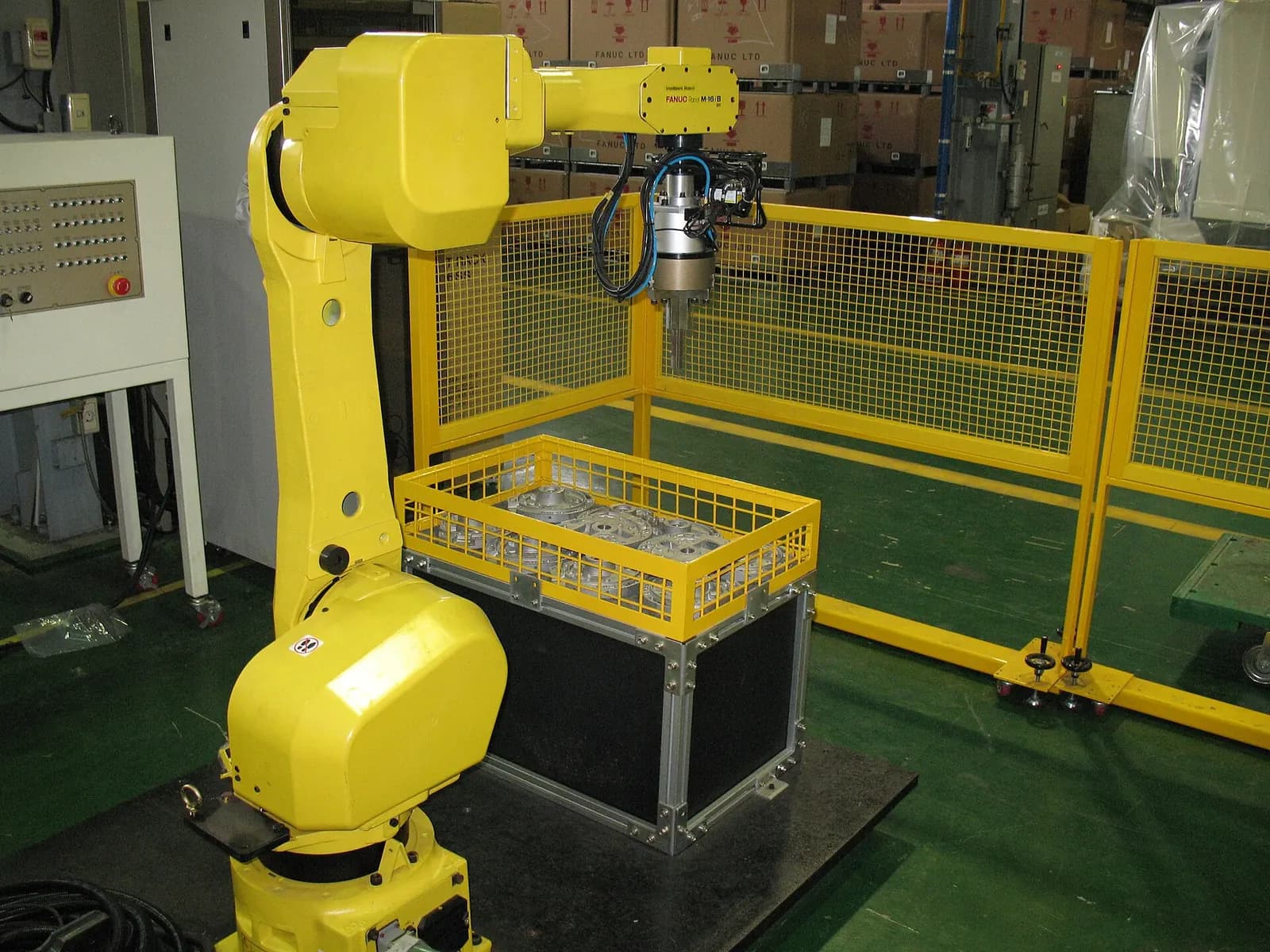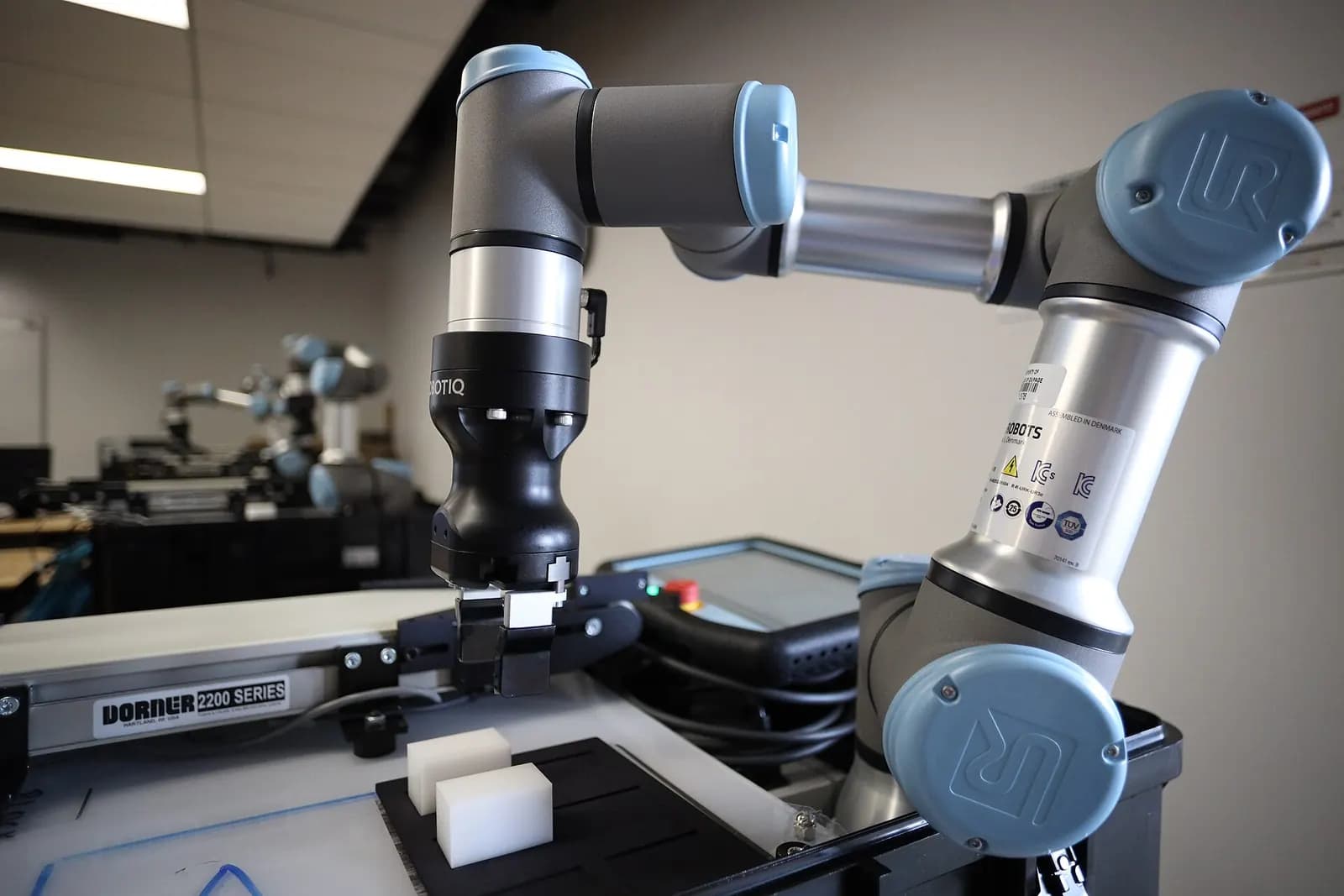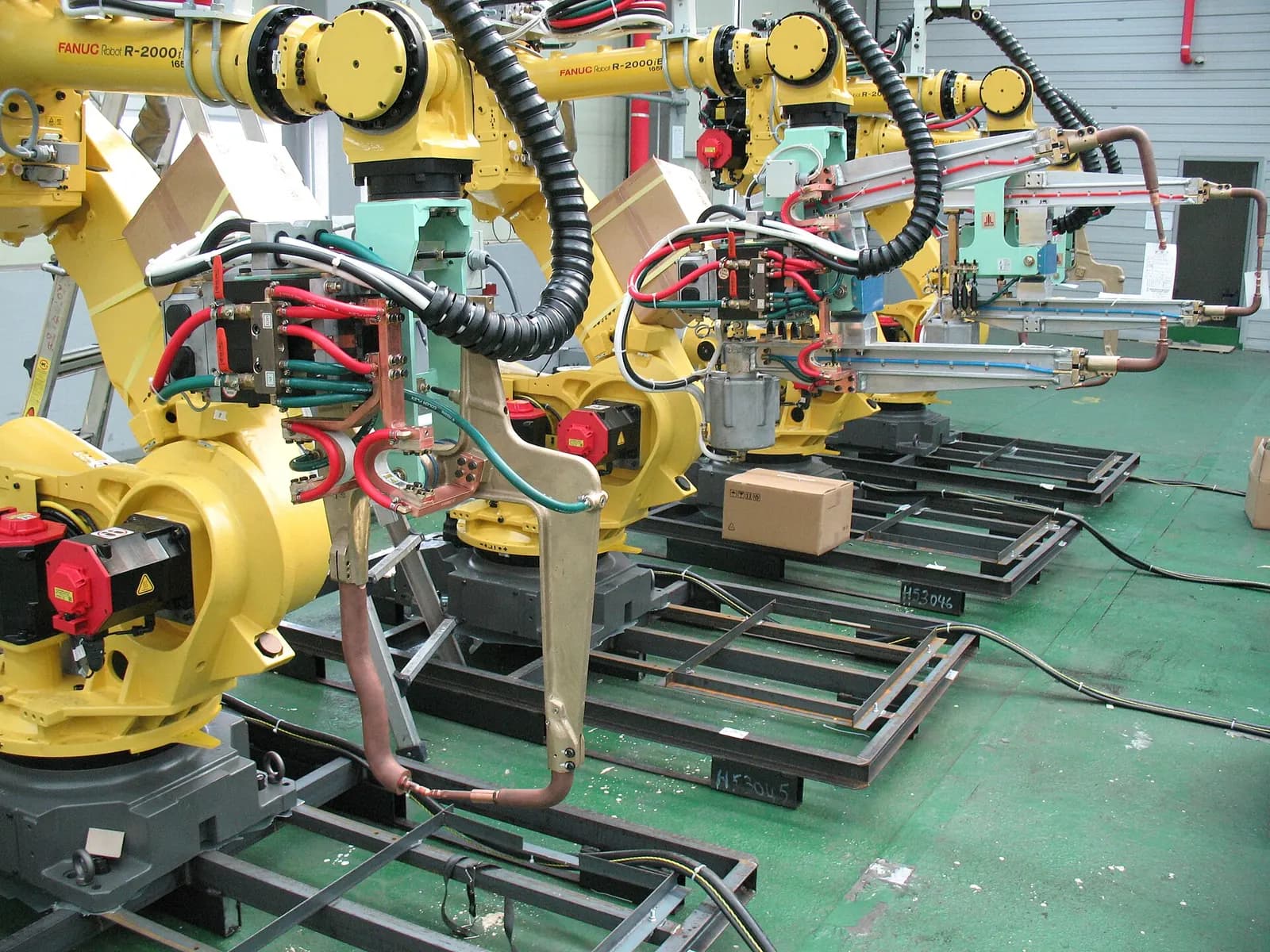
Offline robot programming means writing and testing robot programs in a 3D simulation of the cell, instead of teaching points with a pendant on the real robot. The simulation uses a virtual controller that behaves like the real one, so paths, reach, cycle time and collisions can be checked before the robot is installed. When the cell is built, programs are loaded and touched up against the real fixtures. Most of the programming time moves off the shop floor.
Why it matters more in 2026
Robot demand in North America is broadening. A3 reported that North American companies ordered 17,995 robots worth about $1.17 billion in the first half of 2026, while automotive OEM orders fell 25%. Collaborative robots made up 43.7% of orders from life sciences, pharma and biomedical customers and 36.5% in semiconductors and electronics (A3 via automation.com, August 2026).
These newer buyers rarely have robot programmers on staff and can't afford weeks of teaching on a production floor. A cell that arrives with proven programs and a known cycle time is much easier to accept.
The main offline programming tools
| Tool | Robots | Notes |
|---|---|---|
| FANUC ROBOGUIDE | FANUC | Process modules for handling, welding and painting |
| ABB RobotStudio | ABB | Built on ABB's Virtual Controller |
| Yaskawa MotoSim EG-VRC | Yaskawa Motoman | Virtual robot controller with matching pendant |
| KUKA iiQWorks.Sim | KUKA | Basic version free, virtual controller as add-on |
| RoboDK | Multi-brand | Post processors for many robot brands |
FANUC describes ROBOGUIDE as a way to program and simulate workcells in 3D without a physical prototype, with HandlingPRO, WeldPRO and PaintPRO modules for specific processes (FANUC America). ABB calls RobotStudio its offline programming and simulation platform built on its Virtual Controller, and claims it can cut commissioning time by up to 90% (ABB RobotStudio). Yaskawa's MotoSim EG-VRC simulates the Motoman controller software, and programs move between virtual and real controllers (Yaskawa Motoman). For mixed fleets, RoboDK supports more than 1,400 robots from 80 manufacturers through post processors (RoboDK).
Our rule: use the robot maker's own tool when cycle time and controller behavior matter, because its virtual controller runs the real motion planner. Use a multi-brand tool for layout studies and when a cell mixes brands.
RobotStudio® Tutorial – Getting Started 1/5
ABB Robotics
This video is hosted on YouTube. Playing it loads content from Google, which may set cookies.
Watch on YouTubeA workflow for a robot cell
- Import CAD of the robot, tooling, fixtures, guarding and incoming parts. Check units and origins first.
- Check reach and layout. Move the robot base before programming, not after.
- Program paths with approach and retract points, singularity checks and joint limits.
- Add signals: grippers, sensors and the PLC handshake, so the simulated robot waits for real conditions.
- Measure cycle time with realistic speeds and wait times, including PLC handshakes.
- Check collisions for every path, including recovery paths after a stop.
- Calibrate on site: measure the real tool and frames, then touch up a few key points.
How accurate is offline programming?
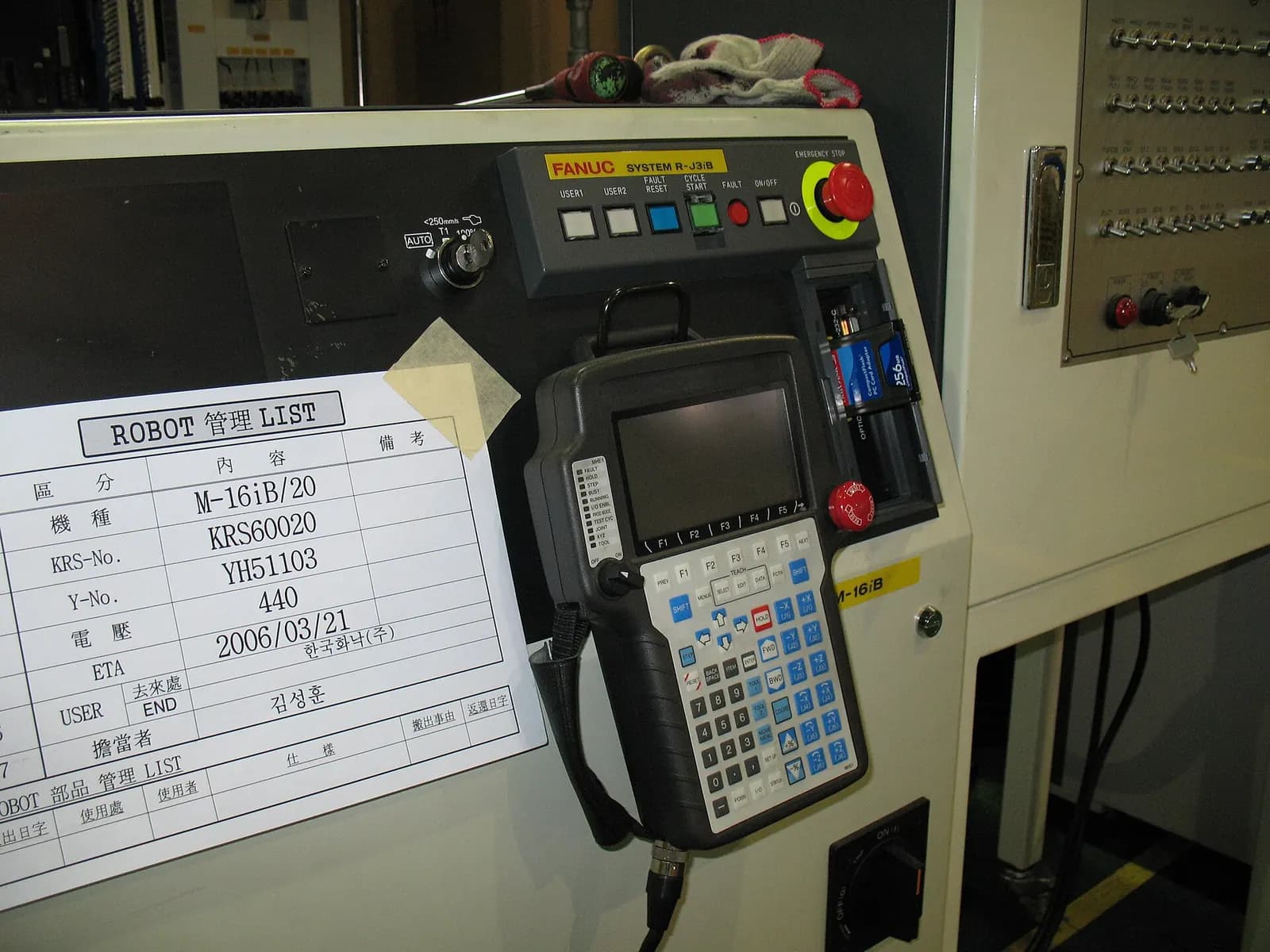
Accurate enough to save most of the work, not accurate enough to skip site touch-up. The robot model is accurate. The gap comes from the real world: a fixture mounted a few millimeters off, a tool that is not exactly like its CAD model, a floor that is not flat. Good practice is to define user frames on features that are measured on site, so a whole program moves with its frame. Then only a handful of points need touch-up, not hundreds.
- Measure tool center points with the robot's own calibration routine.
- Teach user frames on the real fixture and keep paths relative to them.
- Run the first cycles at reduced speed with the program stepped through.
- Keep the simulation updated with every site change, so it stays useful for future edits.
Cycle time: the number customers remember
A robot cell is usually bought against a cycle time. Simulation is the best place to prove it, but only if the model includes everything that takes time in real life: gripper open and close times, vacuum build-up, sensor confirmations, conveyor indexing and the PLC handshake. A simulation that shows the robot finishing in 9 seconds while ignoring a 0.4-second gripper delay at six points will disappoint on site.
We build a simple cycle time table from the simulation, step by step, and agree it with the customer before the cell is built. When the real cell runs, the same table shows where time is lost. It turns a debate about whether the robot is too slow into a list of specific waits to remove.
Reach and layout studies belong at the start of the project, not the end. Moving a fixture 100 mm on a drawing costs nothing. Moving it after the base plate is grouted costs a week. Offline programming tools are as useful for layout decisions as for programming.
Robot and PLC: simulate them together
Many robot simulations stop at the robot. The cell, though, is controlled by a PLC that sequences parts, conveyors and safety. Connecting the virtual robot controller to an emulated PLC tests the handshake that causes most startup problems. We explain the signals and interlocks in PLC and robot integration, and the method in virtual commissioning.
Our robot cell programming and simulation work covers offline programming, PLC-robot interlocking and cycle time studies, delivered remotely, with your integrator or team doing the site installation. For cobot applications, read our cobot safety risk assessment guide. To discuss a cell, contact us.