The easiest free PLC programming software for a student in India is a ladder editor that runs in the browser with a real simulator behind it, such as LADX Ladder: no account, no licence and nothing to install. Use it to build the habits that matter, then move to a vendor platform such as TIA Portal or Studio 5000 once you can write and test a sequence on your own.
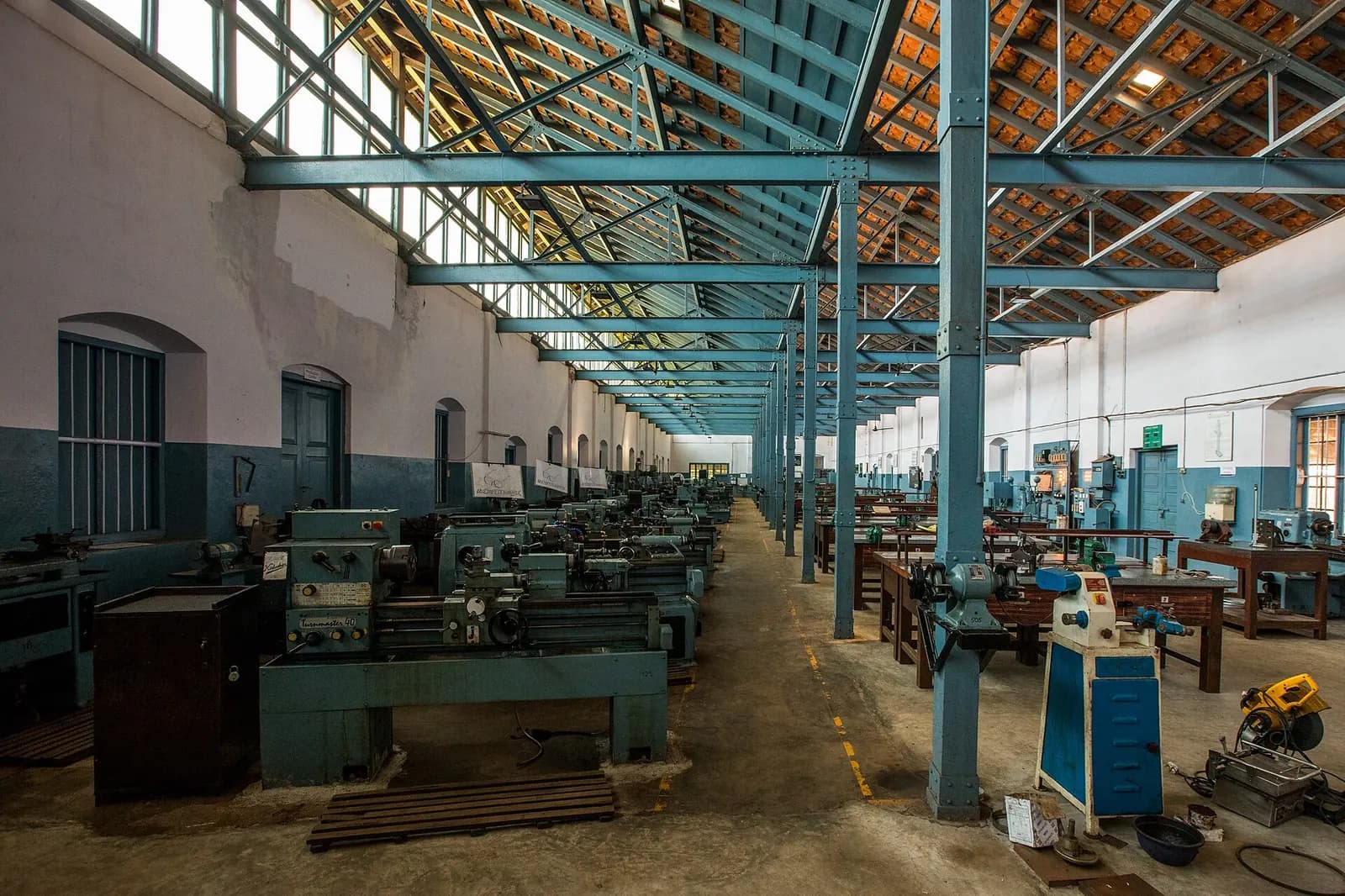
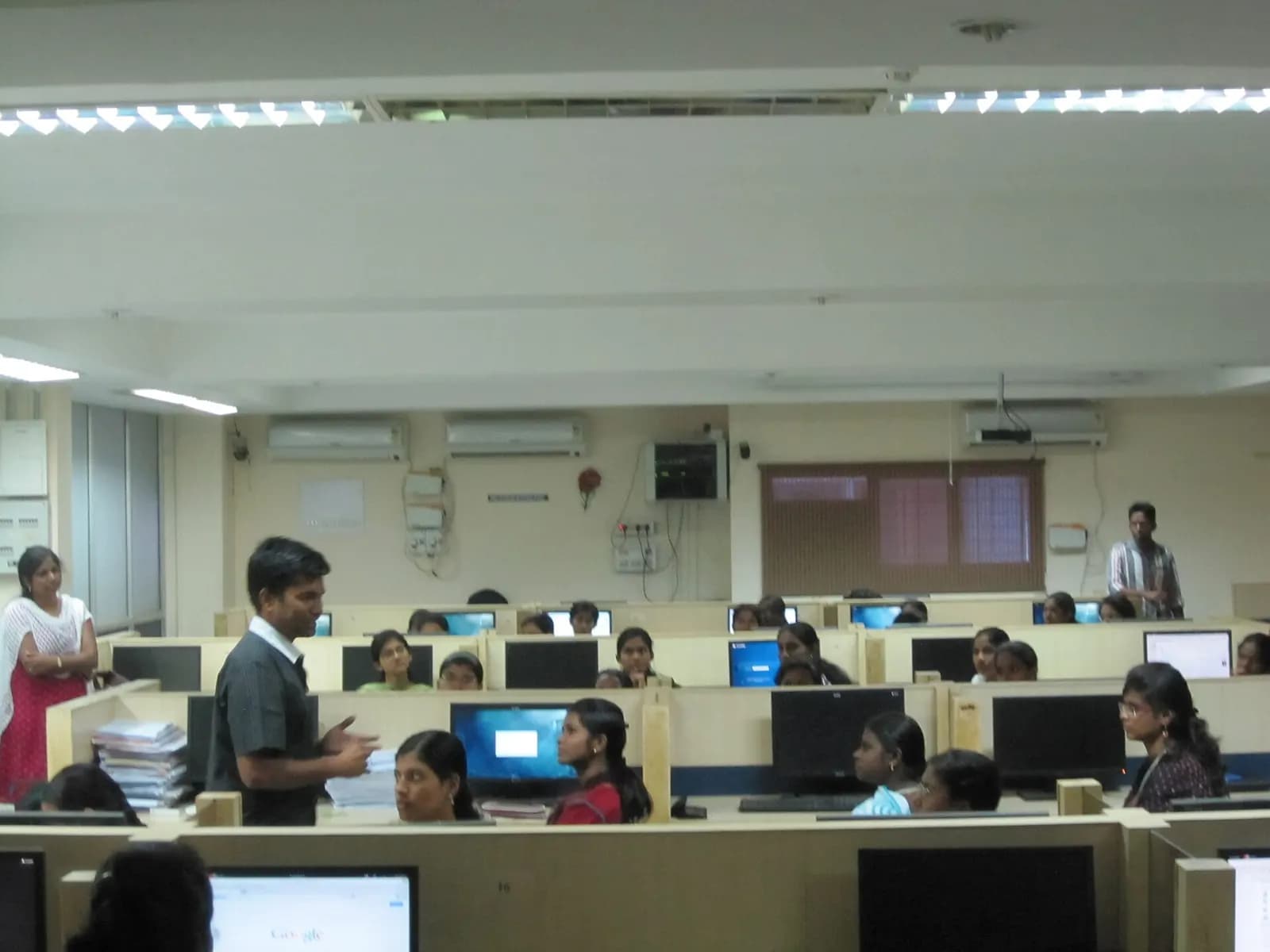
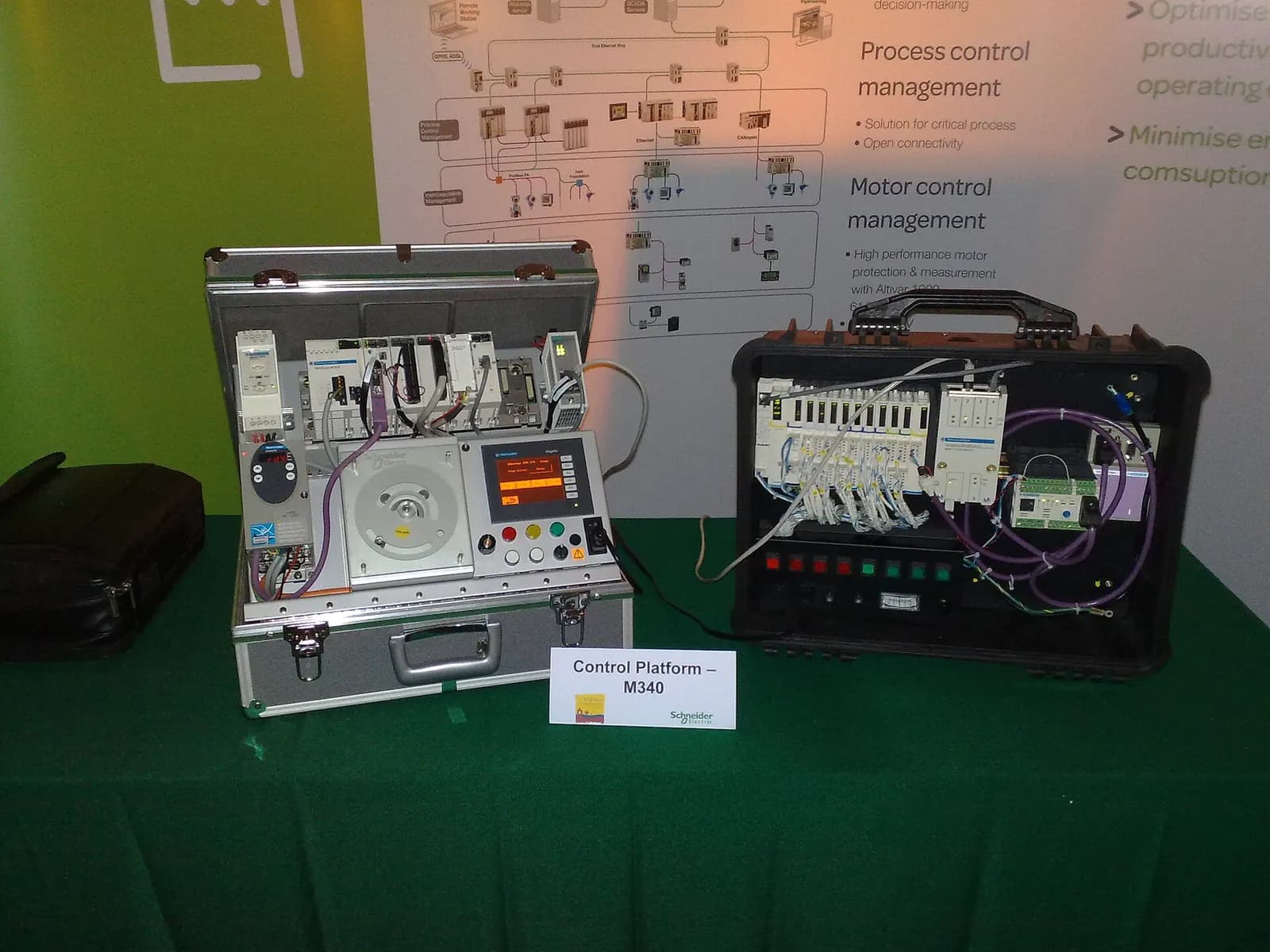
The problem it solves is familiar to anyone who studied electrical, electronics or mechatronics at an Indian college or ITI. The lab has two or three PLC trainers for a batch of sixty. Vendor software needs a licence and a laptop with plenty of memory. So most students write a few rungs in a practical session, copy the record into a file and never touch a PLC again until an interview asks them to explain a seal-in circuit.
What to look for in free PLC programming software
- Real scan behaviour. A PLC reads inputs, solves logic top to bottom, then writes outputs. A simulator that solves rungs like a set of equations teaches you the wrong model.
- The instructions you will meet at work. Contacts, coils, latches, one-shots, TON and TOF timers, counters, comparisons and moves cover most real machine logic.
- Runs on a modest laptop. If it needs a powerful Windows machine, you will only use it in the lab.
- Saves your work. You should be able to come back to last night's program.
- Honest limits. Good tools tell you what they do not simulate.
How LADX Ladder works, step by step
- Open ladx.ai/ladder in Chrome, Edge or Firefox. There is no sign-up and no card.
- Start from one of the four starter programs, such as the seal-in motor start or the ten-second conveyor. Each is copied when you open it, so you can take it apart freely.
- Draw your own rungs from the instruction bar: contacts, coils, timers, counters, comparisons and maths.
- Give each tag a name. The editor assigns a plausible address and device type, so the simulator can show a panel with switches and lamps.
- Press Simulate, operate the switches and watch the rung conduct. Change the logic and run it again.
- Your work saves to the browser on that computer. An account only matters if you want projects to follow you between machines.
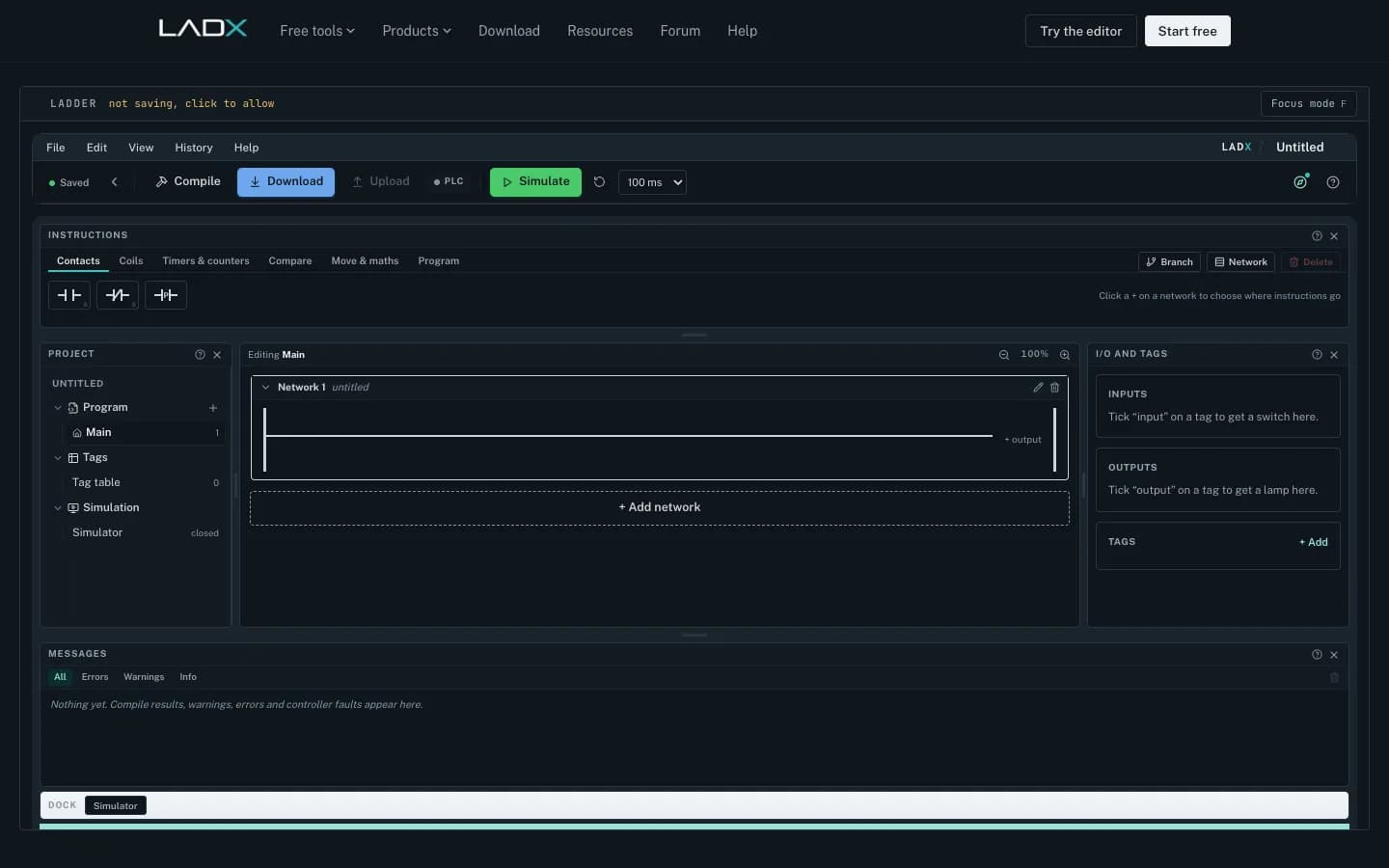
The detail that matters for learning is the scan engine. According to the LADX Ladder product page, it keeps an output image, so a coil written on rung twelve reaches rung thirteen in the same scan but rung four only on the next one. Edge memory is held per instruction, so a held push button counts once. Timers advance on elapsed milliseconds, not on the number of scans. These are exactly the points that confuse freshers on their first commissioning job, and LADX explains them in its article on what happens in one PLC scan.
The editor supports twenty-three instructions: XIC, XIO, OTE, OTL, OTU, ONS, TON, TOF, CTU, CTD, RES, the six comparisons, MOV, the four arithmetic blocks and JSR to call another routine. Timer and counter members such as .DN, .ACC and .PRE are addressable, which is the Allen-Bradley style many Indian plants use.
What it does not do
Know the limits before you rely on it. It never connects to a physical controller, by design. It has no retentive timer (RTO), so you build that behaviour from a counter or a latch. It is ladder only; Structured Text is handled by a separate conversion tool, not drawn here. It is a teaching and verification simulator, not a certificate. The AI box that writes rungs from plain language needs a free account. Without a key of your own it runs on free models through LADX's shared account, rate limited per account, and you can connect your own key to use paid models. The editor and simulator work without an account.
How it compares with other free options
| Option | Cost to a student | Best for | Watch out for |
|---|---|---|---|
| LADX Ladder (browser) | Free, no account | Daily practice and scan behaviour | Ladder only, no real I/O |
| Vendor trial software | Trial licence | Learning one platform, e.g. TIA Portal | Large install, time-limited |
| OpenPLC | Open source | Running logic on low-cost boards | More setup effort |
| College PLC trainer | Free in lab hours | Real wiring and field devices | Shared kit, short sessions |
These are complementary, not rivals. Siemens runs SCE for educational institutions, which offers trainer packages, learning documents and trial software for trainees and students. OpenPLC is an open-source runtime and editor that targets hardware from microcontrollers to industrial servers, useful once you want logic driving a real relay on your desk. The college trainer is still where you learn wiring, sinking and sourcing inputs and how a field device fails.
PLC Scan Cycle Explained: How It Works
EDWartens India
This video is hosted on YouTube. Playing it loads content from Google, which may set cookies.
Watch on YouTubeA four-week practice plan for students
- Week 1: contacts and coils. Build a start/stop seal-in, then a latch/unlatch version. Write down how each behaves after a power cut.
- Week 2: timers and counters. A star-delta changeover with TON, a conveyor that stops five seconds after the last part, a bottle counter that resets.
- Week 3: a sequence. Pick one: tank fill with high and low level switches, a traffic light, or a two-conveyor transfer with a jam timer.
- Week 4: break it on purpose. Hold buttons, press two at once, remove a sensor signal mid-cycle. Fix what fails and write a one-page I/O list and sequence description.
From free software to job-ready skills
Software practice is the first step, not the whole job. Employers in India hire for platform experience on Siemens, Allen-Bradley, Mitsubishi or Delta, for reading electrical drawings, and for drives and field instruments. NPTEL's Industrial Automation and Control course from IIT Kharagpur covers the theory for free, and the language standard behind most of what you will write is IEC 61131-3.
When you want hands-on time on real hardware, edWartens runs the classroom Automation Engineer Program at Electronic City, Bengaluru, across 20 PLC brands, with placement assistance such as interview preparation and introductions to employers. No course, ours included, can promise you a job. Read about PLC engineering training at edWartens, our guide to free PLC courses with certificates and how to become an automation engineer in India.
Next step: open the editor tonight and build the Week 1 seal-in. If you are a college or ITI planning a PLC lab, contact us and we will suggest a mix of simulation and hardware that fits your batch size.