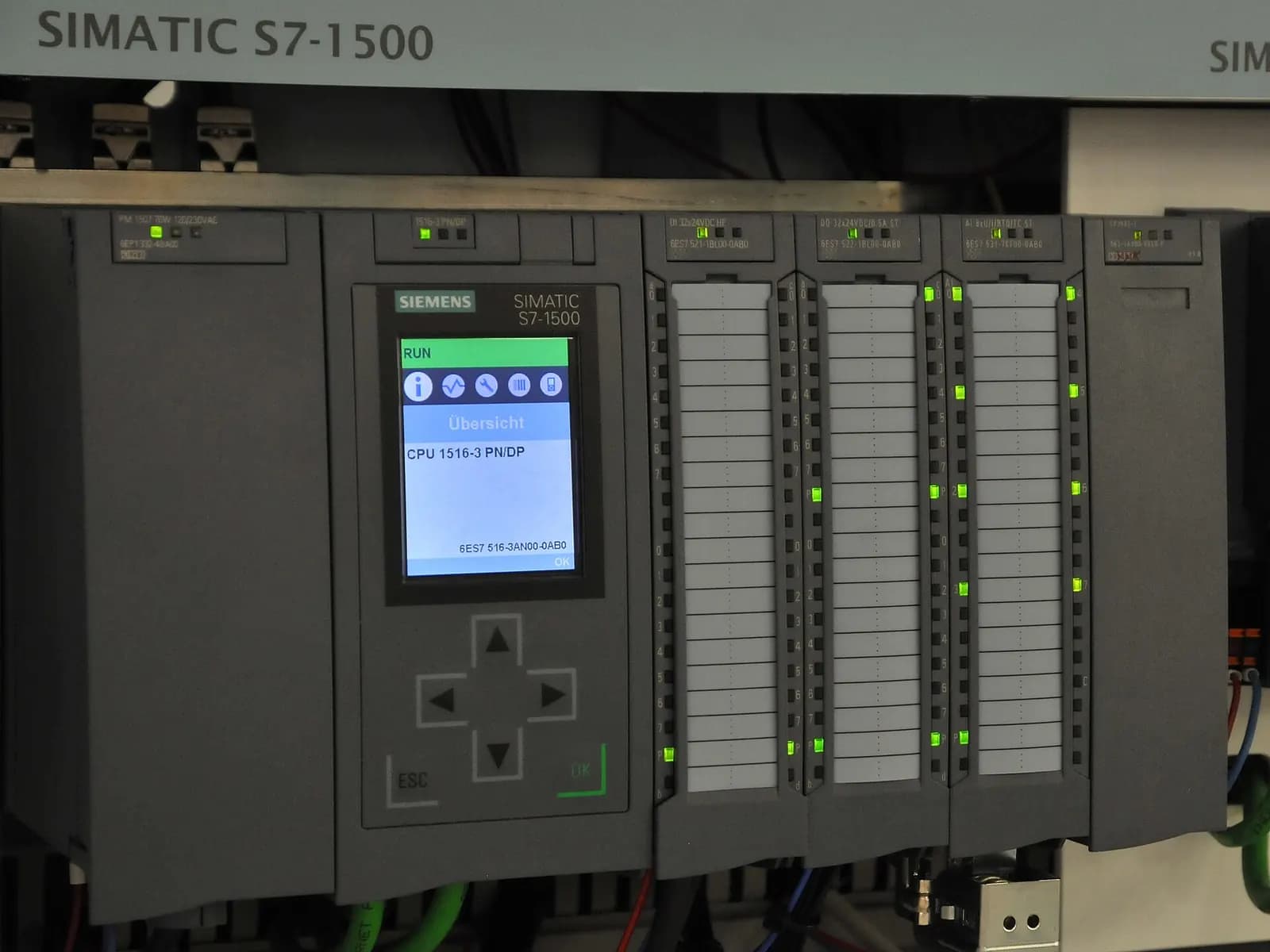
TIA Portal vs Studio 5000 is less a question of which platform is better and more a question of which one your plant can support. Both program modern, fast controllers: Siemens S7-1500 in TIA Portal and Allen-Bradley ControlLogix and CompactLogix in Studio 5000 Logix Designer. The real differences are in how code is structured, how data is organized, how simulation works and how your maintenance team will troubleshoot at 3 a.m.
We program both every week for U.S., UK and German clients. This comparison is written from that daily work, not from a datasheet.
Program structure: blocks vs tasks and programs
In TIA Portal, code lives in blocks. Organization blocks (OBs) are called by the operating system, for example cyclically or on a time interrupt. Function blocks (FBs) carry their own instance data blocks, functions (FCs) do not. A well-built Siemens project is a tree of FBs, each instance with its own data, called from a few OBs.
In Studio 5000, the controller runs tasks (continuous, periodic or event), each task runs programs, and each program contains routines and its own program-scoped tags. Reusable device logic goes into Add-On Instructions. The closest Siemens equivalent of an AOI is an FB with its instance DB.
Learn How to Use FCs and FBs for Programming Siemens PLCs
RealPars
This video is hosted on YouTube. Playing it loads content from Google, which may set cookies.
Watch on YouTubeSide-by-side comparison
| Topic | TIA Portal (S7-1500) | Studio 5000 (ControlLogix/CompactLogix) |
|---|---|---|
| Code units | OB, FB with instance DB, FC | Task, program, routine, AOI |
| Data | Global and instance data blocks, PLC data types | Controller and program tags, UDTs |
| Languages | LAD, FBD, SCL, GRAPH, STL | Ladder, FBD, structured text, SFC |
| Simulation | S7-PLCSIM Advanced | FactoryTalk Logix Echo, Logix Emulate |
| HMI in the same tool | WinCC Unified/Comfort inside TIA Portal | Separate: FactoryTalk View or Optix |
| Editions | STEP 7 Basic and Professional | Logix Designer editions by controller family |
Siemens describes STEP 7 Basic as a price-optimized subset of STEP 7 Professional (Siemens STEP 7). Every S7-1500 CPU supports motion control, with PROFINET integrated and OPC UA support (Siemens S7-1500). On the Rockwell side, recent Logix Designer versions added an embedded OPC UA server and client (v36) and support for ControlLogix 5590 (v38) (Rockwell Studio 5000 Logix Designer).
Simulation and virtual commissioning
Both vendors now offer serious emulation. S7-PLCSIM Advanced simulates S7-1500 CPU families and ET 200SP CPUs, including communication, safety and the web server, so code can be tested without physical hardware (Siemens PLCSIM Advanced). FactoryTalk Logix Echo emulates ControlLogix 5580 and 5590, GuardLogix 5580 and CompactLogix 5380, with multiple controllers in multiple chassis on one license and an API for connecting to simulation models (Rockwell Logix Echo).
For virtual commissioning that means either platform can drive a 3D machine model. We compare the modeling tools in virtual commissioning software compared.
Safety programming on each platform
Both vendors integrate safety into the standard controller family. On Siemens, an F-CPU such as an S7-1500F runs the safety program alongside standard code, and the safety part is created with the Safety Advanced option in TIA Portal. On Rockwell, GuardLogix and Compact GuardLogix controllers run a safety task next to standard tasks, and safety tags are separated from standard tags by the firmware. In both cases the safety code is signed or locked, and any change produces a new signature that your validation process has to catch.
The practical difference is mostly in the workflow. Siemens keeps safety, standard code, HMI and drives in one project file, which makes version control simple but makes the file large. Rockwell keeps the HMI in a separate application, so you manage at least two files per machine. Neither is wrong. Decide how you will store, compare and back up projects before the first machine ships, and make sure the safety signature is recorded in the handover documents.
For U.S. installations, the machine electrical design still has to meet NFPA 79 whichever platform you use. Our NFPA 79 checklist covers the points that come up most often.
What changes for your maintenance team
This is where most U.S. decisions are really made. A plant with twenty years of Allen-Bradley spares, trained electricians and a Rockwell distributor down the road should think hard before adding a second platform. Troubleshooting skills do not transfer automatically. Ladder in Studio 5000 is very readable online. A Siemens project written mostly in SCL can be harder for an electrician to follow, even if it is elegant code.
- Spare parts: count how many unique part numbers the second platform adds to the storeroom.
- Software licenses: both platforms need licensed engineering software on maintenance laptops.
- Training: budget real time for the night shift, not just the controls engineer.
- Language: agree which languages are allowed. Ladder for discrete I/O and interlocks is still the safest choice for maintainability on both platforms.
How to choose
Interfaces between the two worlds are well understood. EtherNet/IP and PROFINET can coexist through gateways or controllers that speak both, and OPC UA is supported on both sides for data exchange with SCADA and MES. The trick is to define the handshake signals in a document before either side writes code.
Our controls engineering team programs both platforms and writes the interface specs between them. If you have an incoming OEM machine on the other platform, or are deciding what to standardize on, send us the details. For Rockwell coding rules, see Studio 5000 programming standards.