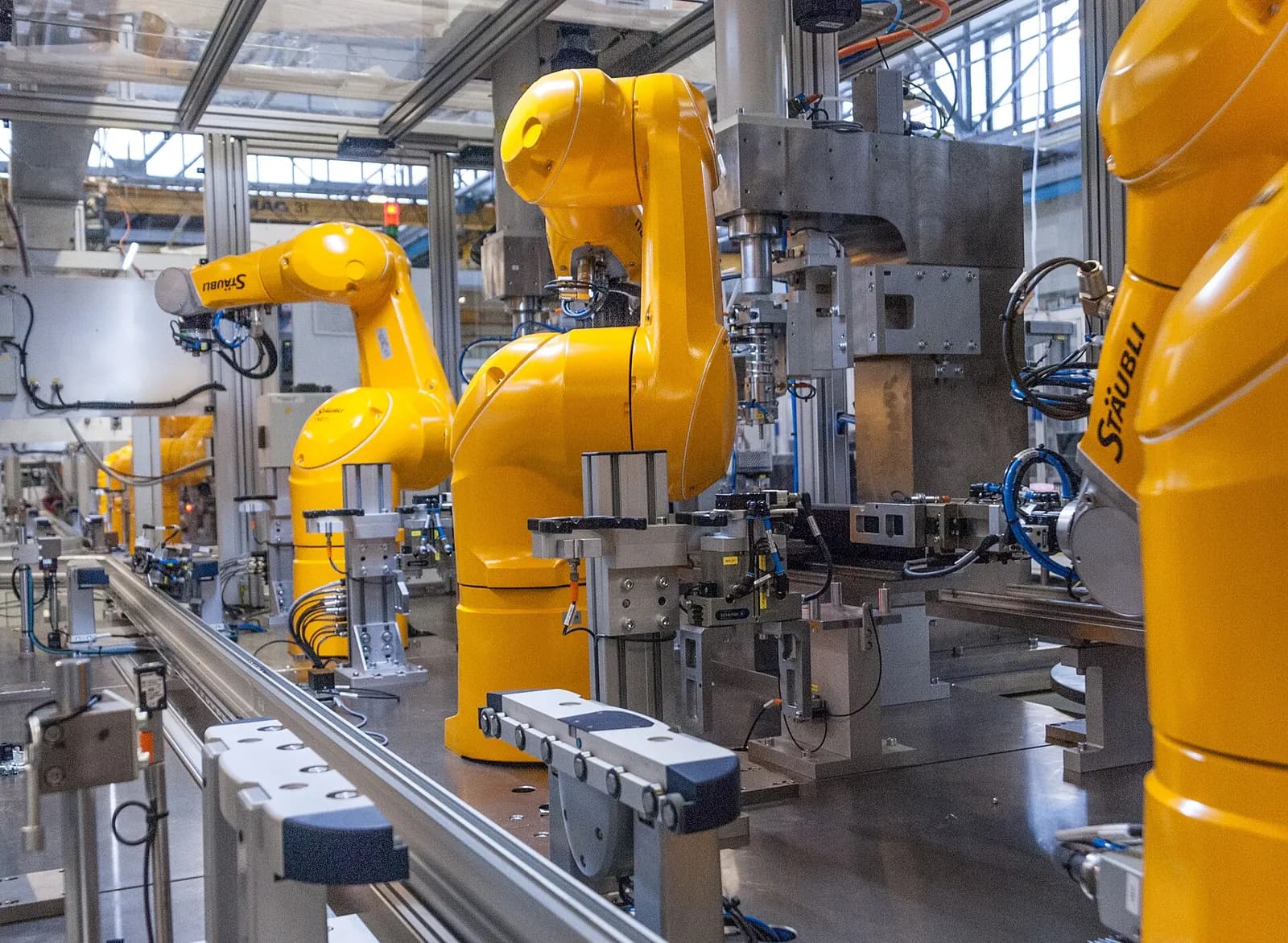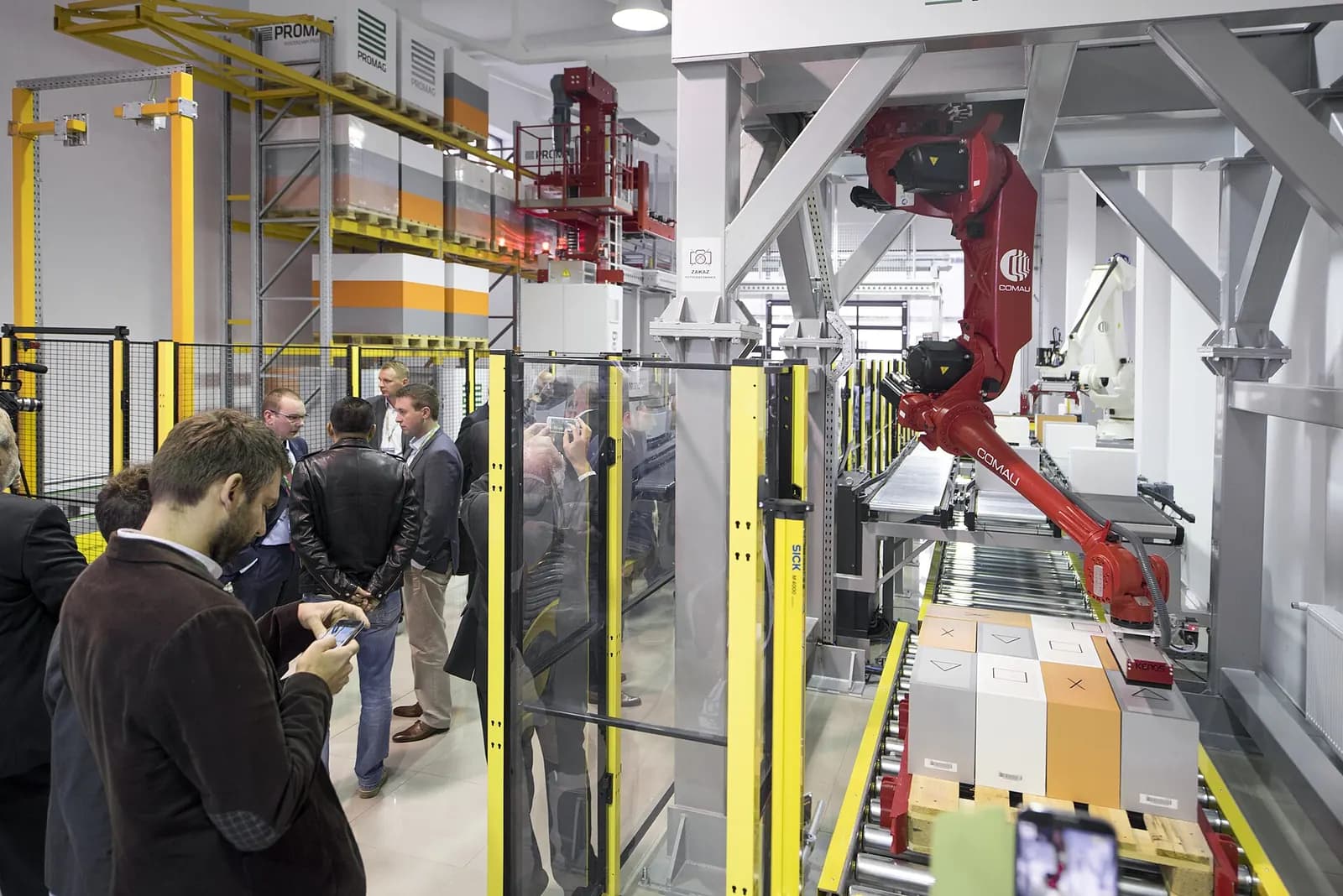
Virtual commissioning software has two halves: something that runs the control code, and something that simulates the machine. On Rockwell projects that is usually FactoryTalk Logix Echo or Studio 5000 Logix Emulate with Emulate3D. On Siemens projects it is S7-PLCSIM Advanced with Process Simulate, NX Mechatronics Concept Designer or SIMIT. Vendor-neutral tools such as Visual Components connect to either through OPC UA. The best choice follows your controller platform, the type of equipment and who will maintain the model.
If you are new to the method, start with our guide to virtual commissioning. This article is about the tools.
The control side: emulated or real controllers
Software-in-the-loop runs the PLC program in an emulator on a PC. Hardware-in-the-loop connects a real controller on a bench to the simulation. Emulation is cheaper and easier to share with a remote team. Hardware-in-the-loop catches timing and firmware issues that emulation may hide.
- FactoryTalk Logix Echo emulates ControlLogix 5580 and 5590, GuardLogix 5580, CompactLogix 5380 and Compact GuardLogix 5380, and lets you test multiple firmware versions without hardware (Rockwell Logix Echo).
- Studio 5000 Logix Emulate emulates Logix 5000 controllers on a PC and connects to third-party simulation and operator training systems (Rockwell Logix Emulate).
- S7-PLCSIM Advanced simulates S7-1500 and ET 200SP CPUs, including communication and safety, for testing without physical hardware (Siemens PLCSIM Advanced).
- TwinCAT 3 EtherCAT Simulation (TE1111) lets a machine PC's EtherCAT cable plug into a simulation PC, emulating the slaves for virtual machine commissioning (Beckhoff TE1111).
Introducing FactoryTalk Logix Echo
Rockwell Automation
This video is hosted on YouTube. Playing it loads content from Google, which may set cookies.
Watch on YouTubeThe machine side: simulation tools
| Tool | Best fit | Controller link |
|---|---|---|
| Rockwell Emulate3D | Material handling, packaging, discrete lines | Native to Logix emulation, others via drivers |
| Siemens Process Simulate | Robotic and assembly lines, automotive | PLCSIM Advanced or OPC UA, real robot programs |
| Siemens NX MCD | Machine design with physics, mechatronics | PLCSIM Advanced, SIMIT |
| Siemens SIMIT | Process plants, signal-level simulation, operator training | PLCSIM Advanced (SiL) or real hardware (HiL) |
| Visual Components | Vendor-neutral layouts and lines | OPC UA to Siemens, Rockwell, Beckhoff and others |
Rockwell describes Emulate3D as faster-than-real-time 3D simulation, and its newer Factory Test edition integrates NVIDIA Omniverse APIs and OpenUSD (Rockwell Emulate3D). In a Rockwell case study, ECM Technologies reported cutting commissioning time by 50% on a furnace project (Rockwell case study, February 2024).
Siemens Process Simulate runs real PLC code through TIA Portal and PLCSIM Advanced, or through OPC UA, together with real robot programs. Siemens cites Estun Automation cutting on-site virtual commissioning time by 30% and costs by 20% (Siemens Process Simulate). SIMIT supports both software-in-the-loop and hardware-in-the-loop, and can also serve as an operator training system on an as-built twin (Siemens SIMIT). Visual Components builds from static CAD extended with motion and controls, and connects to controllers over OPC UA (Visual Components).
How to choose
- Start from the controller. An all-Rockwell plant gets the smoothest workflow with Logix Echo and Emulate3D. An all-Siemens plant with PLCSIM Advanced and the Siemens tools.
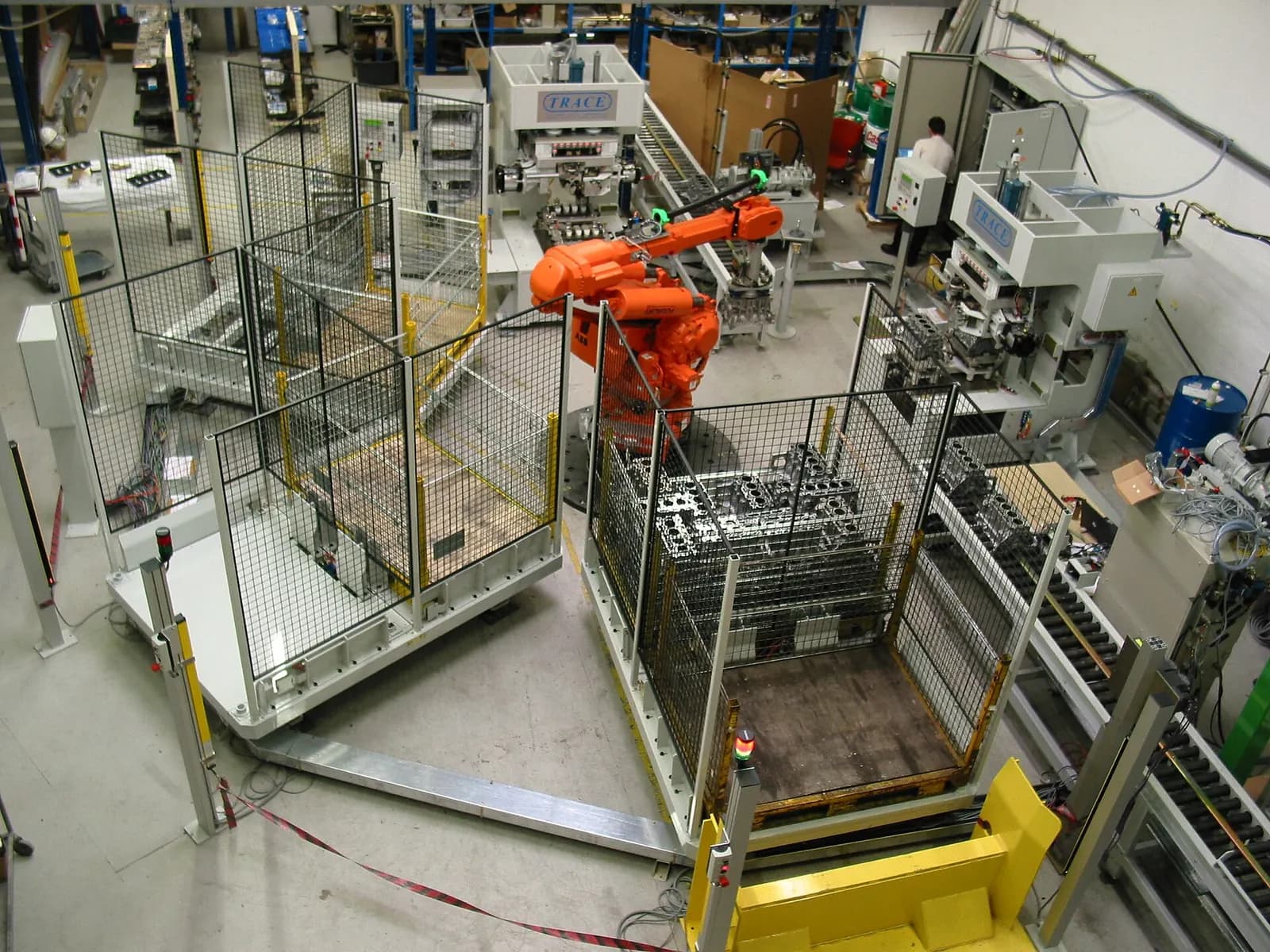
- Match the process. Conveyors and sortation need fast, simple behavior models. Robot cells need the robot maker's virtual controller. Process skids need signal-level simulation of valves, pumps and instruments.
- Decide the physics level. Most control testing does not need rigid-body physics. Use it where product behavior matters, for example tipping, sliding or bulk flow.
- Think about reuse. If the model will become an operational twin or a training simulator, pick a tool that supports live data and VR.
- Check who will maintain it. A model nobody in the plant can open is used once.
Model detail: the most common mistake
Teams new to virtual commissioning often spend weeks making a model look realistic, then run out of time to test the code. The PLC cannot see textures. Model what the controller can sense and control: sensors, actuators, timing, product flow and faults. Add visual detail only where operators or customers need it for review. A plain-looking model that runs every alarm case is worth more than a beautiful one that only runs the happy path.
Behavior models: what to simulate for common equipment
- Conveyors and accumulation: belt speed, product spacing, photo-eyes, jams and full-lane conditions.
- Pneumatics: cylinder travel times, end-of-stroke sensors, and what happens when air pressure drops.
- Drives and servos: ready, running and faulted states, speed feedback and simple position profiles.
- Robots: the robot maker's virtual controller where possible, or a timed task model for early tests.
- Process skids: tank levels, valve travel, pump curves and instrument signals with realistic noise.
Each behavior should include its failure modes. A cylinder that never reaches its end position, a drive that trips, a sensor that sticks on. These are the cases that break sequences on site, and they are trivial to trigger in a model.
How we work with these tools
We build virtual commissioning models in the tool that fits your platform and plant, connect them to emulated or real controllers and run the agreed tests before site work. When you already own a tool, we work in it. When you don't, we recommend the lightest option that does the job. The model is handed over with the code so you can use it for future changes. See our virtual commissioning and digital twin service, how models support virtual factory acceptance tests, or send us your project details. Platform choice on the PLC side is covered in TIA Portal vs Studio 5000.