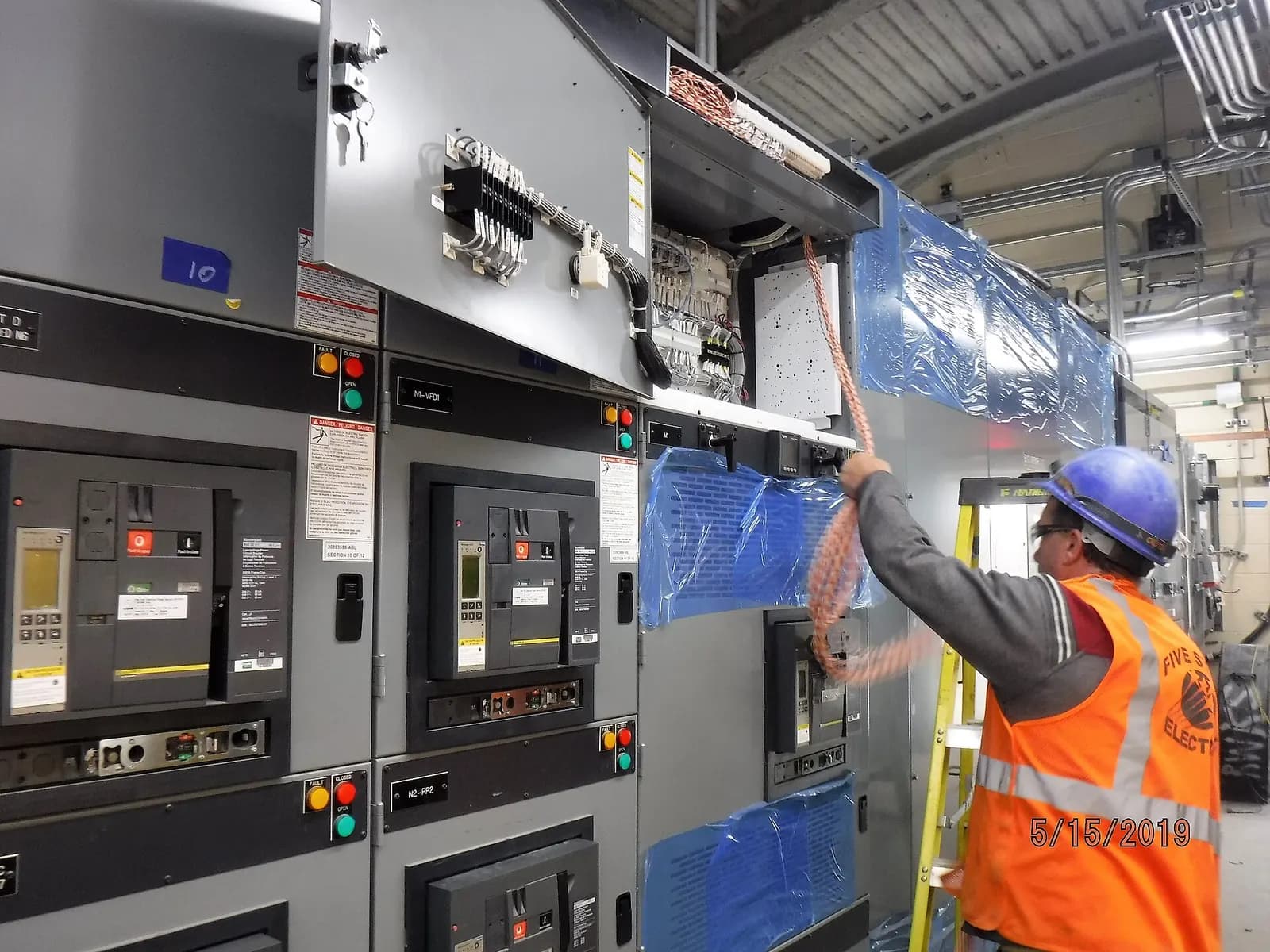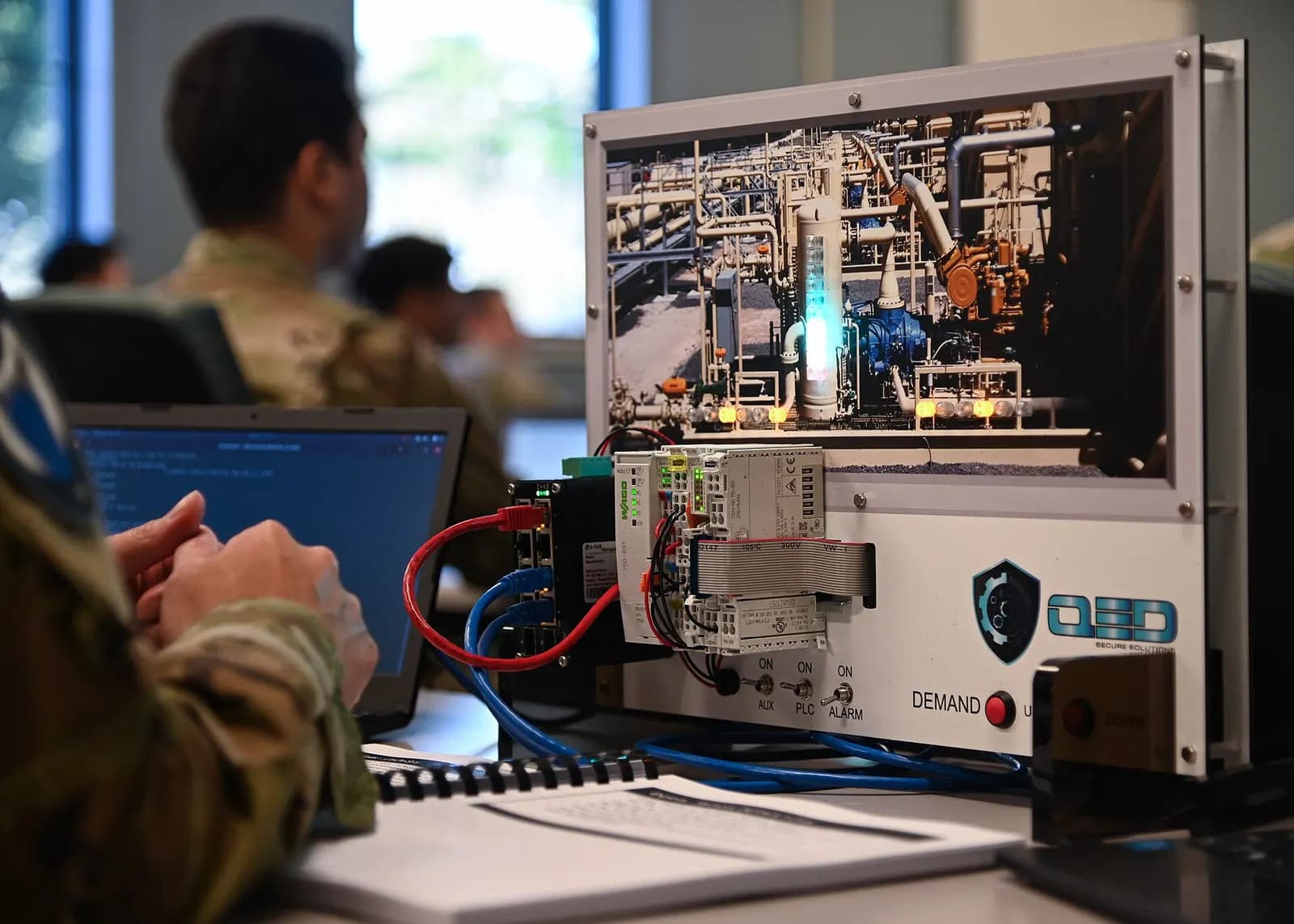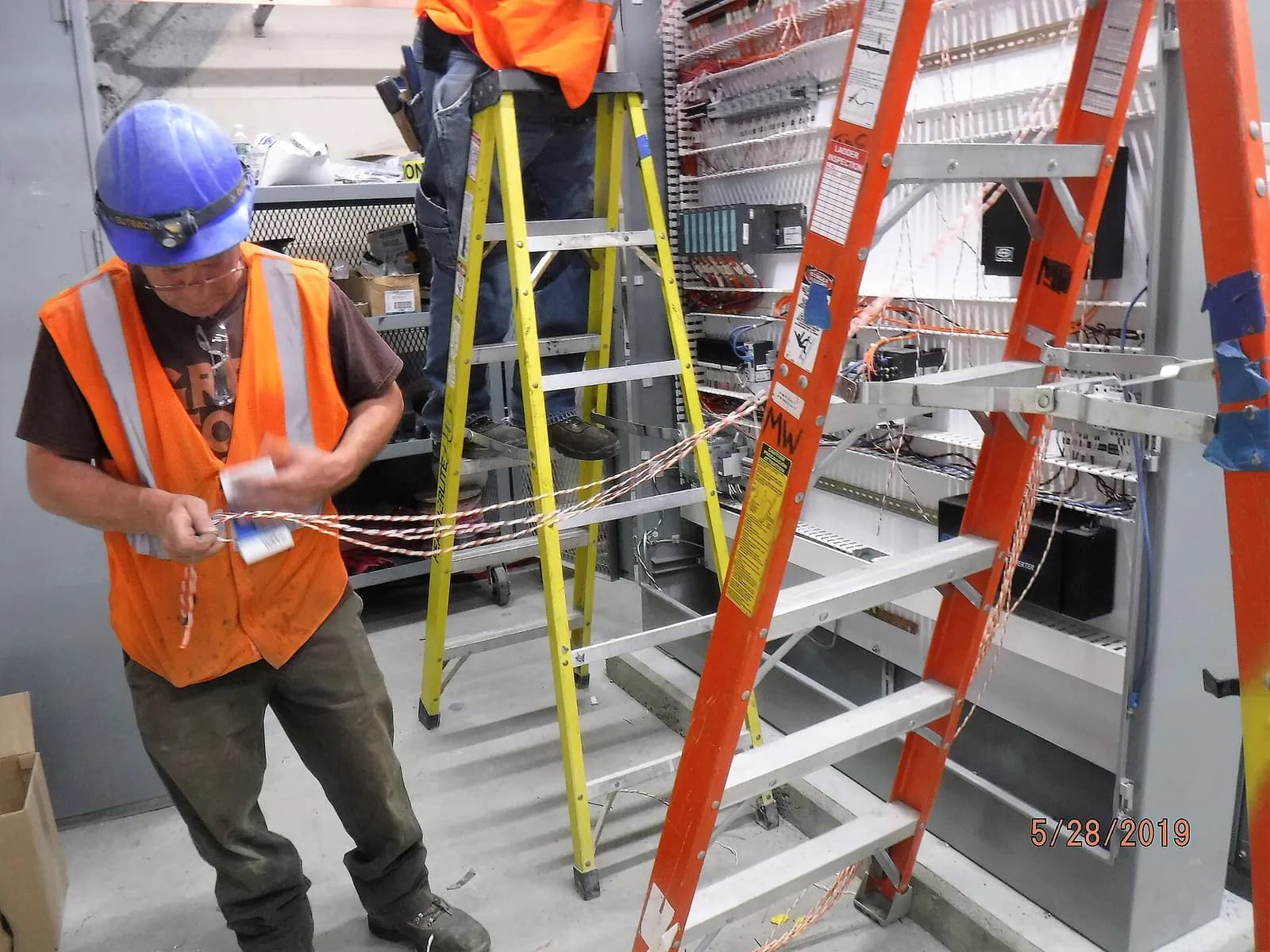
An SLC 500 to CompactLogix migration moves a machine or small process from Allen-Bradley's legacy SLC platform to CompactLogix 5380 controllers programmed in Studio 5000. There are two realistic routes: keep the 1746 I/O for now and replace only the processor, or swap everything to Compact 5000 I/O using wiring conversion systems that leave the field wires in place. Which one fits depends on your shutdown window, the condition of the I/O and the budget.
Why SLC 500 migration is now urgent
Rockwell says some SLC 500 bulletin numbers are discontinued and no longer available for sale, names the SLC 5/01, 5/02 and 5/03 8K among them, and recommends migrating to CompactLogix 5380 (Rockwell SLC 500 controllers). Machines built in the 1990s and 2000s often still run fine. The problem is the day a processor or power supply fails on a line that has no spare, and the replacement comes from the used market with no guarantee.
There is also a skills issue. Engineers who are comfortable in RSLogix 500 are retiring, and new hires learn Studio 5000. Every year you wait, fewer people in the plant can safely change the old code.
Route 1: replace the processor, keep the 1746 I/O
Rockwell's migration profile describes replacing the SLC CPU with a 1747-AENTR EtherNet/IP adapter, so a CompactLogix controller can run the existing 1746 I/O. With Logix Designer v21 or later and AENTR firmware 2.1 or later, that supports up to 30 modules across three chassis (Rockwell 5069-AP001). The same document notes that 1747-SN and 1747-SCNR scanners are not supported in the converted system, so check for remote I/O and DeviceNet scanners early.
This route is quick. The processor swap and program load can often be done in a single shift, and the I/O stays wired exactly as before. The downside is that you still have aging 1746 modules, so it is a first step, not the end.
Route 2: full swap with wiring conversion
Rockwell's target architecture is CompactLogix 5380 with Compact 5000 I/O, and its 1492 wiring system allows the I/O conversion without disturbing field wiring (Rockwell SLC 500 migration). The conversion modules take the existing 1746 terminal blocks, so no field wires come off the terminals (Rockwell 1492-SG010).
Modernize SLC™ 500 to CompactLogix™ 5380 control system with 1492 I/O wiring system
Rockwell Automation
This video is hosted on YouTube. Playing it loads content from Google, which may set cookies.
Watch on YouTube| Route 1: processor only | Route 2: full swap | |
|---|---|---|
| Shutdown needed | Hours to one shift | One to a few days, by I/O count |
| Field wiring touched | No | No, with conversion systems |
| Old hardware left | 1746 I/O and chassis | None |
| Panel space | Unchanged | Check depth and layout for new I/O |
| Good for | Urgent risk reduction | Planned modernization |
Pick the right CompactLogix and plan the network
Size the new controller for the machine you will have in five years, not the one you have today. CompactLogix 5380 controllers come in a range of memory sizes and EtherNet/IP node counts. Count the drives, remote I/O, HMIs and safety devices you expect to add, then leave headroom. If the machine needs integrated safety, Compact GuardLogix 5380 avoids a separate safety relay or safety PLC.
Many SLC machines talk over DH-485 or serial DF1 to a PanelView or a supervisory PC. Moving to EtherNet/IP is usually the right call, but it touches the plant network. Agree IP addresses, VLANs and who owns the switch before the shutdown. A machine that runs perfectly but cannot reach the SCADA server is not finished.
Code conversion pitfalls
RSLogix 500 includes Logix Designer Export, which converts the project to a Studio 5000 file. It converts ladder only and leaves error markers on rungs that need attention (Rockwell 1756-RM085). The rungs it flags are not the only ones to worry about.
- Indirect and indexed addressing behaves differently once data files become arrays. Test every case.
- Timers and counters use different time bases and data types. Check presets that were tuned on the old system.
- Scan-dependent logic that relied on the SLC's single scan may behave differently with tasks and faster scans.
- Message instructions and serial communication to drives, scales or printers usually need rework.
- HMI addressing: PanelView screens that read N7:10 directly need new tag references.
Cutover checklist
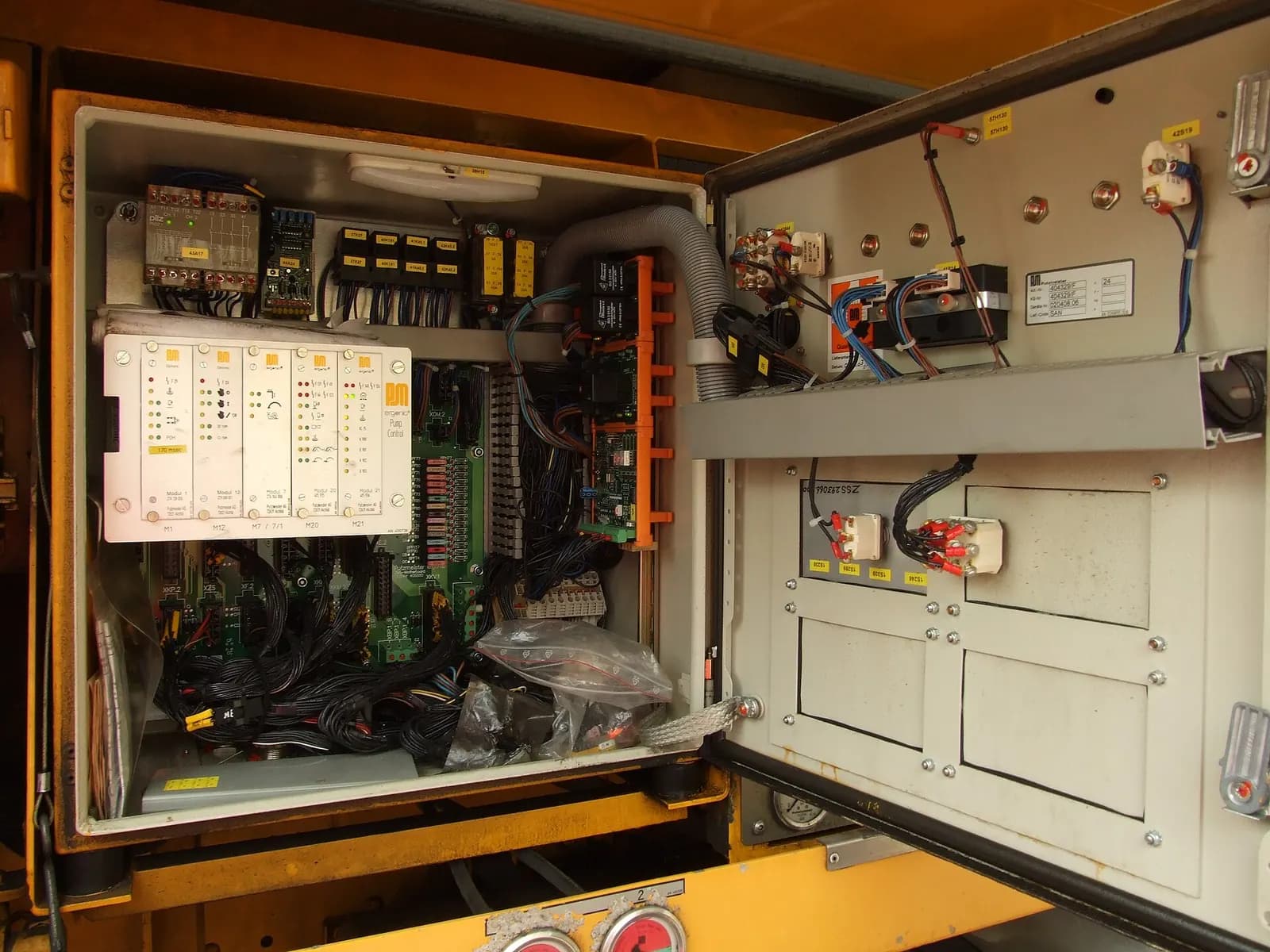
On the day, follow the same order every time: lock out, swap, power up, check I/O point by point, run in manual, run in automatic with the operator, then hand back to production. Keep the old hardware boxed and labeled until the machine has run a few weeks without issues.
One more practical point. Train the maintenance team on Studio 5000 before the cutover, not after. An electrician who has already opened the converted program on a laptop, found the main routines and watched a sequence run in emulation will troubleshoot calmly on the first night shift. One who sees it for the first time during a breakdown will not.
We do SLC and PLC-5 migrations for U.S. plants as fixed-price work packages: code conversion, cleanup, HMI updates and testing done remotely, with your team or a local partner doing the hardware swap. Learn more about our legacy modernization and controls engineering service, read the PLC-5 to ControlLogix migration plan, or send us your RSLogix 500 files for a scope and price.