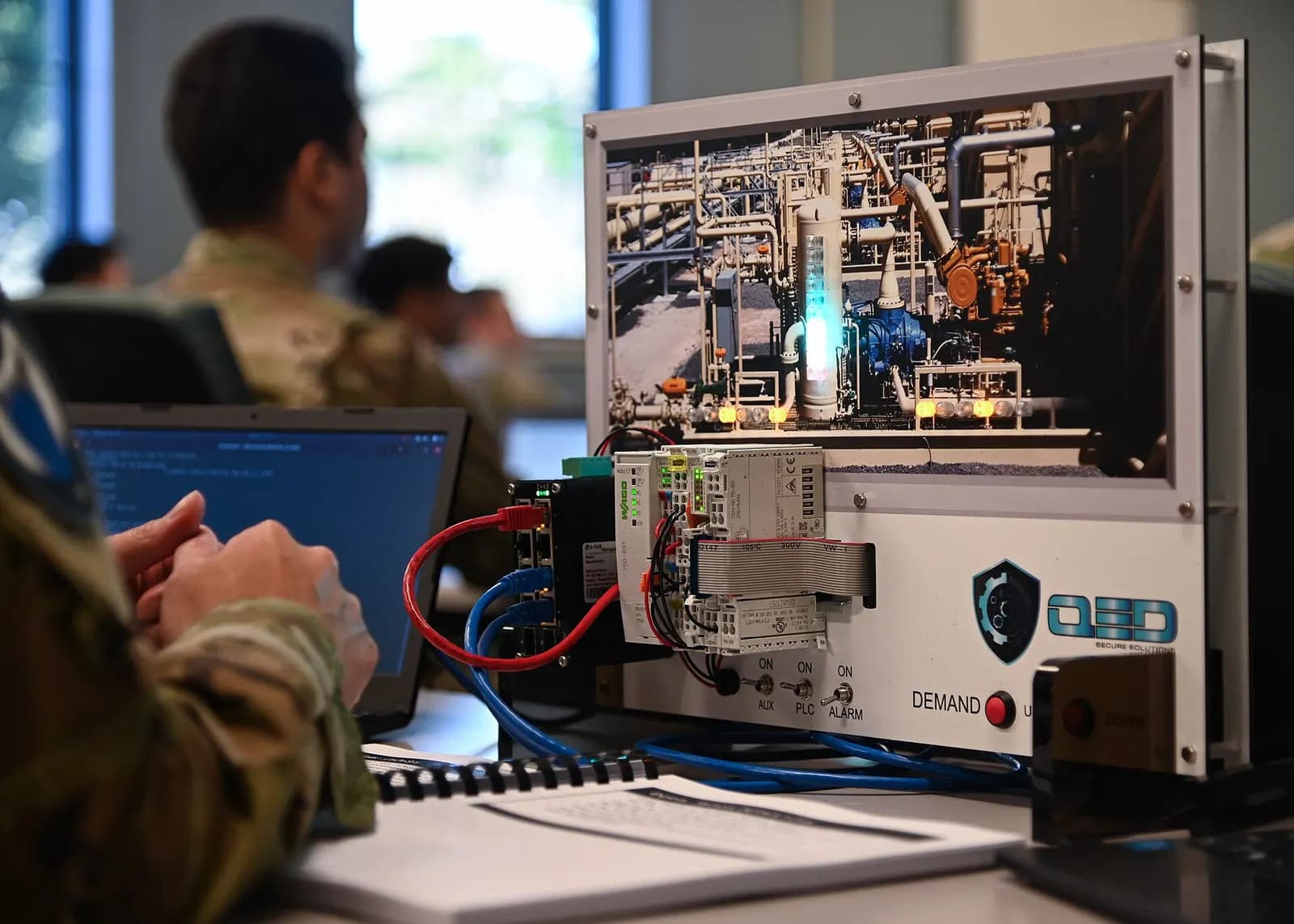
On-premises AI for PLC programming means the model, the prompts and the control code all stay on hardware your plant controls, with no call out to a cloud service. In practice that is a local model, run with a general tool such as Ollama, on an engineering workstation that has no route to the internet. For regulated plants that is often the only way AI assistance gets approved.
Why regulated plants keep PLC code off the cloud
A PLC program is process know-how. In a U.S. pharma plant it may also sit inside a validated system, where 21 CFR Part 11 governs electronic records and signatures and the quality team wants to know exactly where controlled data goes (eCFR, 21 CFR Part 11). Water utilities, defense suppliers and food plants have their own versions of the same rule. Customer NDAs often say it outright: the code does not go to a third-party cloud.
Government guidance points the same way. NIST SP 800-82 Rev. 3, the Guide to Operational Technology Security published in September 2023, is the standard U.S. reference for securing OT, and a draft Revision 4 is open for public comment until November 30, 2026 (NIST). On December 3, 2025, CISA and Australia's ACSC published joint guidance setting out four principles for integrating AI, including large language models, into OT systems (CISA). Neither bans AI. Both expect you to know where the data goes and who controls it.
How a local model works
You install a tool such as Ollama, the open tool for running language models locally (Ollama), and pull a model onto the same machine. The weights are gigabytes, so pull them on a connected build machine and move them in under your normal media control. Once the model is on the workstation, prompts and answers make no outbound call.
The obvious worry is quality: a small model on a laptop is weaker than a frontier cloud model. Treat every output as a draft. Compile it with the vendor's tools, review it line by line, simulate it and test it. That is what makes a small local model useful for routine logic. It does not make it a design engineer, and the review gates still apply.
What is Ollama? Running Local LLMs Made Simple
IBM Technology
This video is hosted on YouTube. Playing it loads content from Google, which may set cookies.
Watch on YouTubeGetting it through your OT security review
Be upfront about the rough edges, because your security team will find them anyway: model weights are large, there is no vendor support desk for a model you pulled yourself, and a local model needs memory and speed that a site laptop may not have. Test response times on the actual hardware before you roll it out.
- Use an engineering workstation, not an HMI or SCADA server.
- Verify the installer checksum and the model file hashes where published, and record them in your software inventory.
- Install the tool and an approved model from your internal software repository.
- Confirm with a network capture that no outbound traffic occurs.
- Leave updates off, and store prompts, drafts and accepted code on your controlled engineering share.
- Write the AI use into your change procedure: which gates generated code must pass and how it is recorded.
For plants working to ISA/IEC 62443, place the workstation in the zone your engineering tools already live in and treat the AI tooling like any other engineering software (ISA/IEC 62443). The model never writes to a live controller, so it adds no new path to the PLCs. Code reaches the controller only through your vendor IDE and your normal download procedure.
What to expect, honestly
For a pharma example, picture a CIP skid upgrade at a plant in New Jersey. The controls engineer drafts the valve sequencing logic with a local model on an isolated laptop, bench-tests it in the vendor simulator, and writes the change into the validation package with the AI use declared. Nothing leaves the site, and the review and test evidence look exactly as they would for hand-written code.
Where LADX fits, and where it does not
LADX is web only and free. It has no desktop app, no offline mode and no local model support: its AI requests go from ladx.ai's server, so a model on your own machine cannot be used, and it does not belong inside a validated, isolated environment. On the free tier, the company running the free model may keep prompts and answers, so keep controlled data out.
It suits non-sensitive drafting, learning and checking on a connected machine. The ladder editor and simulator, converters, HMI builder and panel CAD run in the browser with no account; chat needs a free account. Generated ladder goes through the editor's own validator and a seal-in check, Structured Text is compiled by the LADV compiler, and problems are listed beside the answer. Code that passes can be run on a Wartens LADV virtual PLC at ladx.ai/vplc, which is not real time, not safety rated and cannot control machinery. LADX never connects to or downloads to a controller.
Next step
For help setting up AI assistance inside a regulated environment, see our industrial AI service. Our guides to GAMP 5 PLC validation and validating AI-generated ladder logic cover the evidence side. Contact us if you want to talk it through with an engineer.