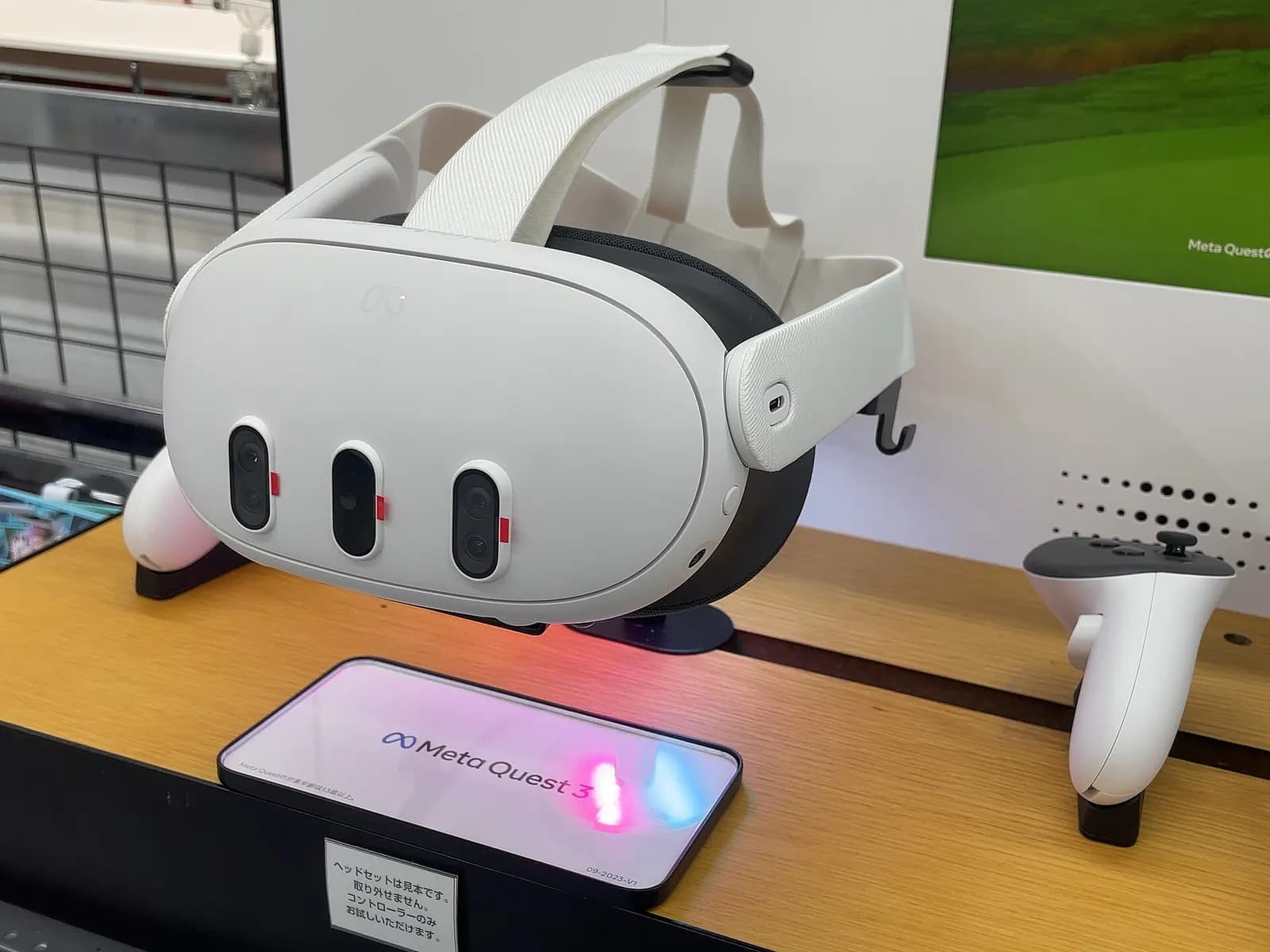
Augmented reality maintenance means giving technicians step-by-step instructions, drawings and live machine data overlaid on the equipment they are working on, through a headset, tablet or phone. Done well, it shortens the time to find and fix a fault on unfamiliar equipment and reduces mistakes on tasks that are done once a quarter. Done badly, it is an expensive way to show a PDF. The difference is in picking the right tasks and connecting AR to real data.
Why maintenance is the right place for AR
Most plants still run a lot of reactive maintenance. The U.S. Department of Energy's O&M Best Practices Guide estimated that the average maintenance program was more than 55% reactive, 31% preventive and 12% predictive, and that preventive maintenance saves 12% to 18% over reactive, with predictive saving another 8% to 12% over preventive (DOE FEMP O&M Best Practices Guide, Release 3.0). The guide is from 2010, but the direction has not changed.
Moving from reactive to planned work needs technicians who can do more tasks correctly, on more types of equipment, with less supervision. That is exactly where AR guidance helps, especially as experienced staff retire.
Four uses that pay back
- Guided procedures: step-by-step instructions anchored to the machine for changeovers, PMs and rare repairs, with photos or checks at critical steps.
- Remote expert support: a technician shares what they see, and an engineer elsewhere annotates the view. Useful when the OEM or the controls engineer is in another state or country.
- Live data overlays: current values, alarms and trends from the PLC or SCADA shown next to the device they belong to.
- Digital twin views: hidden parts, cable routes and the internal layout of a machine shown in place.
Improving Maintenance Efficiency And Effectiveness With AR Work Instructions
Vuforia by PTC
This video is hosted on YouTube. Playing it loads content from Google, which may set cookies.
Watch on YouTubeWhat the evidence says
Research results are encouraging but uneven. A systematic review of 30 studies on AR in maintenance found the field fragmented across hardware and software, and concluded that AR was not yet mature for broad industrial use at the time (Palmarini et al., Robotics and Computer-Integrated Manufacturing, 2018). Since then hardware has improved and enterprise platforms have matured, but the lesson holds: start with narrow, well-defined tasks.
Platform choice also matters for the long term. Microsoft has announced that Dynamics 365 Guides and Remote Assist reach end of support on December 31, 2026 (Microsoft Learn), so plants that standardized on them need a plan now. PTC's Vuforia suite covers AR instructions, inspections and remote assistance (PTC Vuforia). Whatever you choose, keep your procedures and 3D content in formats you can move.
Choosing the first tasks
The best first AR tasks have three things in common: they are done rarely enough that people forget the steps, the cost of a mistake is high, and the steps can be checked. Think of a quarterly changeover on a filler, the annual inspection of a robot's safety functions, the replacement of a servo drive, or resetting a packaging machine after a crash. Tasks done every shift are poor candidates. People already know them, and a headset slows them down.
Write the procedure before building the AR content. If the paper procedure is unclear, AR will only make the unclear steps more visible. Involve the technicians who do the job. They know which step is always skipped and which bolt is hard to reach, and they will tell you which screens they will actually look at.
Plan for content upkeep from day one. Machines get modified, parts get superseded and procedures change after incidents. An AR instruction that shows last year's sensor position is worse than none. Name an owner for each procedure and tie AR updates to your existing change process.
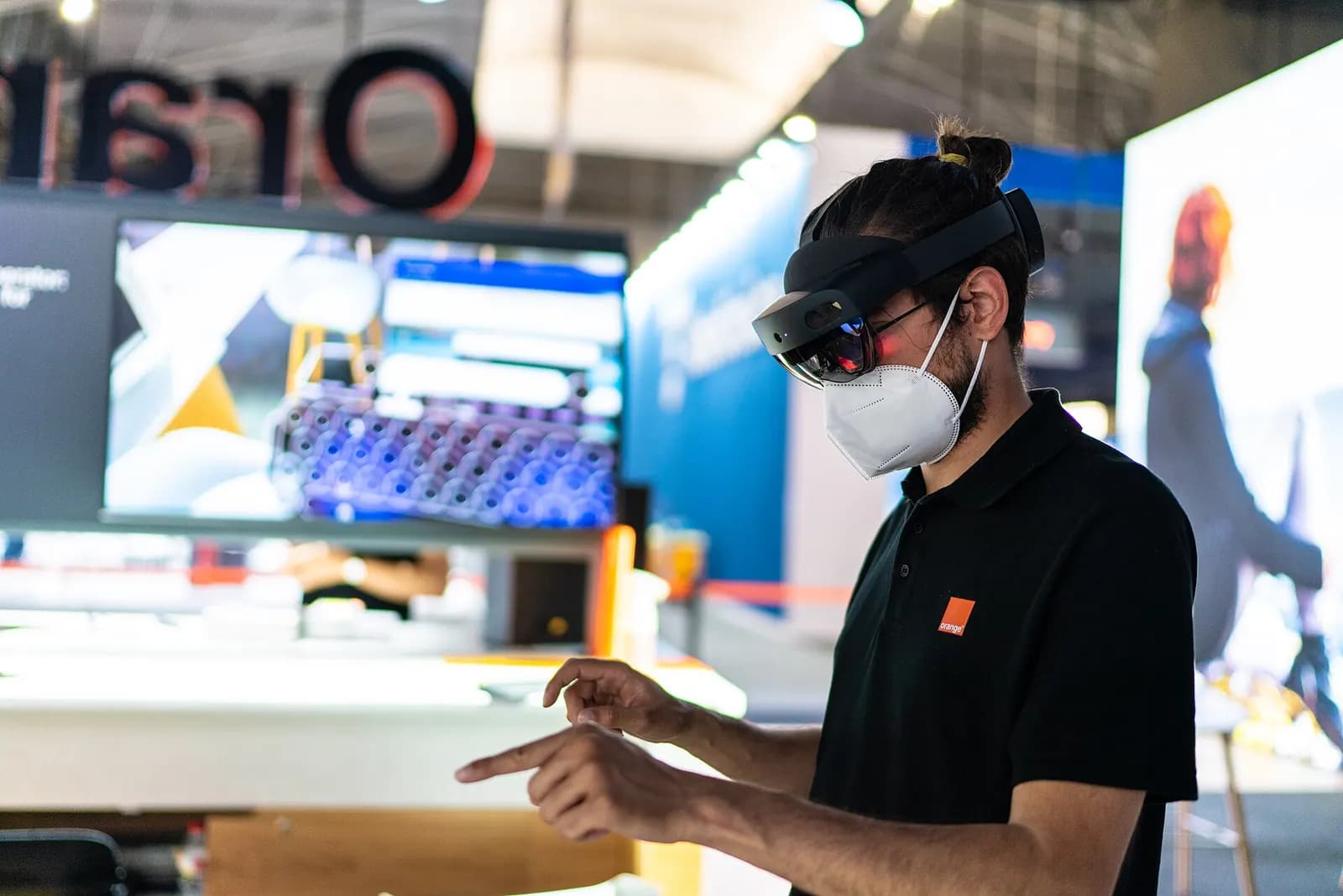
Headset or tablet?
| Factor | Headset | Tablet or phone |
|---|---|---|
| Hands free | Yes | No |
| Cost per user | Higher | Lower |
| PPE compatibility | Check with hard hats and safety glasses | Usually easy |
| Best for | Complex repairs, remote expert | Inspections, guided PMs |
Connecting AR to the controls system
Security needs the same attention. A headset or tablet that reads live plant data is a device on your OT network, or at least a client of a server that is. Agree with IT and OT security which network it joins, how it authenticates and whether it may write anything back. Read-only access is the right default for maintenance overlays. The step from a pretty demo to a useful tool is live data. When the AR view knows which alarm is active, which sensor is not reporting and what the last good value was, it can open the right procedure automatically. That needs a clean data path from PLC to SCADA or historian, consistent tag names and a model of the equipment that maps tags to physical locations. Our Studio 5000 programming standards post explains why consistent naming pays off well beyond the PLC.
Through iUNI we build AR maintenance assistants and VR training on the same digital twin data (iUNI). Read our guide to VR training for manufacturing, see our immersive training service, or talk to us about a pilot on one of your machines. If the twin is also used for operations, our digital twin service covers that side.