A water treatment works PLC upgrade replaces ageing controllers, I/O and SCADA while the works keeps treating water. The hard part is not writing new code. It is understanding what the old system really does, proving the new one behaves the same or better, and switching over without losing control of a process that never stops.
We see the same pattern on most legacy sites: a PLC family that is out of production, SCADA on an unsupported operating system, drawings that stopped matching the panels years ago, and a handful of operators who know which alarms to ignore. AMP8 is funding many of these upgrades, so it is worth getting the method right.
Step 1: survey what is really there
Start with the running system, not the drawings. Upload the PLC programs, export the SCADA tag database and alarm list, photograph every panel and walk the process with the operators. The goal is a reliable I/O list and a description of how each process unit behaves in normal, standby and fault conditions.
- Back up every PLC, HMI and SCADA project and check the backups open.
- Record firmware versions, network addresses and communication links, including telemetry.
- Mark up drawings against the panels, terminal by terminal where needed.
- List hard-wired interlocks and safety functions separately from software logic.
- Ask operators which alarms are nuisance, which are trusted, and what they do manually.
Check the lifecycle status of everything you find. Some platforms still have years of support left: Siemens, for example, lists the S7-300 as available until 2033. Others are already unsupported and depend on spares from scrapped sites. That status should drive the order of your upgrade programme, not the age of the panel paint.
On sites with several PLCs, draw the communications map early. Peer-to-peer links between controllers, hard-wired signals between panels and serial links to package plant are where surprises hide, and each one needs a decision in the design: keep, replace or re-route.
Step 2: write the functional design specification
The functional design specification (FDS) is the contract between the process engineer, the operator and the programmer. For each unit it should state the control modes, duty and standby rules, setpoints, alarms, trips and what happens on loss of power or communications. On a water company project it must follow the client's own engineering standard, which sets everything from tag naming to HMI colours.
Step 3: build and test against a simulated plant
Before anything goes to site, run the new PLC program and SCADA against a simulation of the process: tank levels that rise and fall, pumps that start and trip, valves that fail to open. This is where you catch inverted signals, missing interlocks and alarm floods. Siemens reports that virtual commissioning can shorten real commissioning by up to 70% on its virtual commissioning service page, and the principle carries over to process plant.
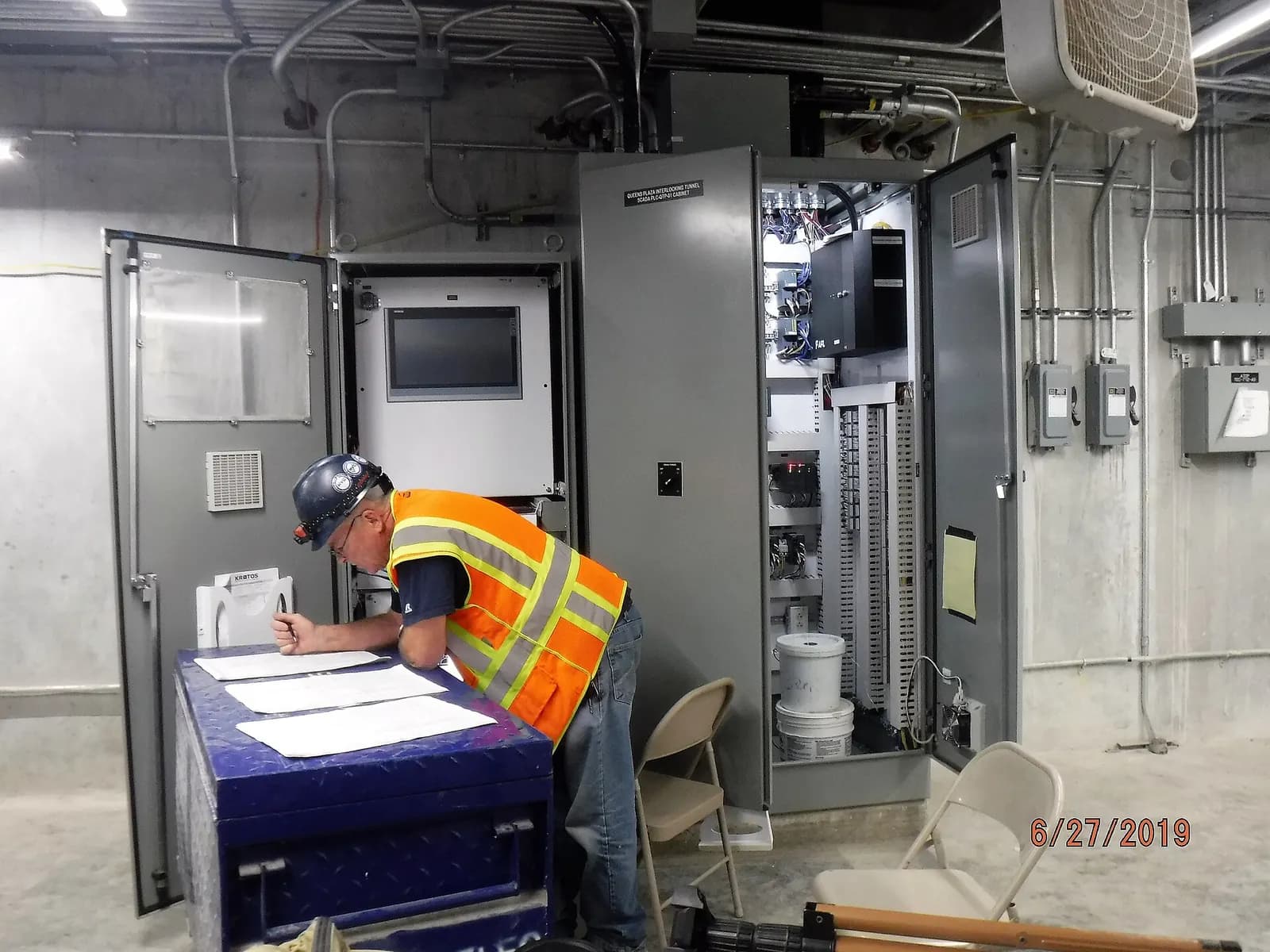
Factory acceptance testing (FAT) then becomes a structured run through the FDS with the client watching, often remotely. Each test step references a clause in the FDS, and every failure gets a log entry and a retest.
Step 4: plan the cutover unit by unit
Few works can afford a full shutdown, so cutovers are usually staged. A common approach is to move one process stream at a time, run the old and new PLCs side by side with clear hand-off points, and keep manual control available for every critical drive.
| Cutover approach | Good for | Watch out for |
|---|---|---|
| Stream by stream | Works with duplicate process trains | Shared plant such as chemical dosing |
| I/O rack swap overnight | Small PLCs with good drawings | No time to fix surprises |
| Parallel run with temporary links | Large sites, critical outputs | Two systems commanding one drive |
| Full shutdown | Sites with storage or bypass | Rarely acceptable for supply works |
Step 5: SCADA, alarms and telemetry
The SCADA side often matters more to operators than the PLC. Use the upgrade to rationalise alarms, apply the client's graphics standard and confirm every point the regional control centre needs. If the site reports through an outstation, check the point list end to end. Our guide to SCADA alarm management covers how to cut nuisance alarms during an upgrade.
SCADA Applications in Water Treatment
RealPars
This video is hosted on YouTube. Playing it loads content from Google, which may set cookies.
Watch on YouTubeStep 6: hand over documents people will use
At handover, the operator needs as-built drawings, the final FDS, the I/O list, the alarm list, backups of every program and a short operating guide. Water companies also increasingly expect data that feeds their asset systems. Causeway notes that companies now expect digital-ready supply chains, so structured, searchable documents are worth the extra day.
If the site is a candidate for an operational twin later, keep the I/O list and process model from the simulation stage. They are the starting point described in our article on digital twins for water treatment.
Next step
If you have a works with obsolete controls, send us the PLC backups and a site drawing pack. We will come back with a written scope and price for survey, FDS and software through our water and wastewater controls service. For background on the funding cycle, read AMP8 automation, or contact our Milton Keynes team.